Forwarding orders to EasyWeb
How to receive orders in EasyWeb Orders automatically.
🔥 Integrations are one of the easiest ways to set up fast data exchange between your landing page and external services. This section shows how to forward orders from a landing page straight to EasyWeb.
Step 1: Create a product
Go to “Landing pages → Products”.
Click “Add” and create the product you need.
Once it's created, the system automatically assigns it a unique ID — it shows up in the “Integrations” section when you choose this product in the landing page settings.
Step 2: Connect the integration to the landing page
Go to “Landing pages” and choose the project you need.
Open the landing page settings.
Scroll to the “Integrations” block and choose EasyWeb.
Save the changes.
Done
Once the landing page is published, all orders placed through it are sent to the “Orders” section automatically, in a convenient form.
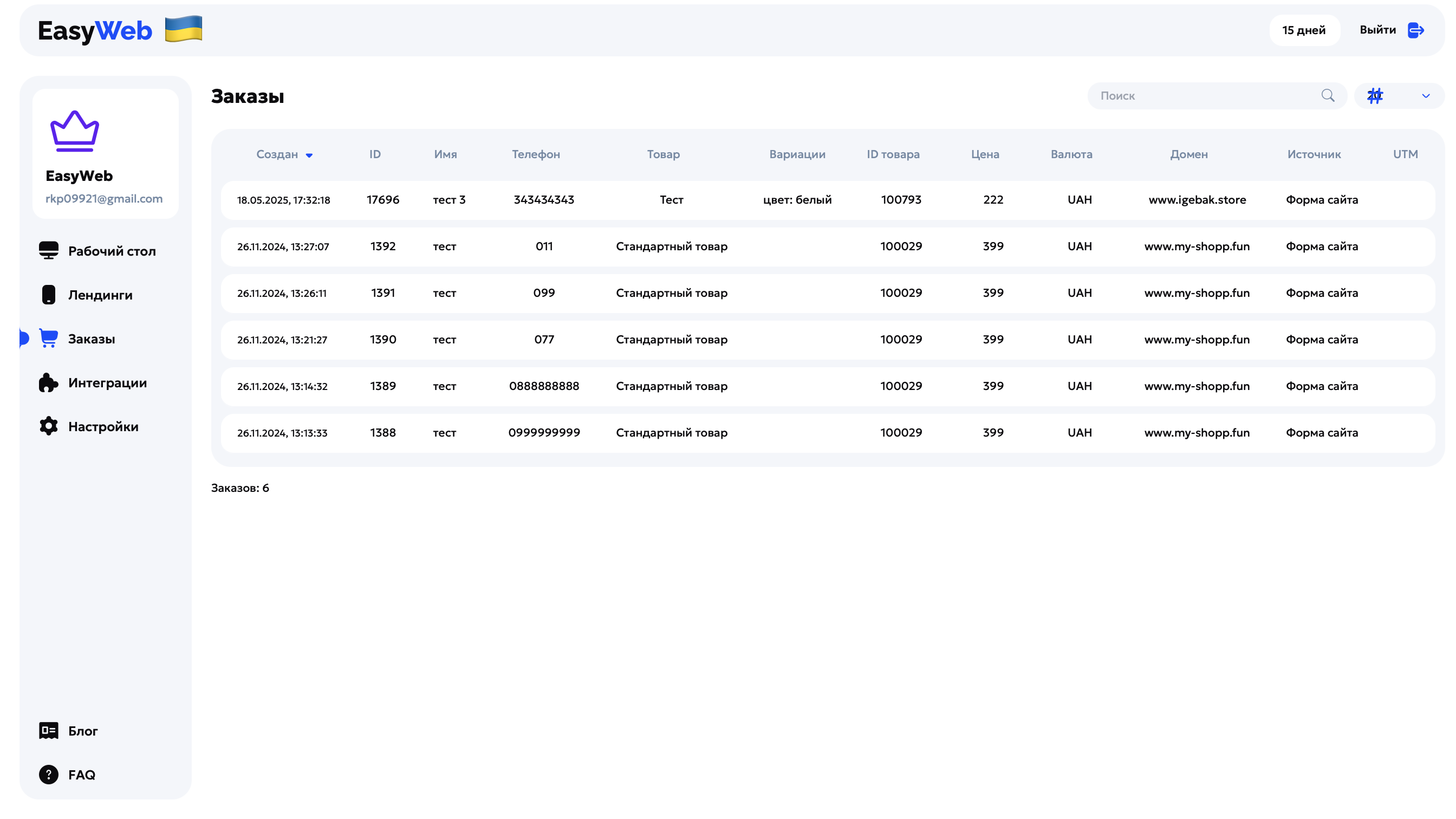
❤️ This lets you get information about new orders instantly, without extra systems and notifications.