Build and launch landing pages for clients without extra development
EasyWeb helps agencies create client landing pages, launch ad pages and set up lead collection in EasyWeb, Telegram or a CRM.
No coding · Ready-made templates · Lead collection · CRM · Telegram
Every new client is a new project, offer or ad campaign
When an agency runs several clients, it's important to launch and update pages quickly, without extra development stages.
A new client
Create a separate landing page for their product or offer.
A new campaign
Prepare a separate landing page for the ad traffic.
A new offer
Adapt the page to the client's new offer.
A new test
Create another version of the landing page and compare the results.
Don't queue every landing page change for development
Some typical changes the team can make itself, without a separate development cycle.
Build a landing page for the client's specific business
Instead of one universal template for everyone, use separate pages for a specific product, offer or ad campaign.
For the client
Change the structure, text, photos, price and CTA.
For the ads
Make the page fit a specific campaign.
For the product
Show exactly the product or service the client sells.
Don't build a landing page from scratch
Pick a ready-made design for your product, replace the photos and text — and the page is ready to launch.
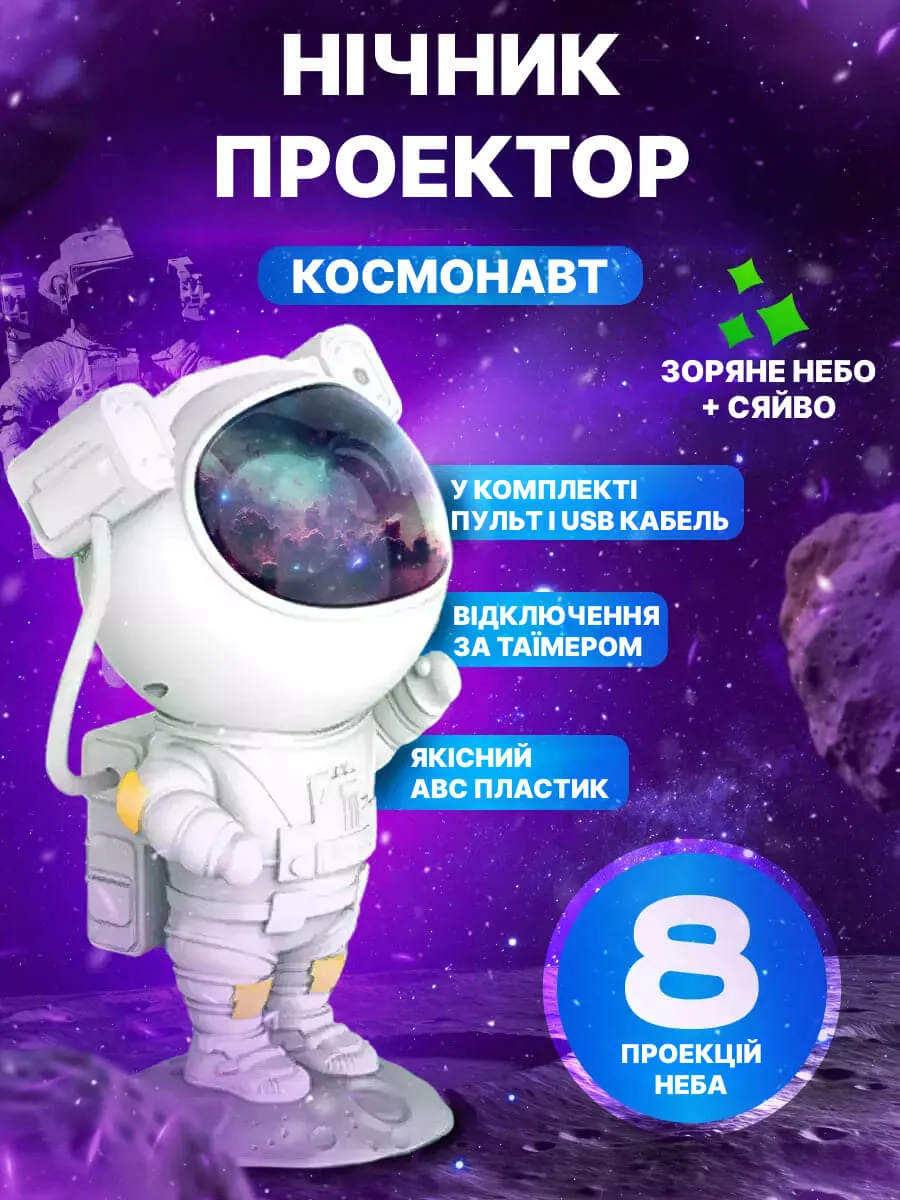
 Astronaut night light
 Touchscreen gloves
 10 m string lights
 Curtain string lights
 Auto Heater
 Columbia thermal underwear
 Universal chopper
 Silicone lid set
 Terry cloth set
 48-in-1 universal wrench
 Spice set
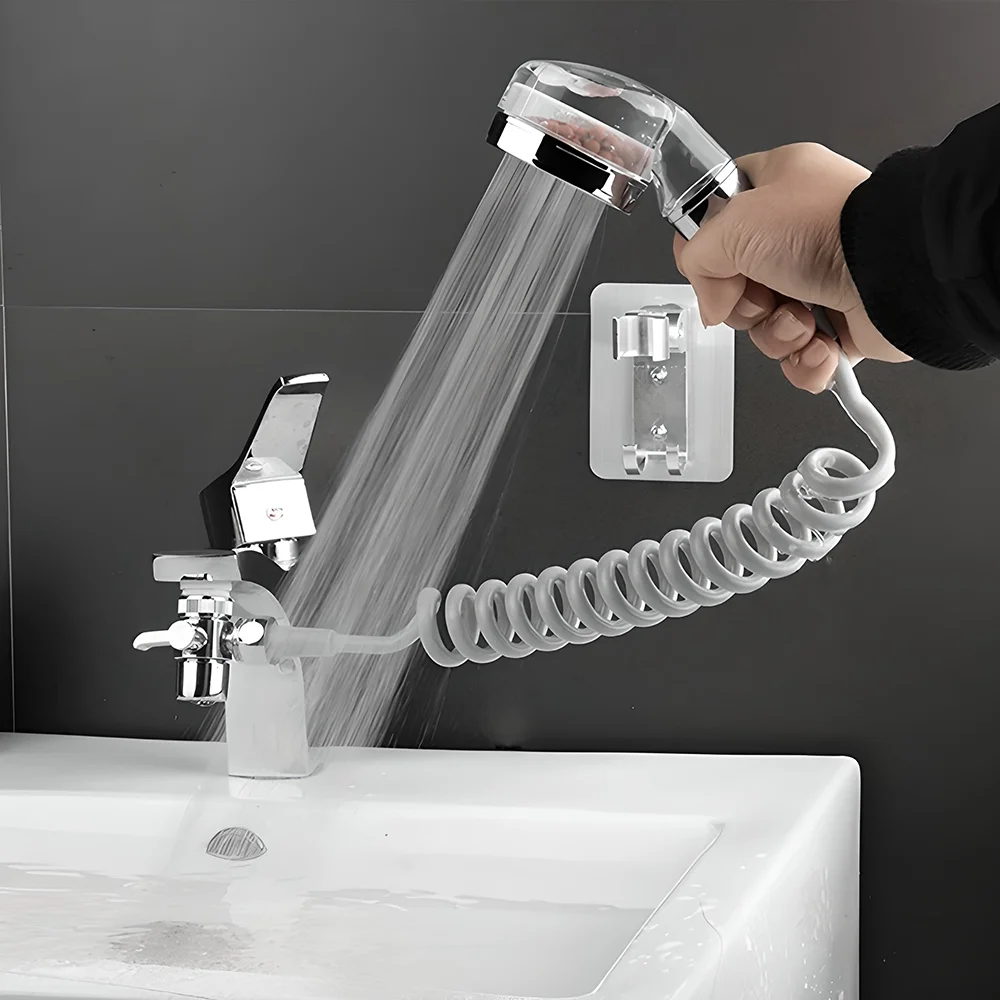
 Faucet shower attachment
 Electric blanket
 Reusable adhesive tape
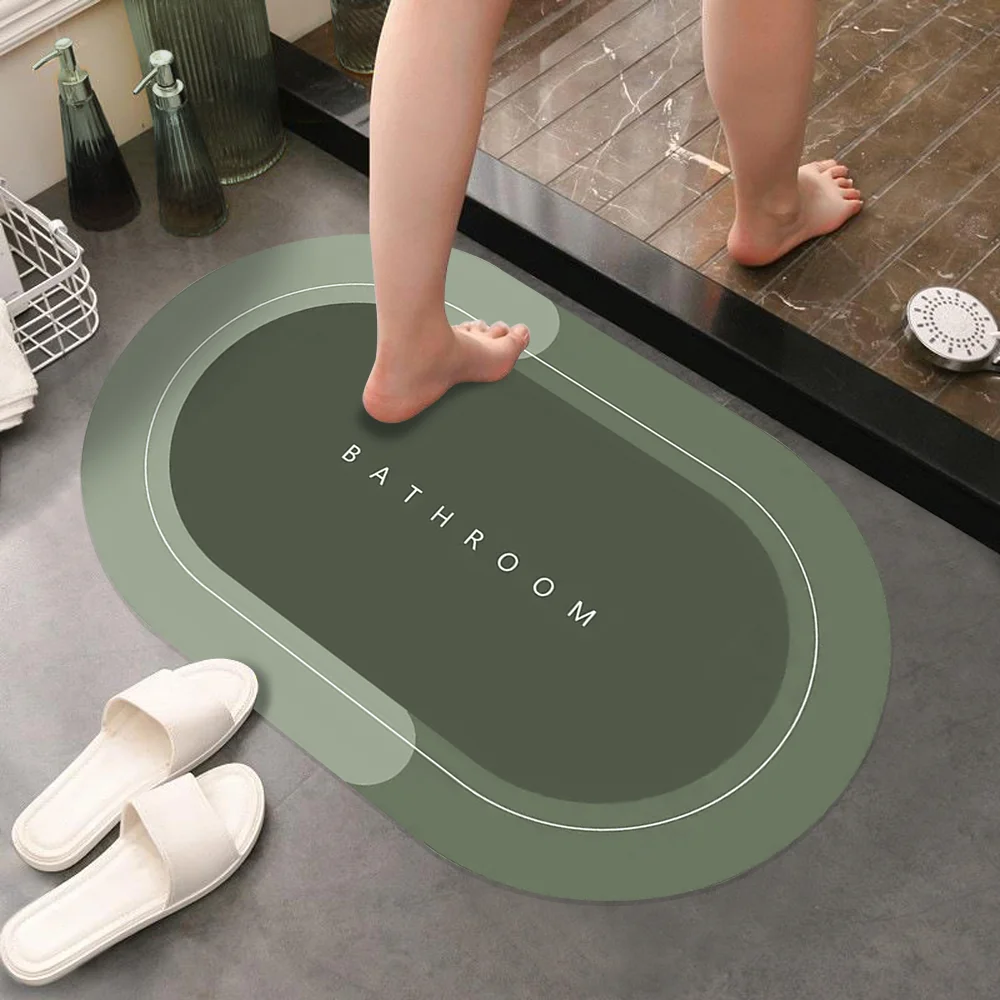
 Absorbent mat
 Kitchen set
 Nicer Dicer multi-cutter
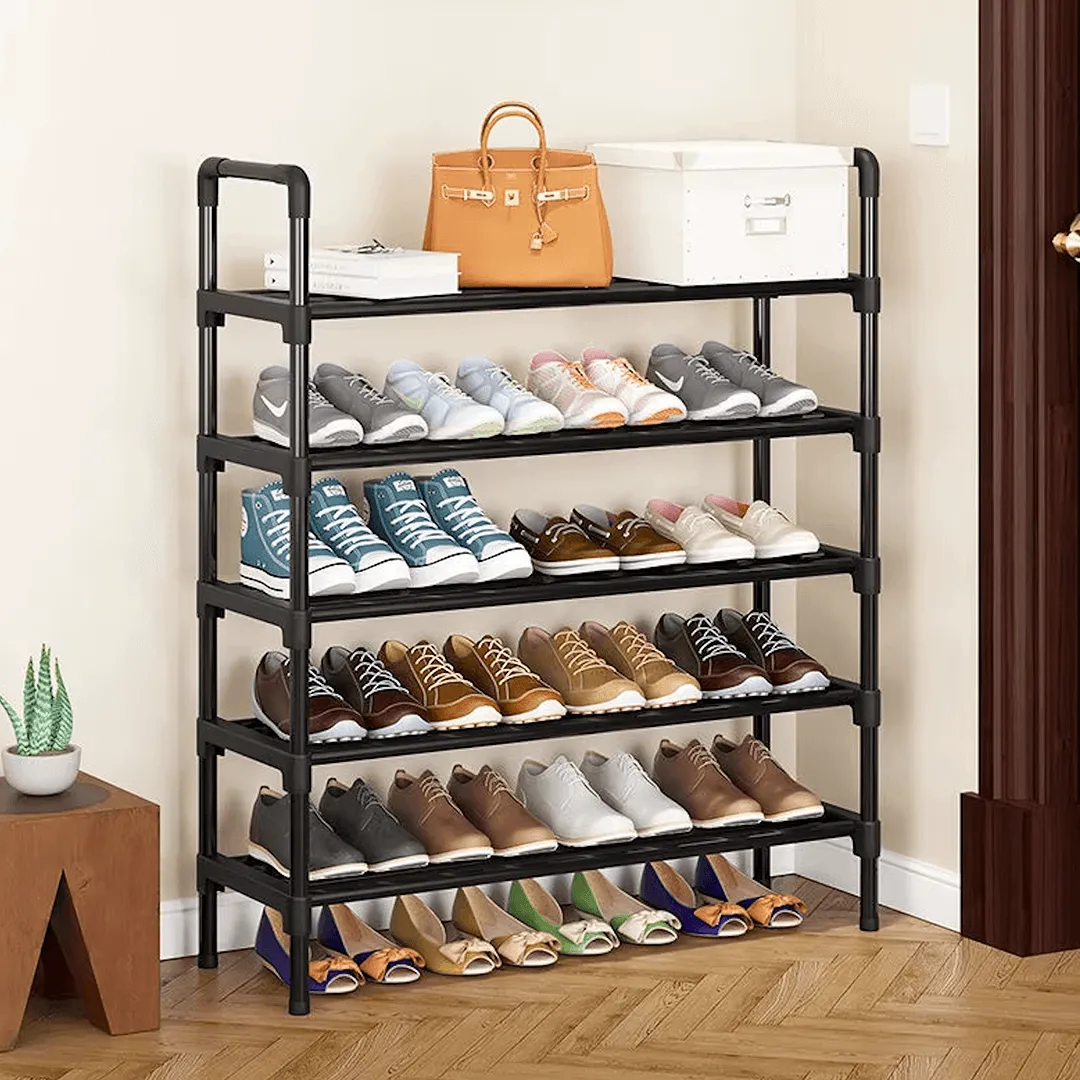
 6-tier shoe rack
 Magic Cool lamp
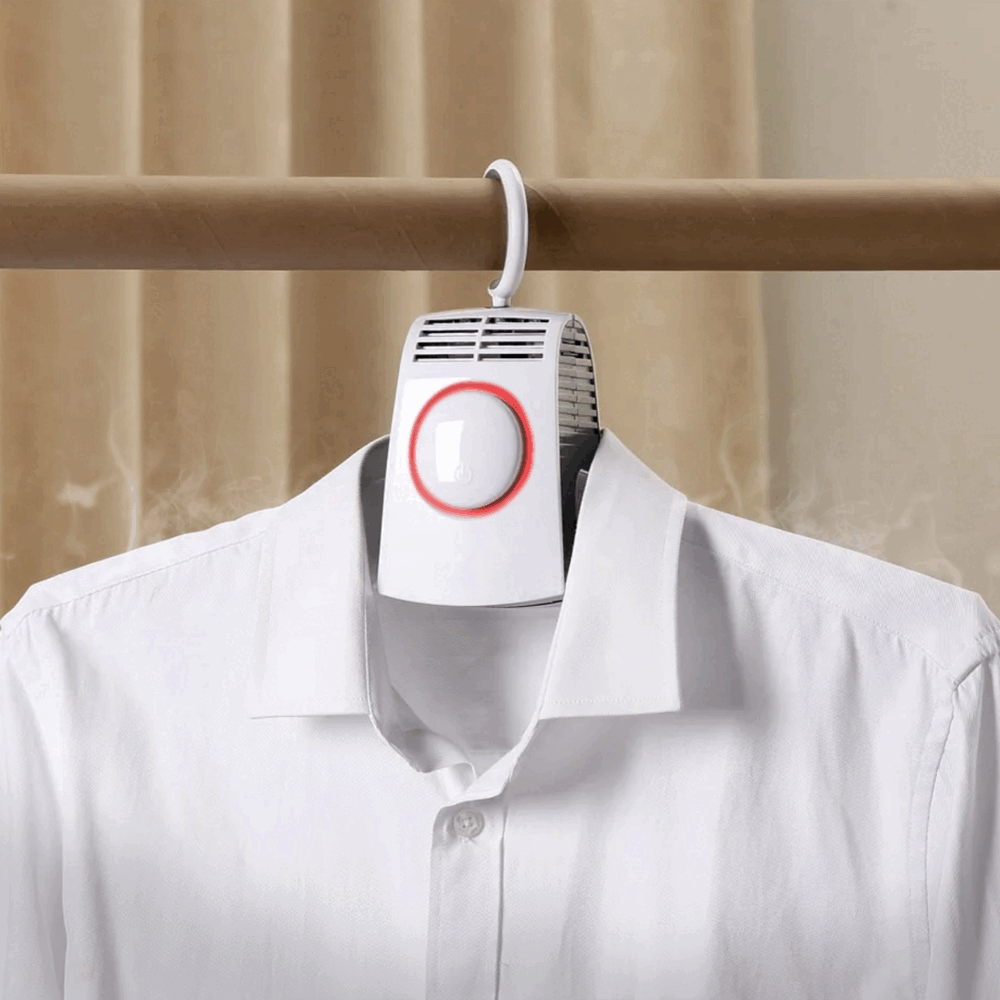 4-in-1 headlamp
 LED flashlight
 Electric lighter
 Mini washing machine
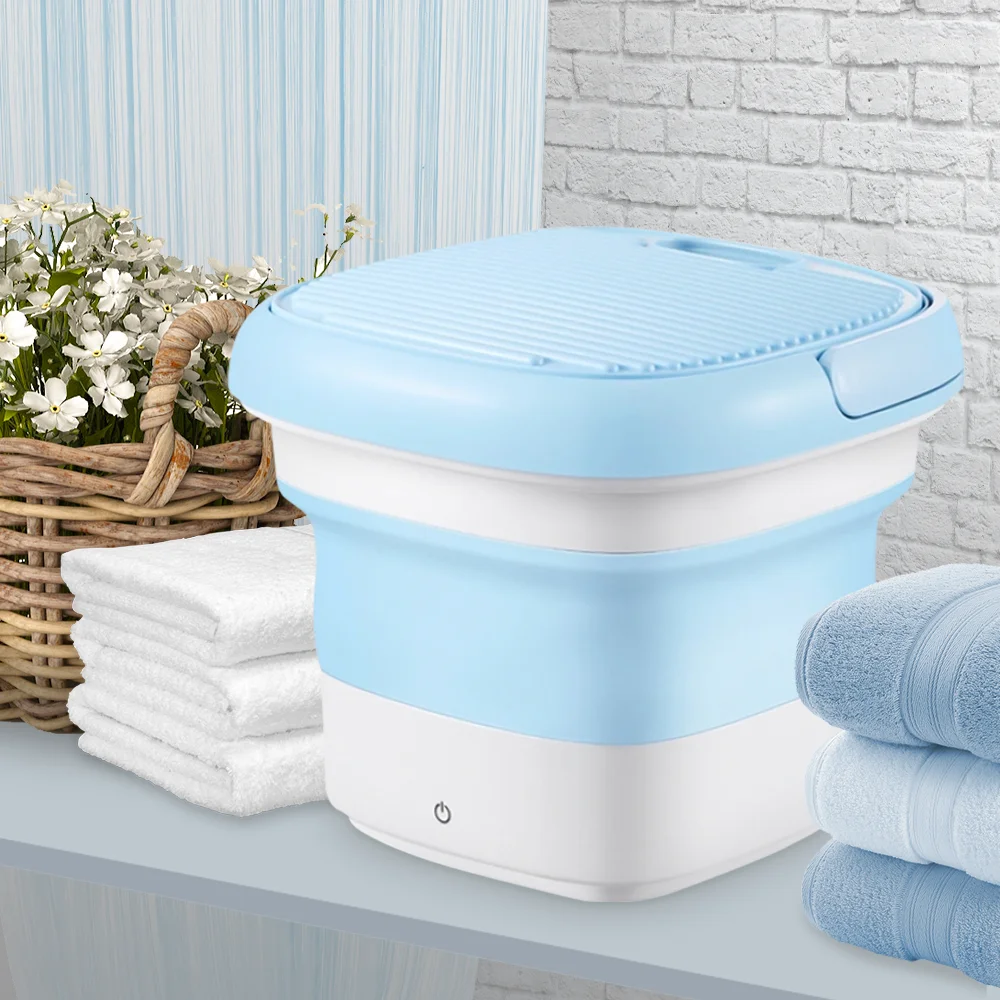 Automatic dispenser
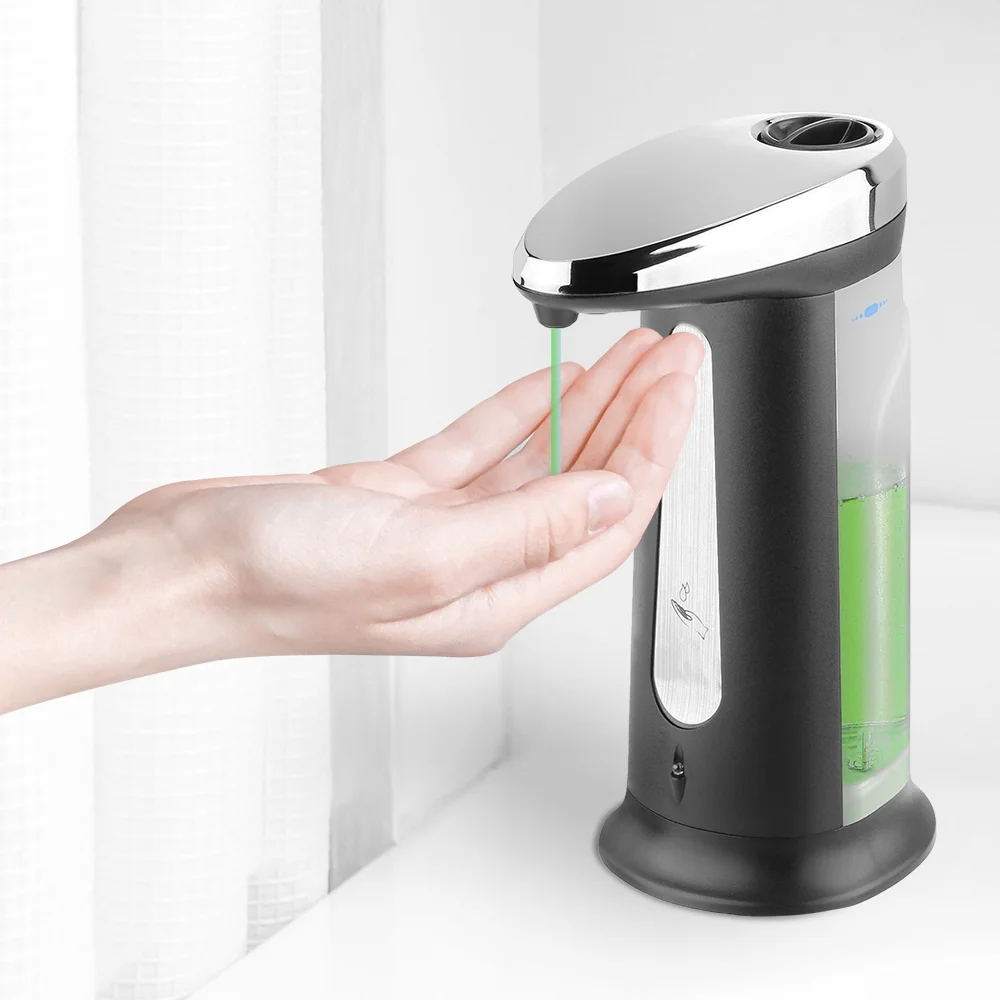 Heated insoles
 Shoe dryer
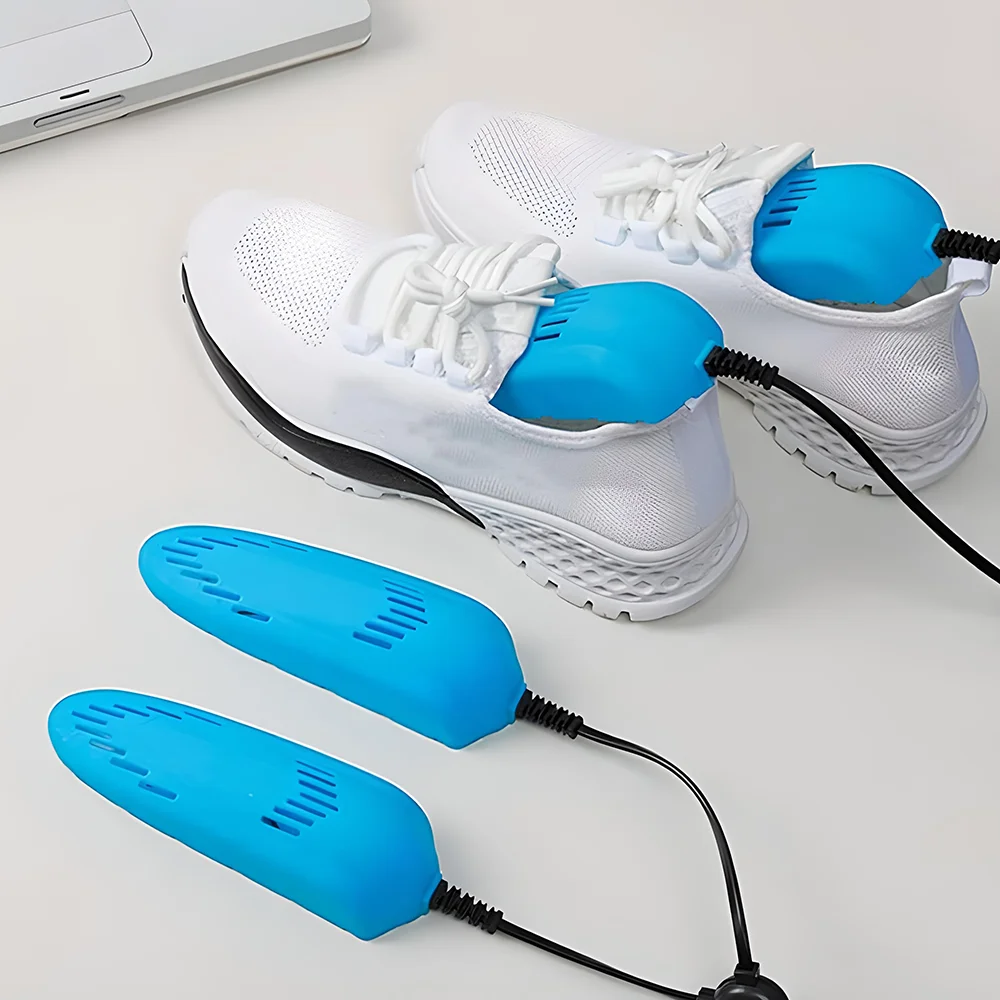 Electric mini shaver
 Universal waffle maker
 M6 smartwatch
 Portable speaker
 Rain effect humidifier night light
 Flame effect humidifier
 Non-contact thermometer
 Orthopedic insoles
 Percussion body massager
 5-in-1 Hot Air Styler
 Portable hand warmer
 10-in-1 camping kit
 Shockproof binoculars
 Heated vest
 Heated thermal socks



Changes that used to need a developer — now you can make them yourself
Text
Change the headline or description.
Images
Replace the product photos.
Price
Update the current offer.
CTA
Change the call to action.
Form
Set up lead collection.
One client — many campaigns
Different ad scenarios may need different landing pages for the client. Create them separately and adapt them to specific traffic.
A lead from the landing page goes straight into the workflow
Don't make a manager copy information from the form into other systems by hand.
Track orders in EasyWeb
If you need to see all leads in one place, use the EasyWeb order system.
Orders
All leads in the system.
Customers
Contact details together with the order.
Statuses
Track the processing stage of each lead.
Total
The value of each order.
Send leads to the client's CRM
An agency doesn't have to keep the whole process inside EasyWeb. If the client works with a CRM, leads can be passed there via an available integration.
A quick notification about a new order
For clients who prefer working in Telegram, new leads can be delivered to the messenger.
Phone: +380 XX XXX XX XX
Work on landing pages as a team
Invite an ads specialist, a designer or sales managers to your account — everyone works under their own login and only with what you allow.
You see who is on the team, change roles and revoke access in one click.
- AAndrewAdminActive
- HHelenManagerActive
- MMariaManagerPending
Everything for teamwork, without unnecessary access
Admin and manager
An admin works with landing pages, domains and integrations; a manager — only with orders.
Everyone has their own login
No need to share a password: a member signs in to their own account and switches to your Workspace.
Orders in the team's Telegram
Every request from a landing page instantly reaches the Telegram of the managers who process it.
Full control
The plan, payments and settings stay with the owner only. A member's access is revoked in one click.
Available on the Premium plan — up to 3 members, and Business — up to 10 members.
See how the client's page performs
Connect the advertising and analytics tools you need to track traffic and user actions.
Help clients test different versions of a landing page
Create alternative versions of the page and check which one better fits your ad scenario.
The client sees the results.
You control the process.
Your agency can create and update the page, launch ad campaigns and set up lead forwarding to the client's system of choice.
A new product, a new price or a new offer?
No need to start the page from scratch every time. Open an existing landing page, make your changes and keep the campaign going.
New price
Update the offer quickly.
New photo
Refresh the visual content.
New offer
Change the main message.
New campaign
Create a separate landing page.
Work with several client projects
Handy when an agency runs several products, clients or ad campaigns at once.
Your team can focus on the client, not on technical tasks
Marketing
Focus on the offer and the ad campaign.
Content
Update the page content quickly.
Sales
Send leads to a CRM or Telegram.
Analytics
Keep track of the page's results.
Everything you need to work with client landing pages
- Landing pages. Create and edit pages.
- Templates. A quick start for a new project.
- Orders. Track leads in EasyWeb.
- Telegram. Forwarding of new orders.
- CRM. Passing leads to supported systems.
- Domain. Publishing on your own domain.
- Analytics. Tracking of visits and actions.
- A/B. Testing different versions of a page.
Less manual work — more control over client projects
Fast launch
Create a page without a long development cycle.
Self-service changes
Not every edit needs a developer.
One process
The landing page, leads and integrations work as part of one process.
Flexibility
Create separate pages for different products and campaigns.
Already building landing pages and taking orders with EasyWeb
EasyWeb is built for hands-on product sales — from the first page to order processing.
EasyWeb is more than a page-building tool
You don't just work with a web page — you work with the process of getting leads.
From one client — to dozens of ad pages
Create separate pages for clients, products and ad campaigns within your plan's limits.
FAQ for agencies
Yes. EasyWeb can be used to create pages for clients' products, services and ad campaigns.
No, for typical tasks you can create and edit a landing page in the visual editor.
Yes. Depending on the available features, you can change the content, photos, price, CTA and page structure yourself.
You can track them in EasyWeb or set up forwarding to Telegram or a supported CRM.
Yes, if this feature is available on the relevant plan and for your use case.
Yes. EasyWeb can be used for separate pages for different products, offers and ad scenarios.
Yes, if the relevant A/B features are available on your current plan.
Yes, you can create and manage several projects/landing pages within your current EasyWeb plan.
Ready to build more landing pages for your clients?
Create client pages, launch ad campaigns and set up lead collection without extra development.
No coding · Ready-made templates · Orders · Telegram · CRM