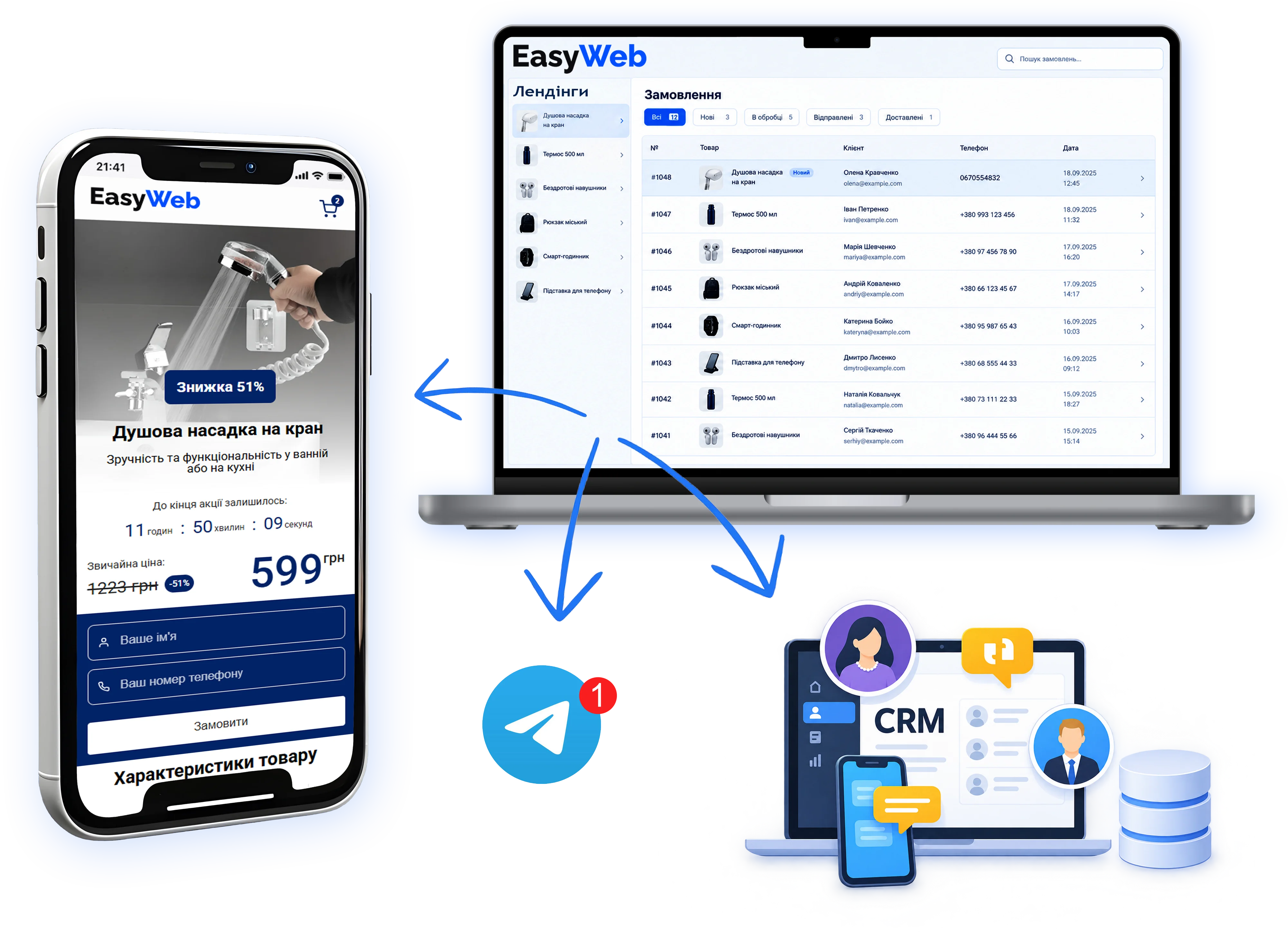
Landing pages and order management for e-commerce
Build a high-converting landing page without coding, start accepting orders and manage your sales in EasyWeb, Telegram or your CRM.
Everything you need to sell a product — in one service
EasyWeb helps you do more than build a beautiful page: launch sales of your product and handle orders with ease.
Create
Pick a ready-made template and add your product, price, photos and description.
Receive
Add an order form and start getting requests from customers.
Manage
Process orders right in EasyWeb or send them automatically to Telegram or your CRM.
From product to first order — in 4 steps
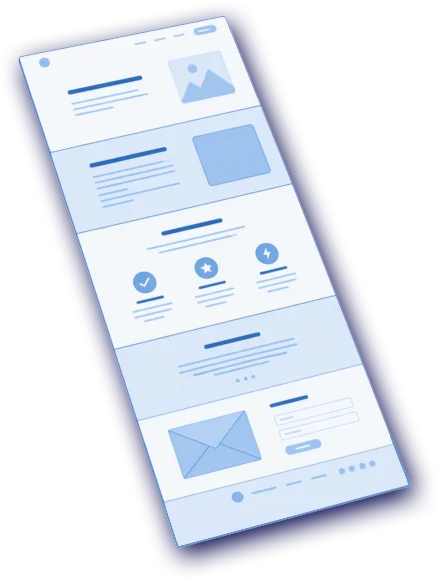
Pick a template
Don't waste time building a page from scratch. Choose a design that suits your product — or start from a blank page.
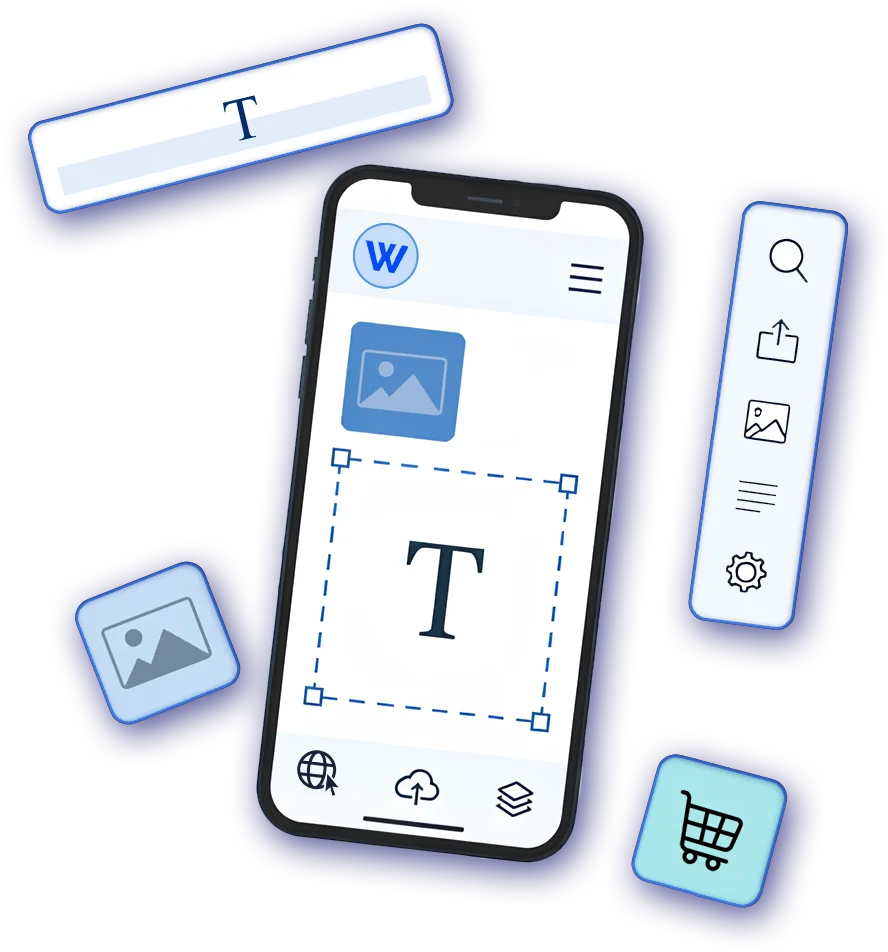
Add your product
Upload photos and add the product's name, price, specifications and benefits.

Publish
Launch the page on an EasyWeb subdomain or connect your own domain.

Get orders
Customers place orders on your landing page, and you instantly receive them wherever is convenient for you — in EasyWeb or Telegram — or pass them to your CRM automatically.
No more lost orders
Every landing page gets its own admin panel at yourdomain.com/admin: who bought what, and how many orders and how much revenue — in a list and on charts. It works on its own, without signing in to your easy-web account, and keeps working even if you download the landing page and host it yourself.
- Who bought what. Name, phone, product, price and date for every order — with search and CSV export.
- Sales charts and trends. Orders for 30 days and 12 months, revenue, average order value and top products — all on one screen.
- Works on its own. The admin panel is built into the landing page itself: download the archive, put it on your own hosting — and it keeps working.
- Your own login and password. Only you can access yourdomain.com/admin — separately from signing in to your easy-web account.

Don't want to work in EasyWeb?
Send orders automatically wherever suits you.
No need to copy requests from the site to messengers or a CRM by hand. Choose the workflow that fits your business.
Get new orders in Telegram
Every new order arrives in your Telegram automatically, so you can contact the customer quickly.
Connect TelegramSend orders to your CRM
Pass requests to your CRM automatically and work with customers in the system you already use. LP-CRM · SalesDrive · KeyCRM · 7Leads.
View integrationsDon't build a landing page from scratch
Pick a ready-made design for your product, replace the photos and text — and the page is ready to launch.
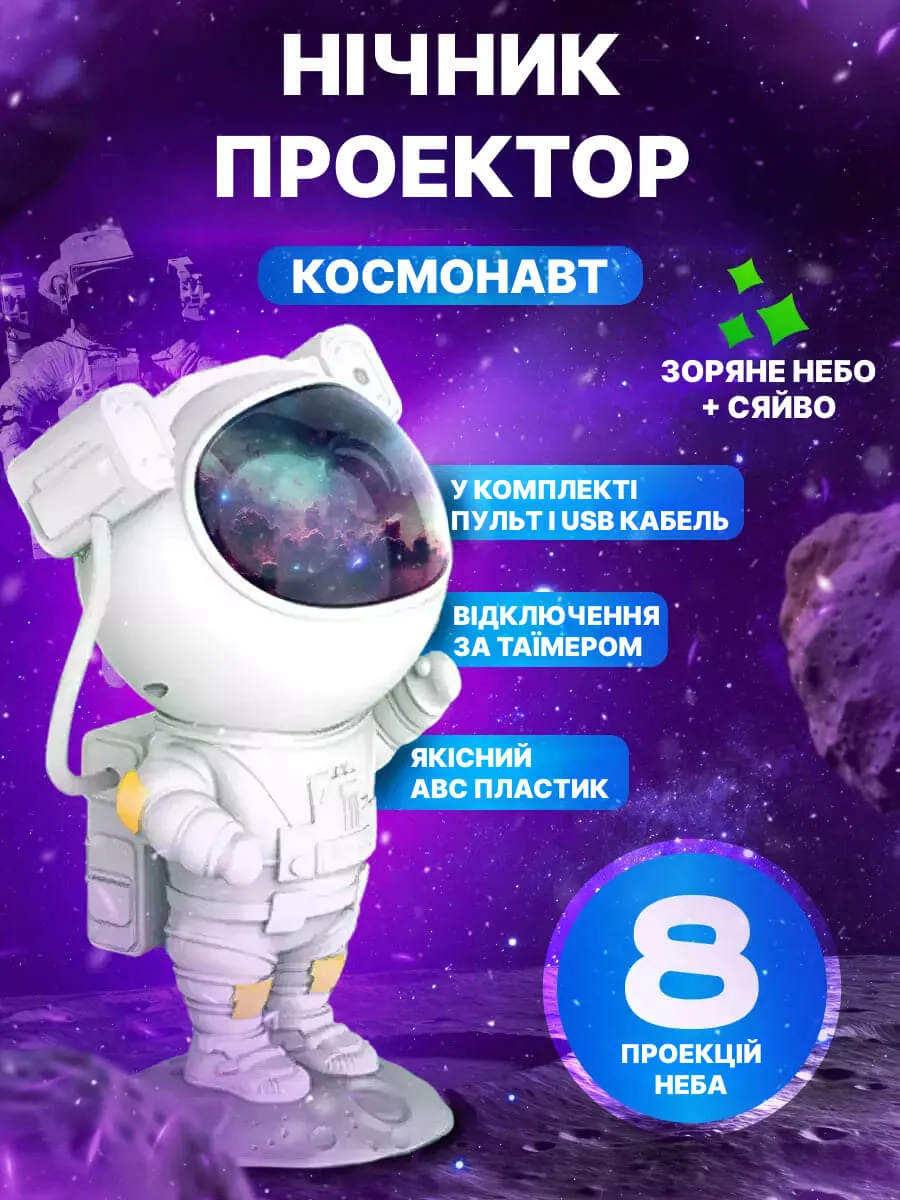
 Astronaut night light
 Touchscreen gloves
 10 m string lights
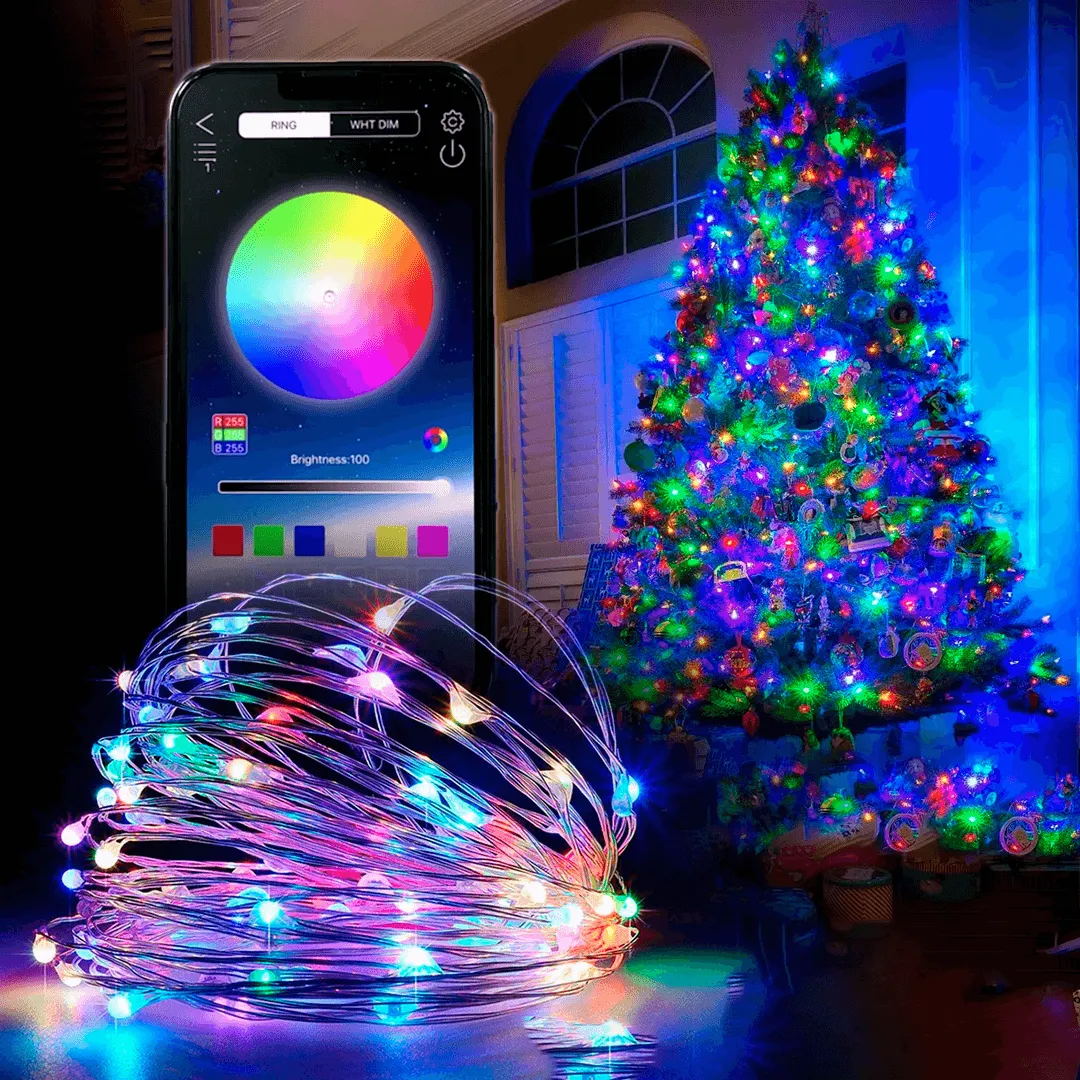 Curtain string lights
 Auto Heater
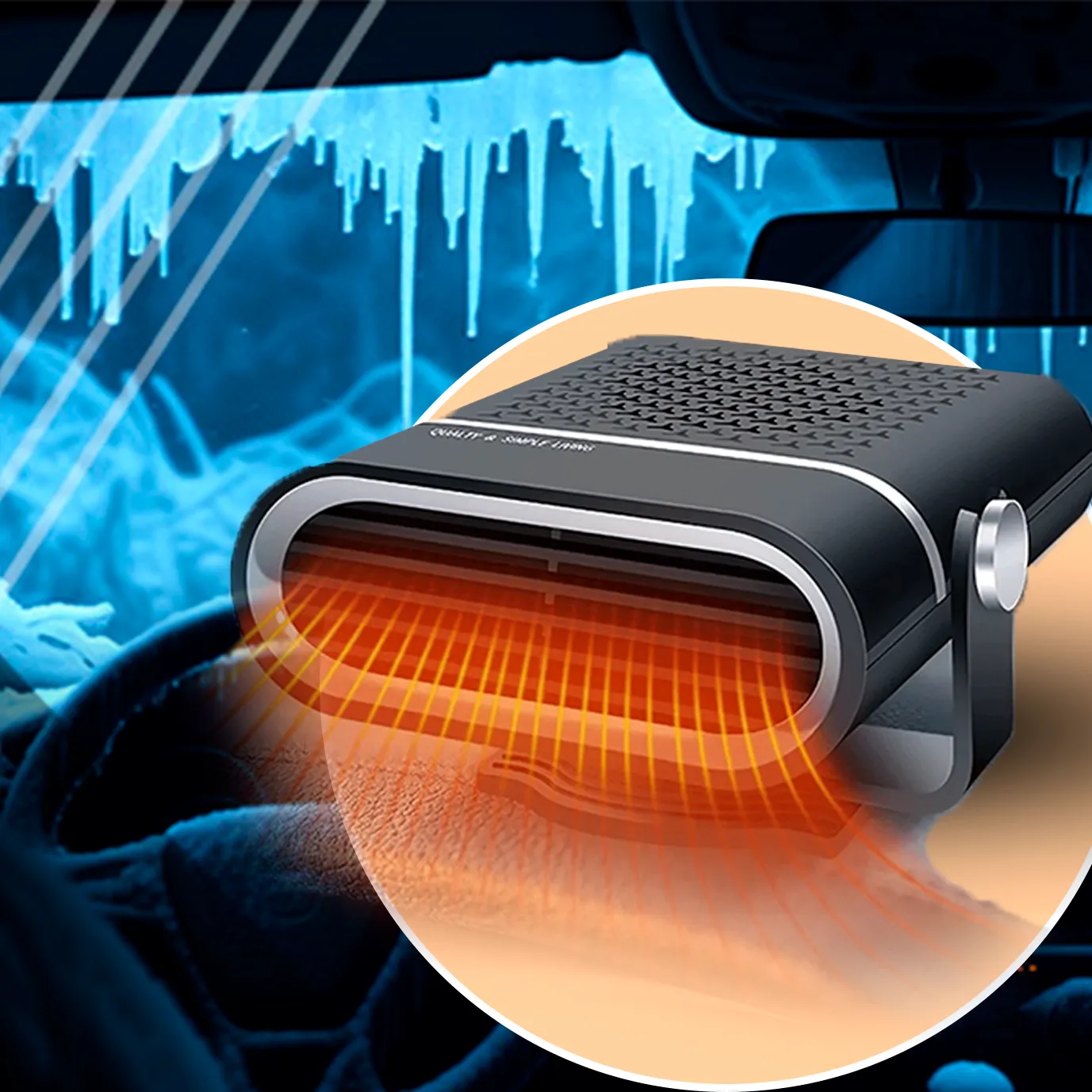 Columbia thermal underwear
 Universal chopper
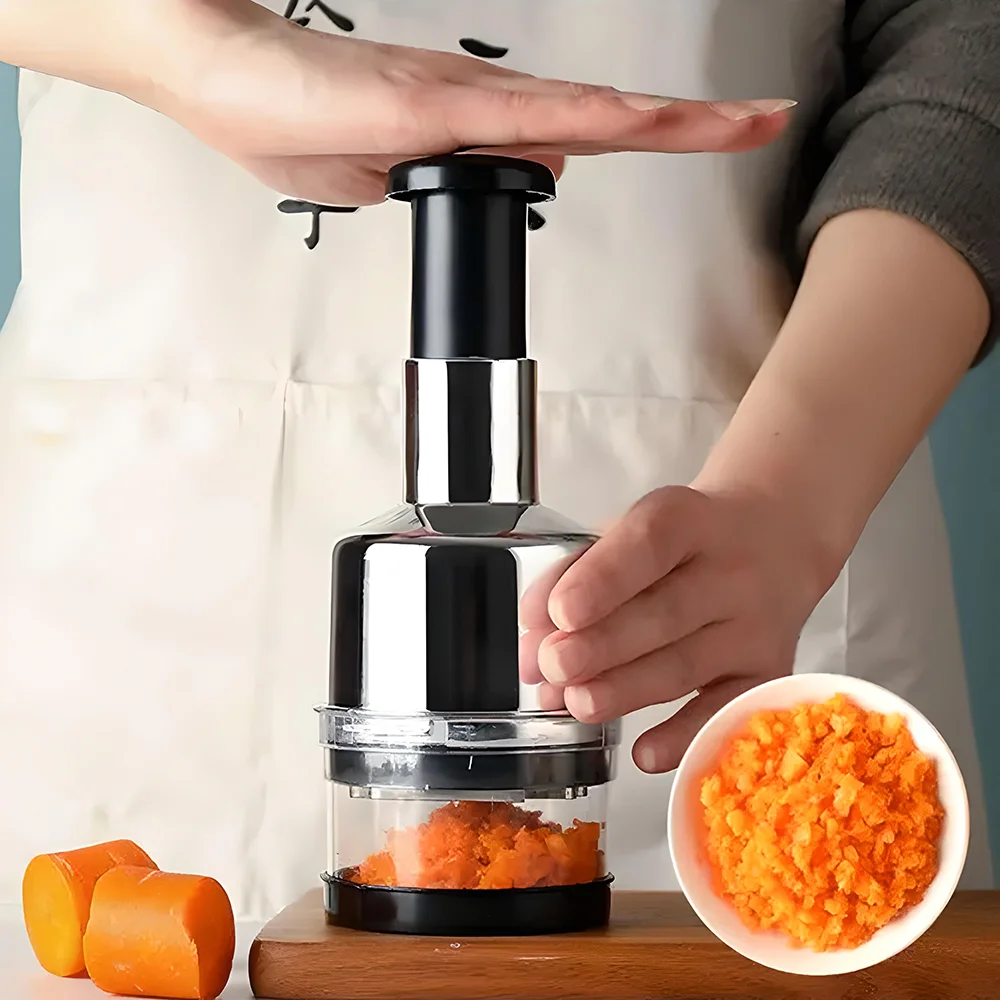 Silicone lid set
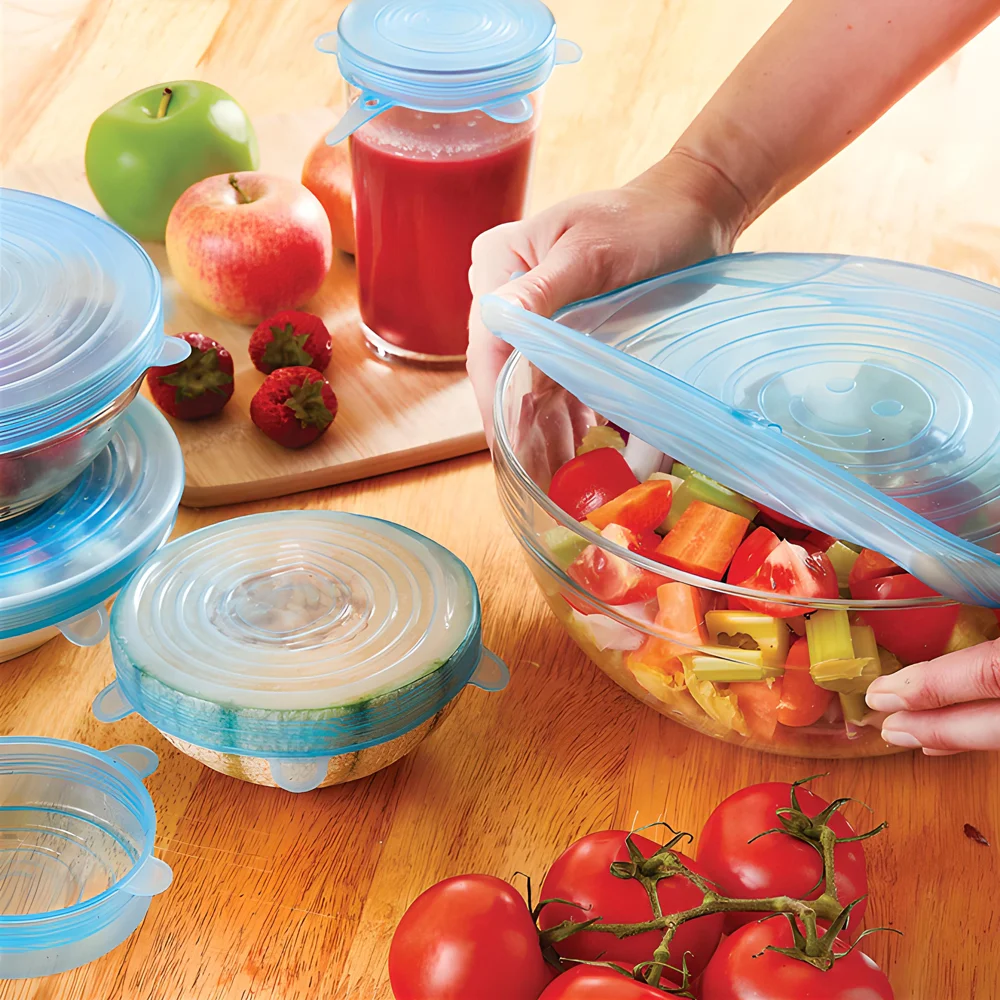 Terry cloth set
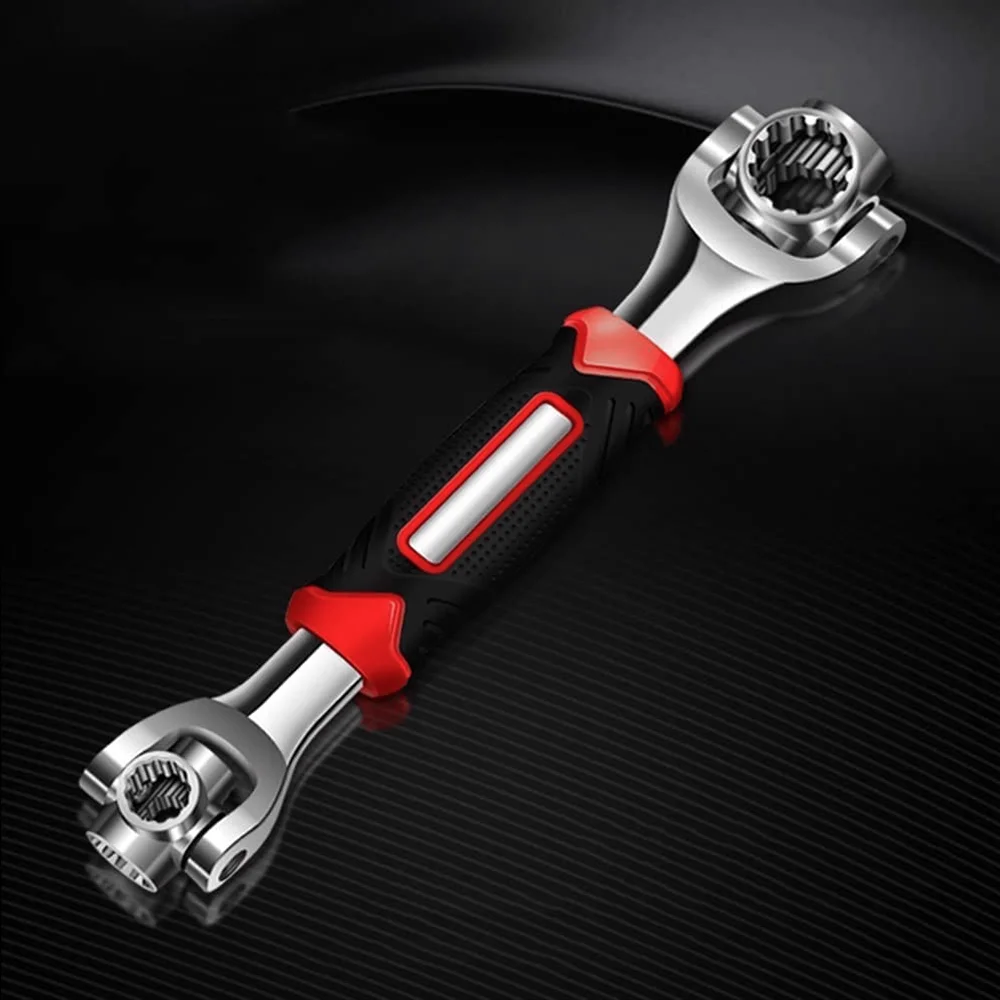
 48-in-1 universal wrench
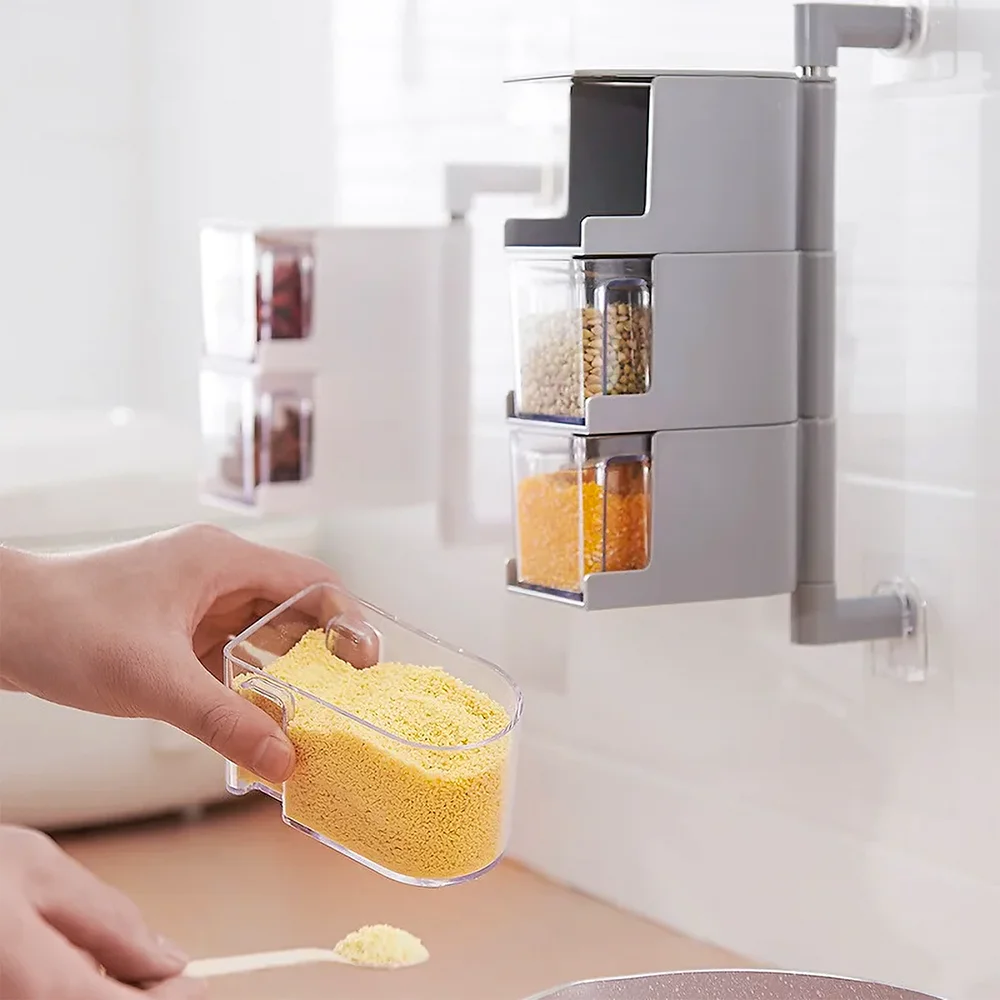
 Spice set
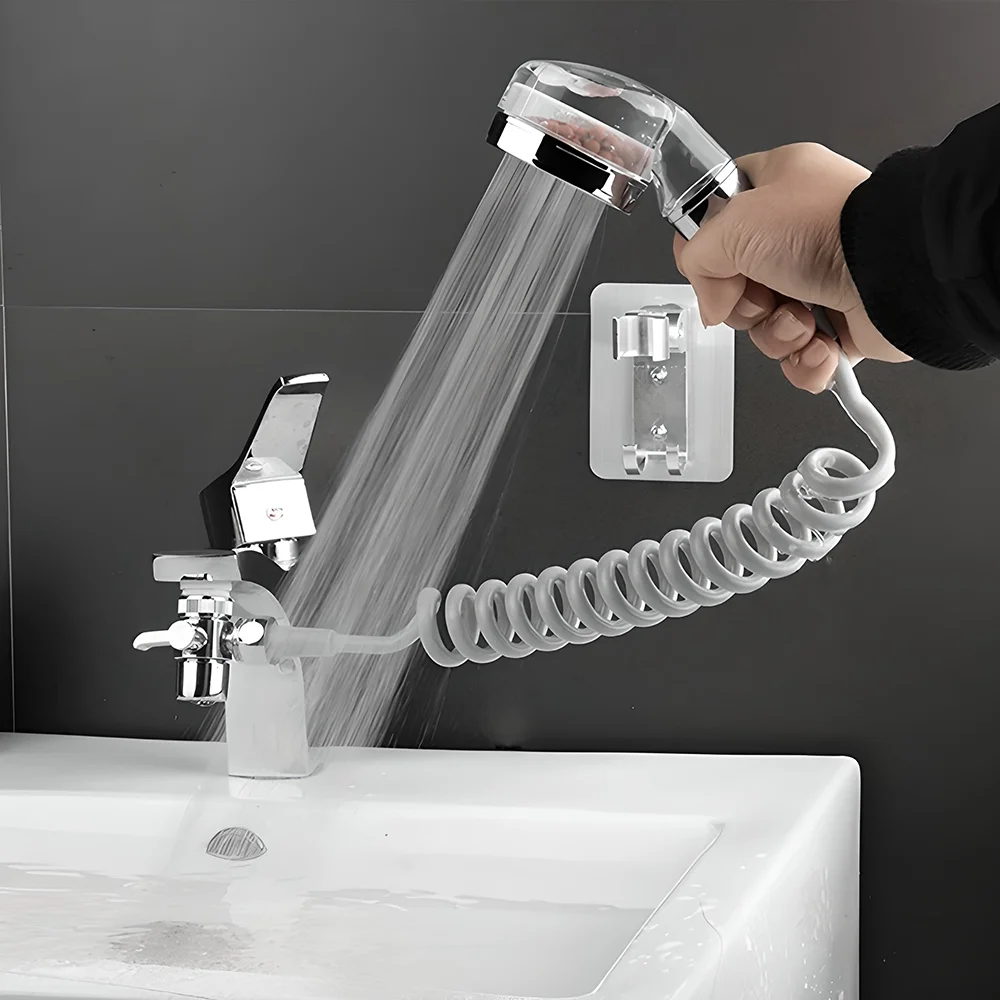
 Faucet shower attachment
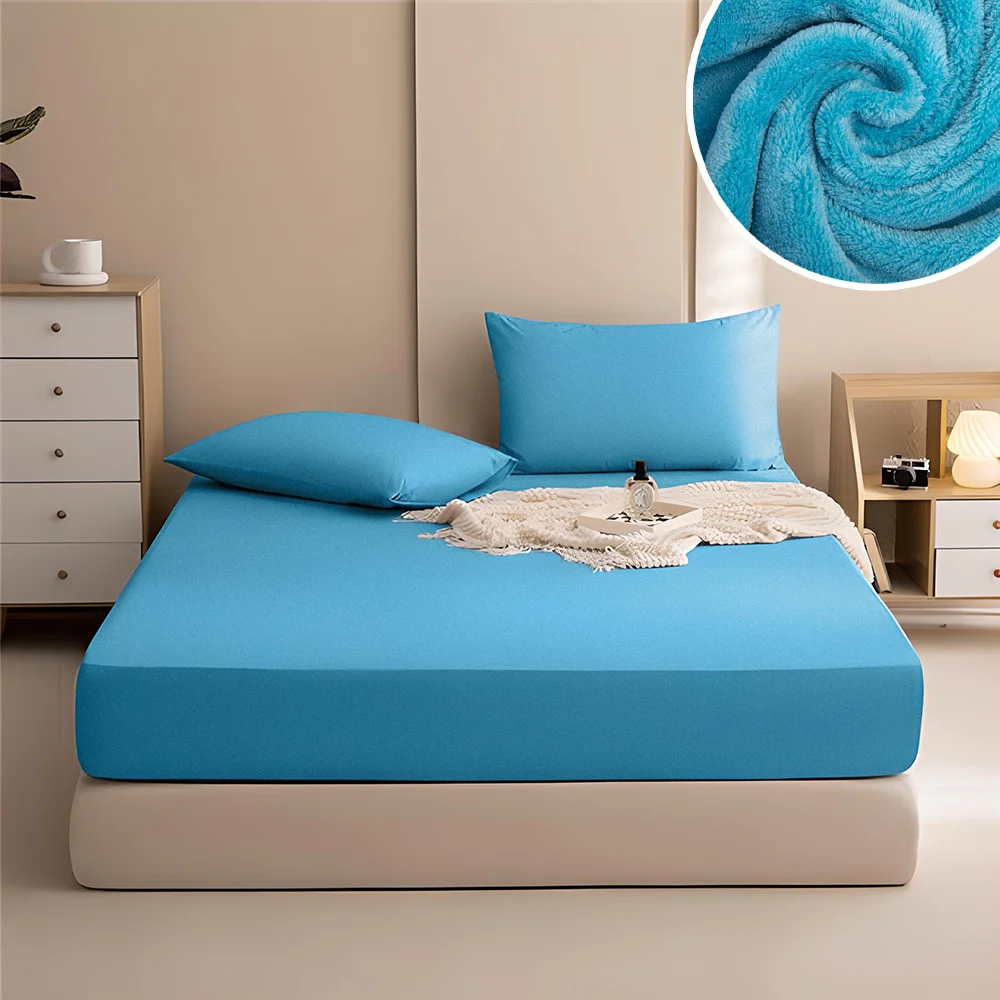
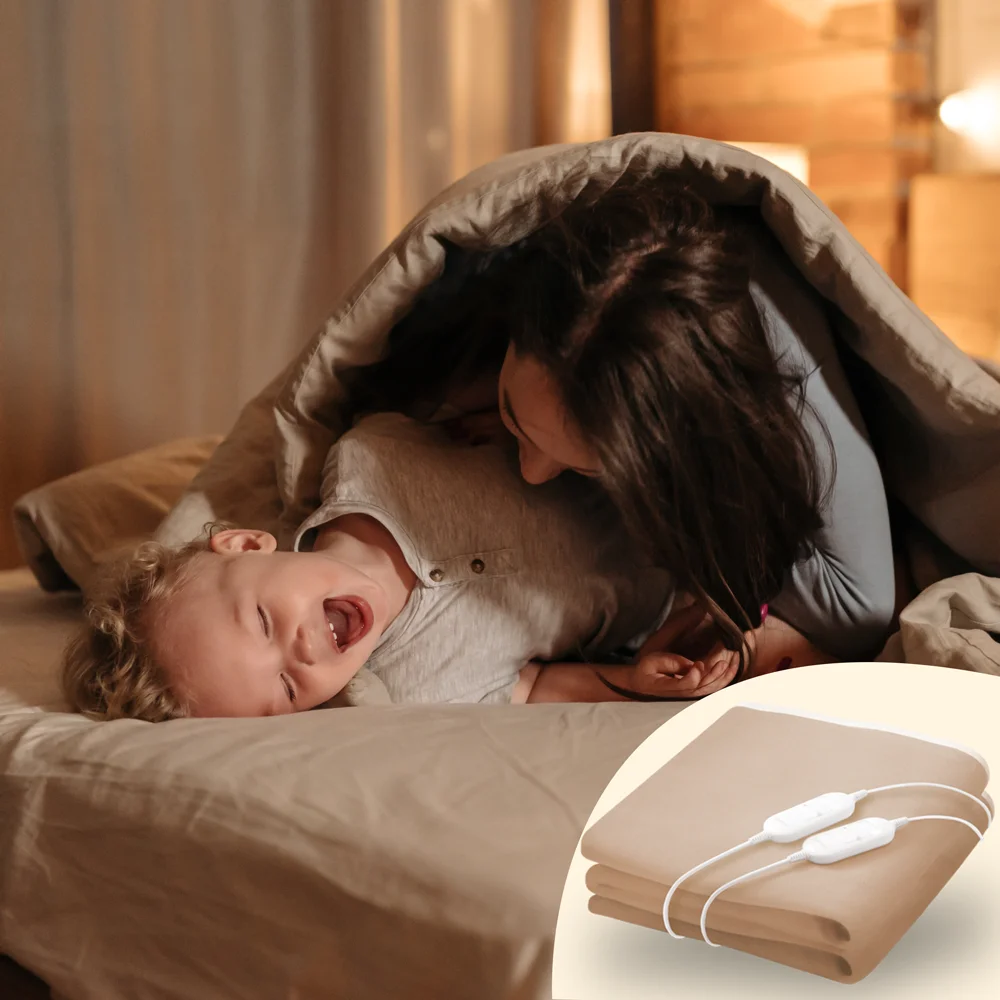
 Electric blanket
 Reusable adhesive tape
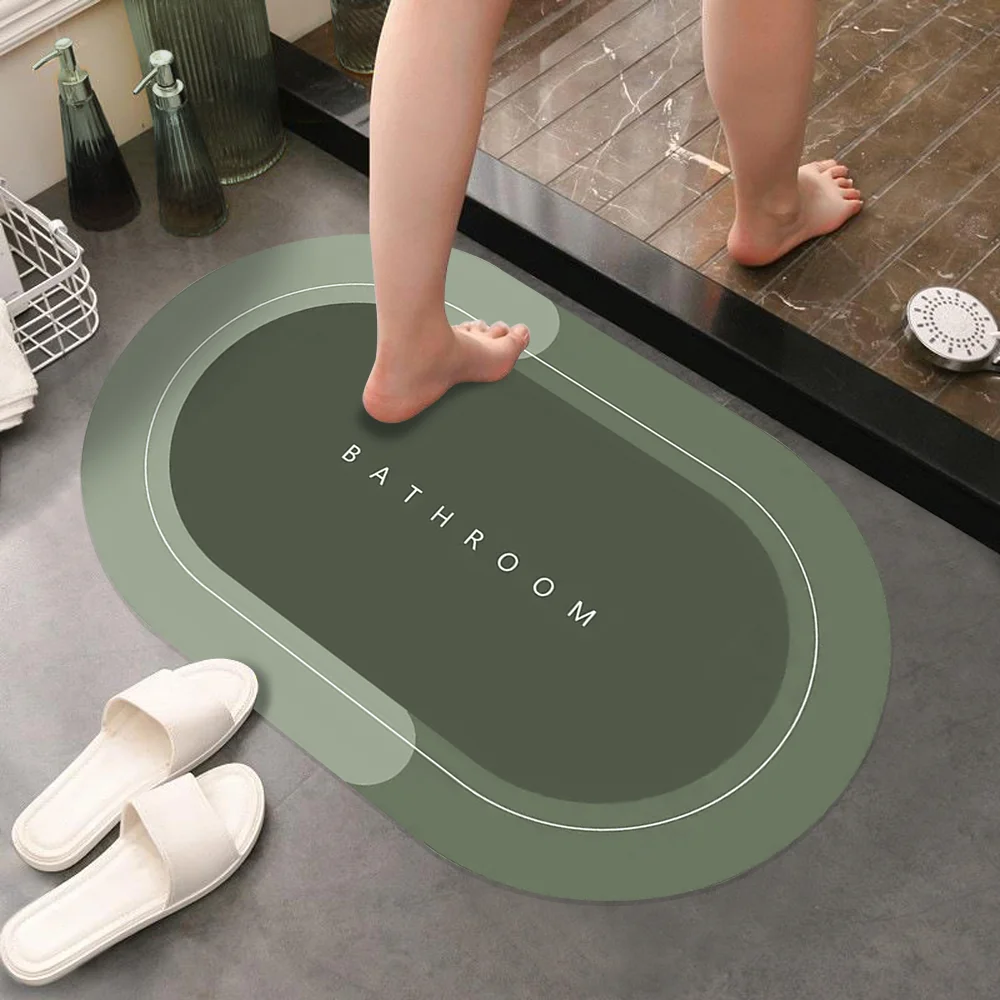
 Absorbent mat
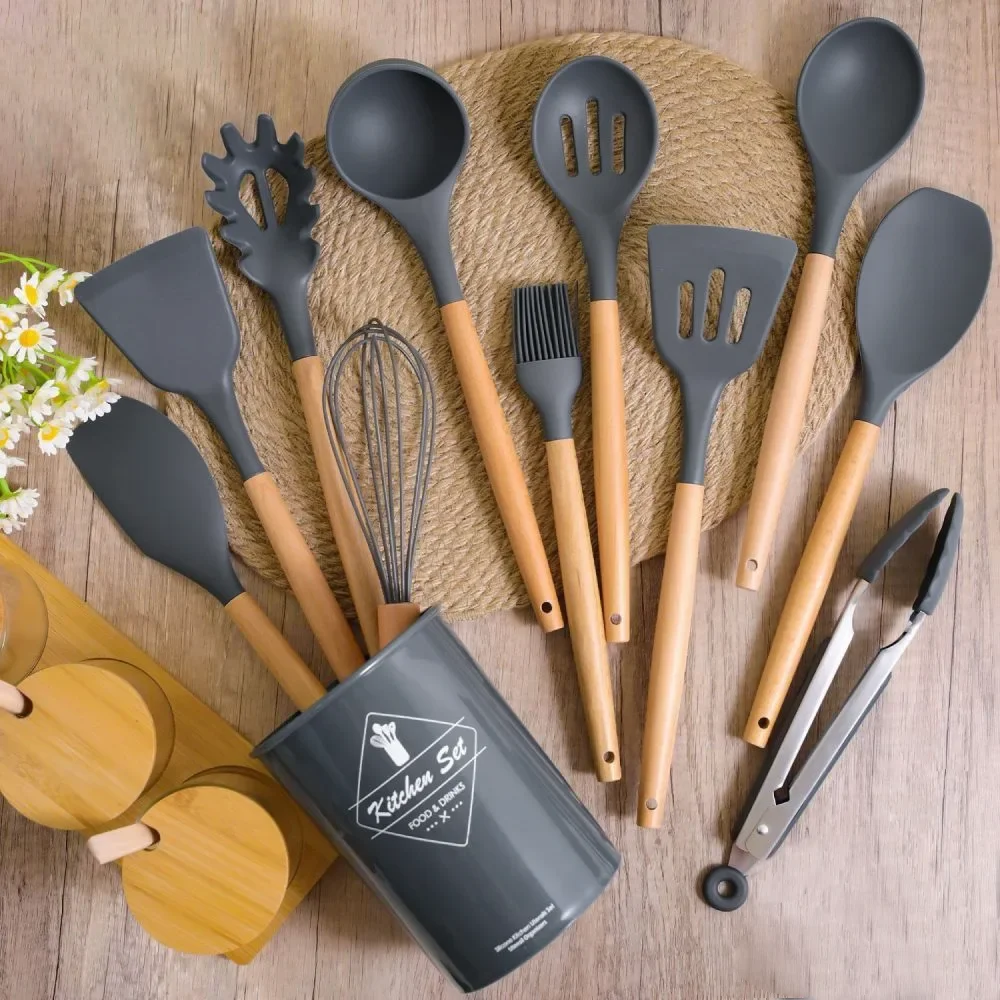
 Kitchen set
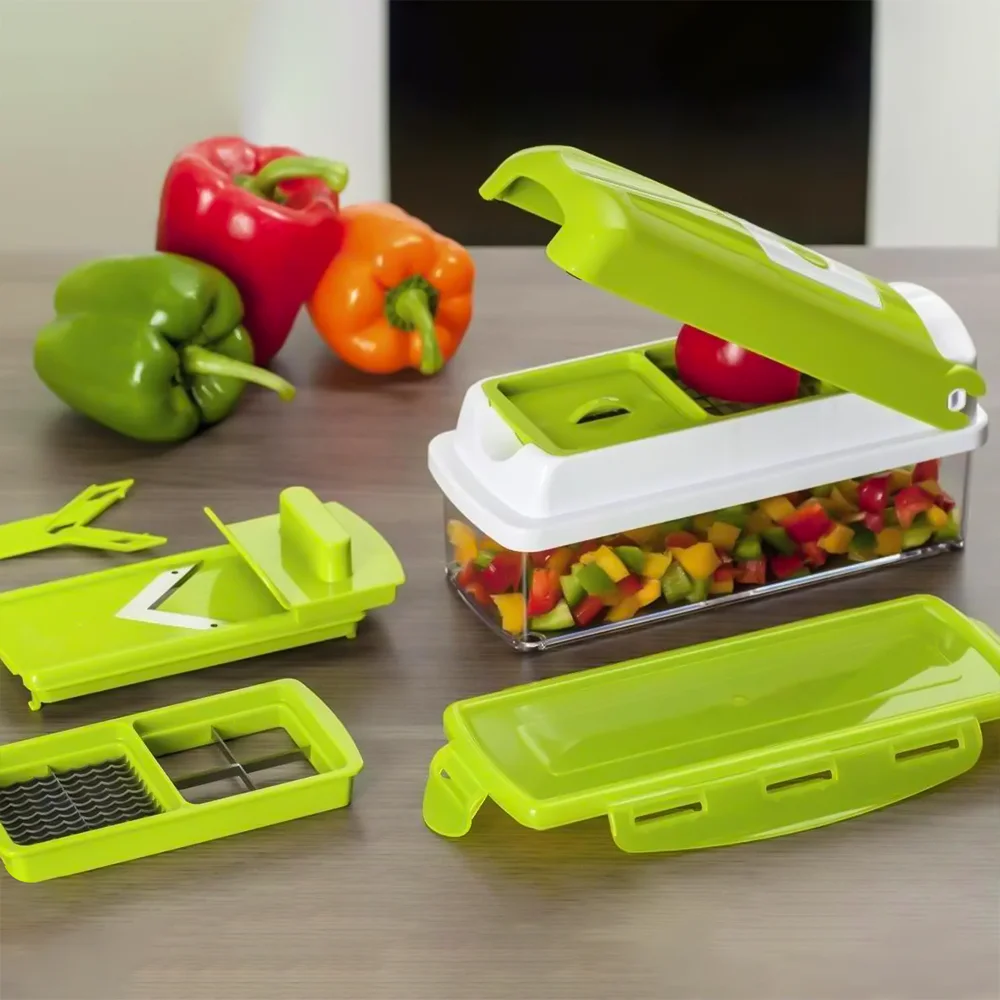
 Nicer Dicer multi-cutter
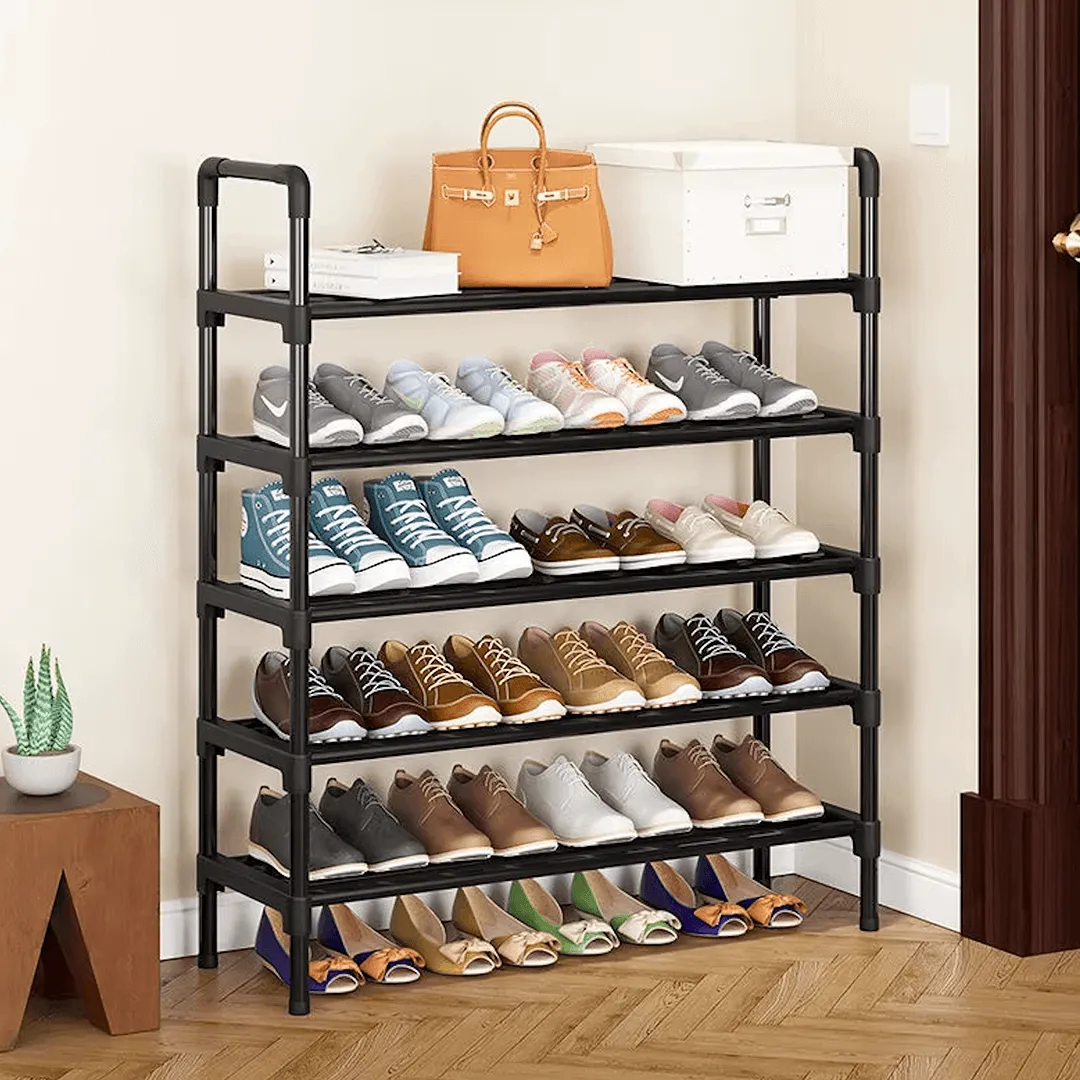
 6-tier shoe rack
 Magic Cool lamp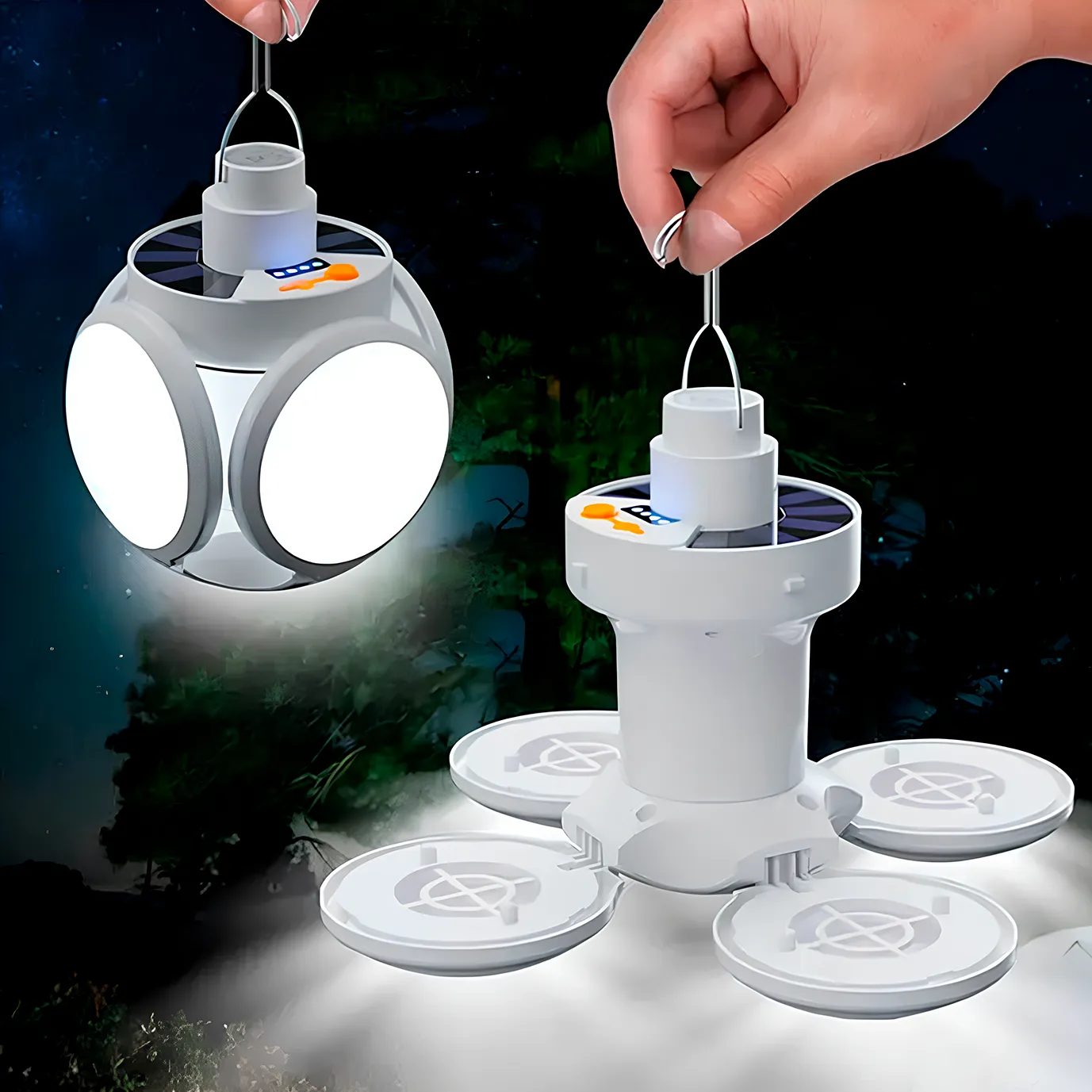
 4-in-1 headlamp
 LED flashlight
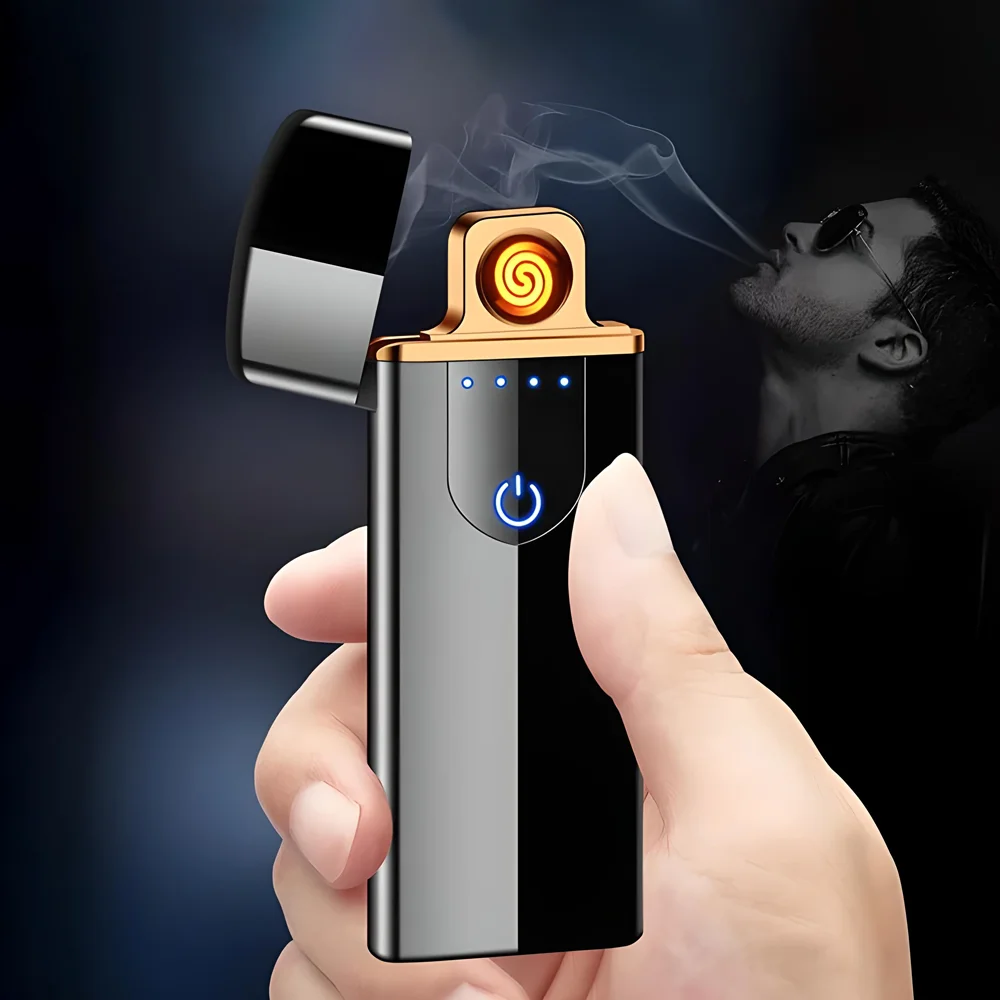
 Electric lighter
 Mini washing machine
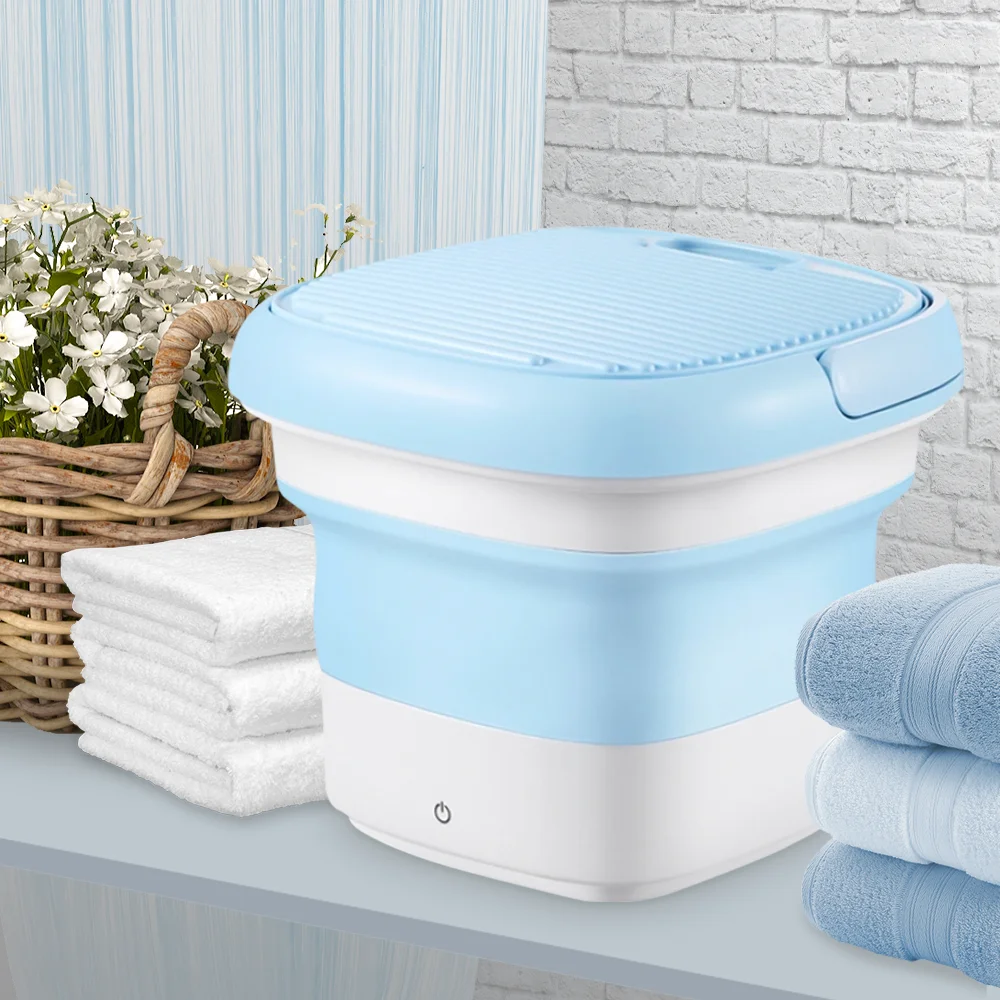 Automatic dispenser
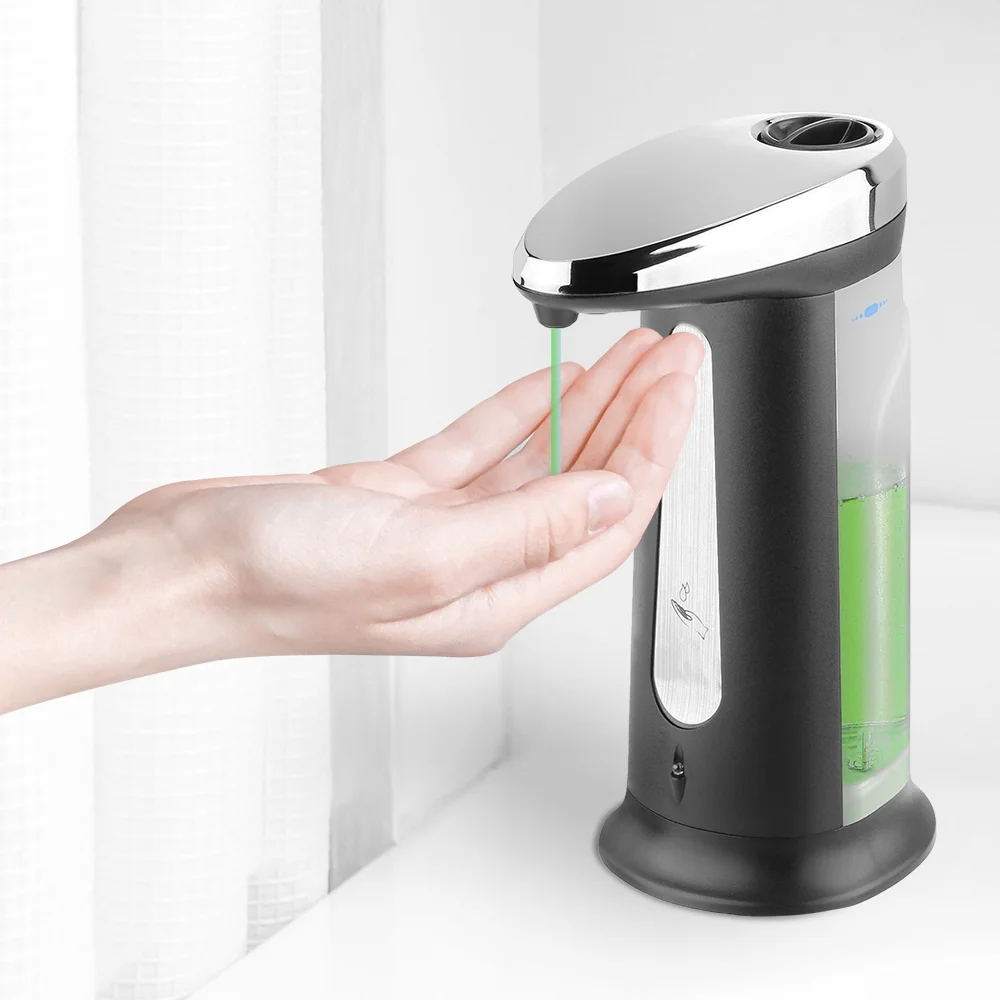 Heated insoles
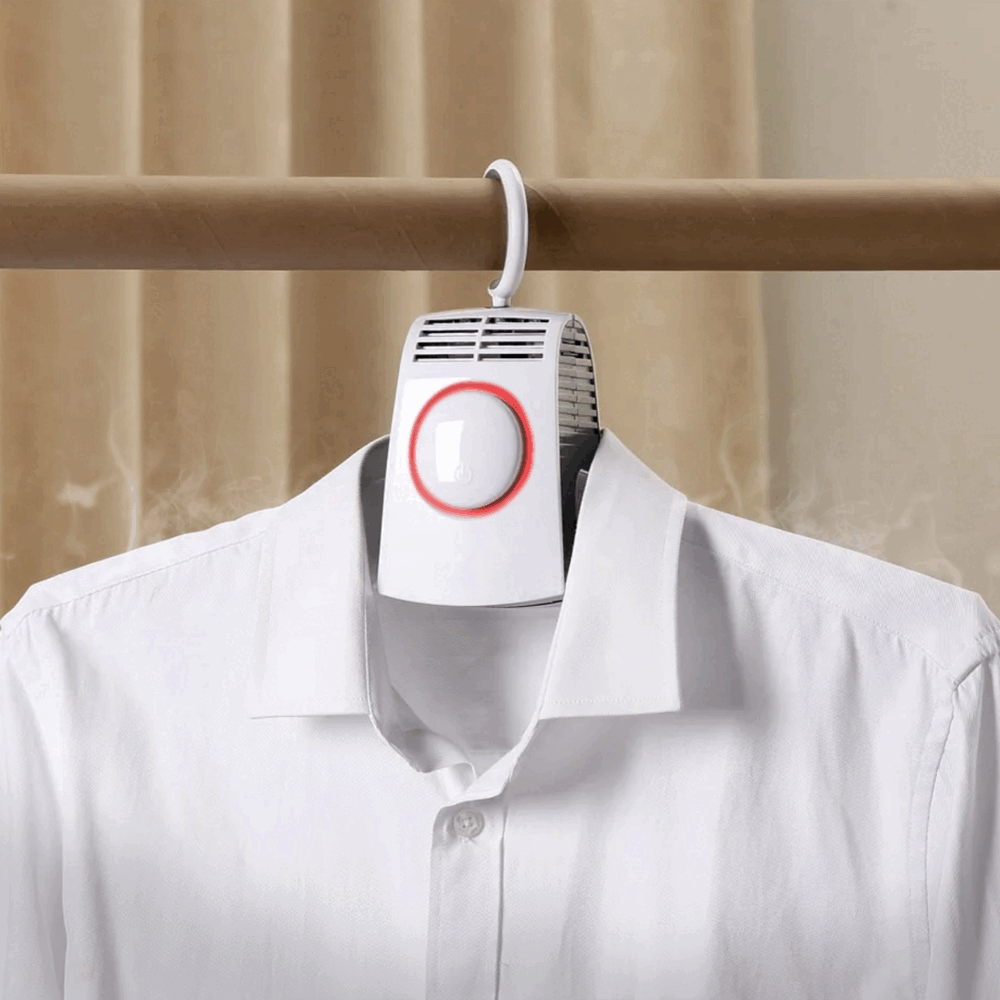
 Shoe dryer
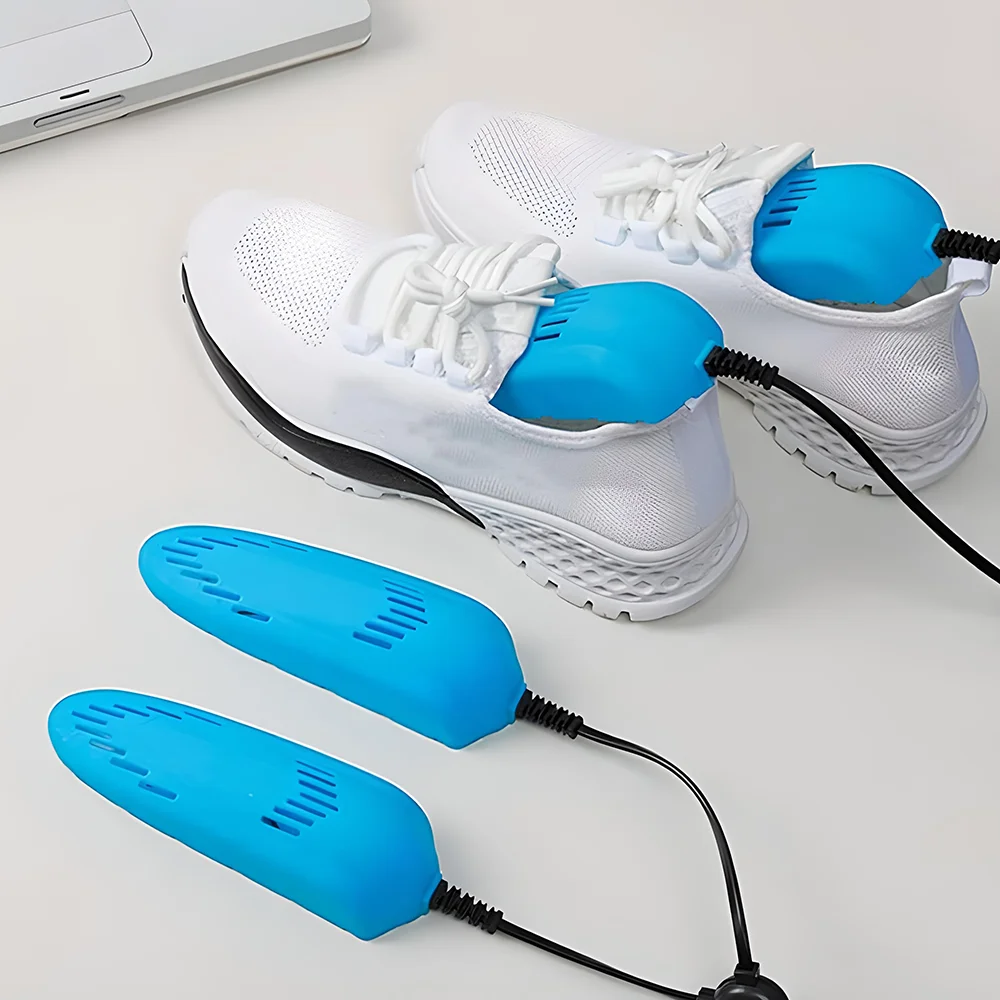 Electric mini shaver
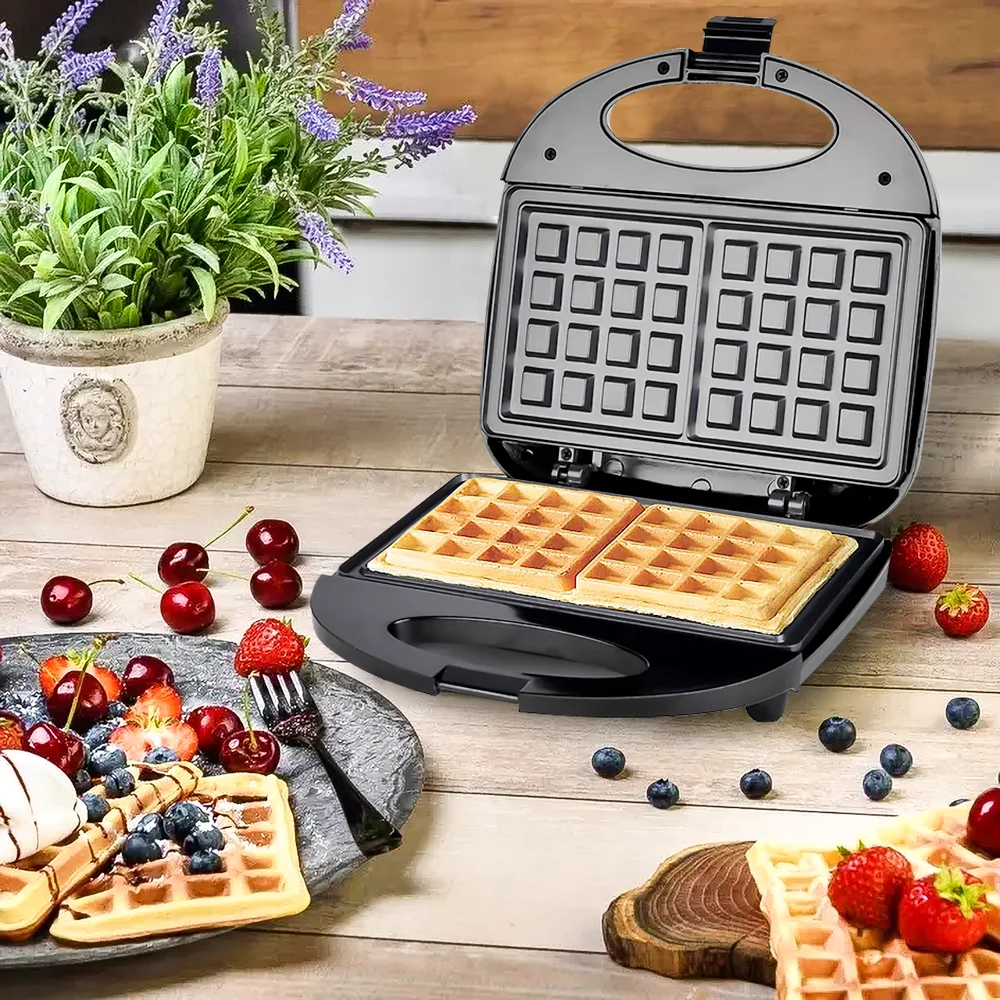
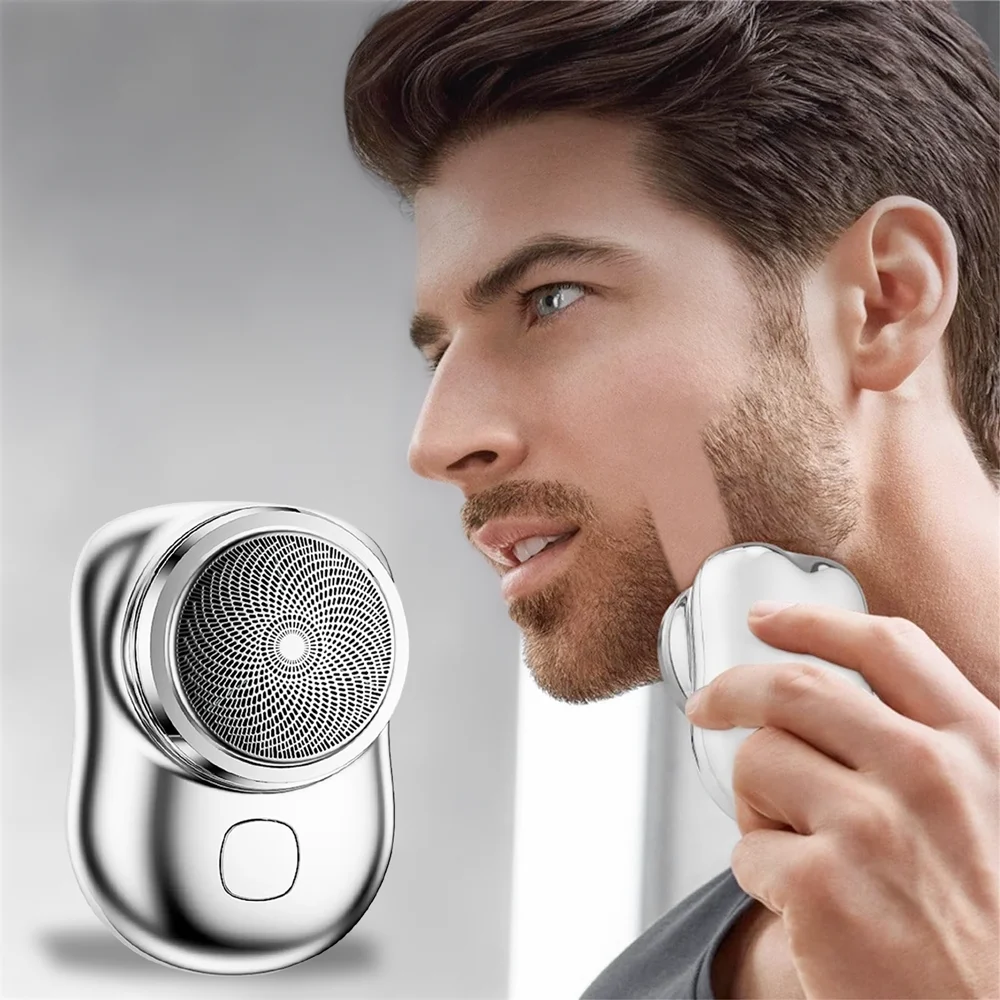 Universal waffle maker
 M6 smartwatch
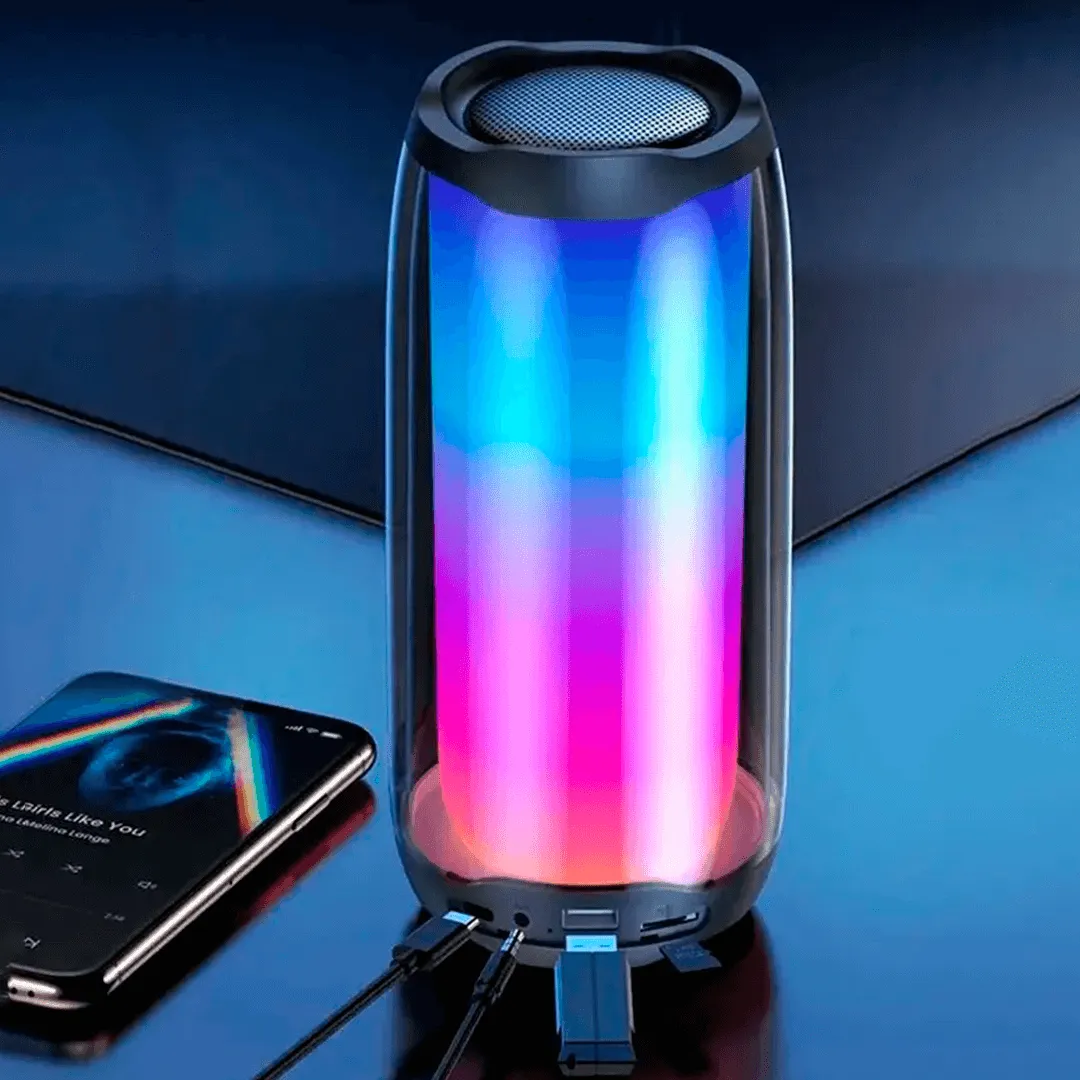
 Portable speaker
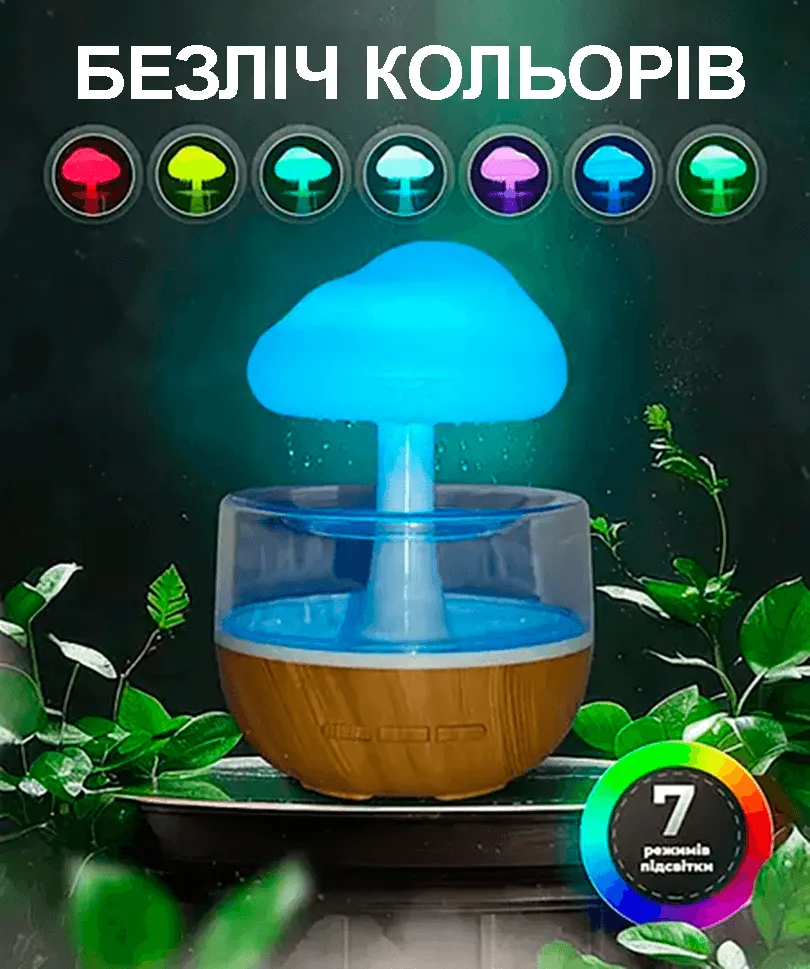
 Rain effect humidifier night light
 Flame effect humidifier
 Non-contact thermometer
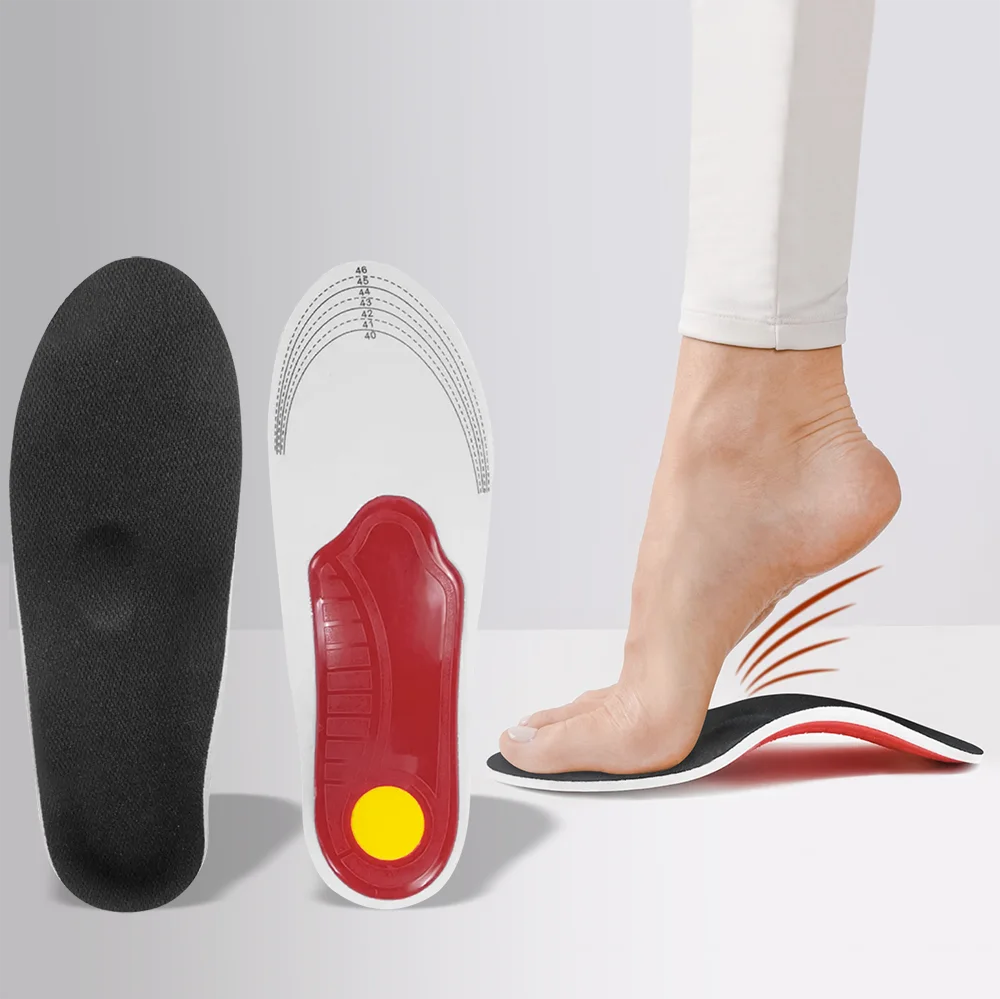
 Orthopedic insoles
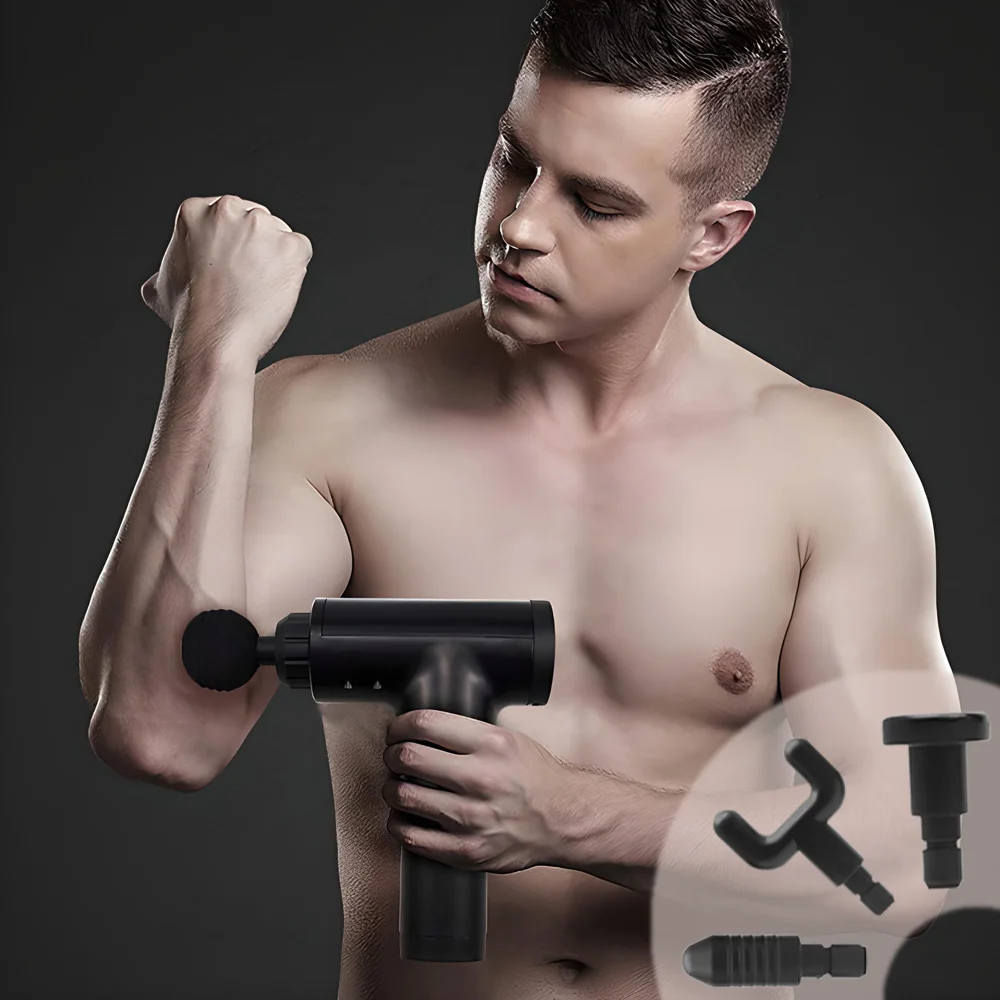
 Percussion body massager
 5-in-1 Hot Air Styler
 Portable hand warmer
 10-in-1 camping kit
 Shockproof binoculars
 Heated vest
 Heated thermal socks



Your product. Your landing page. No developer needed.
Change the page structure, texts, photos, buttons, blocks and the order form in a convenient visual editor.
Texts
Change headlines, descriptions and calls to action.
Photos
Add your own product photos.
Video
Add product video reviews
Blocks
Add, remove and reorder sections.
Order form
Add buttons and forms to collect requests.
Prices and offers
Quickly update current prices and terms.
Sell a single product or build an entire catalog
EasyWeb works both for a dedicated landing page for one product and for pages with several products.
One product
Perfect for advertising a specific offer. Create a dedicated landing page, drive traffic to it and get orders.
Several products
Add several products to one page, use the cart and take orders across your whole range.
Need to sell several products on one landing page?
Add a cart and turn your landing page into a convenient page for selling several products.
A landing page can work as a real one-page online store: the customer browses several products, adds the ones they need to the cart — just like on Rozetka or Prom — and places one combined order instead of a separate purchase for each product.
- Several products on one page. No need for a separate landing page for each product — the customer browses your whole range in one place.
- Cart and one-click checkout. The customer adds products one by one, as in a familiar online store, and checks out with a single order.
- Total and quantity — automatically. The cart counts how many products were added and for what amount — no manual calculations.
- Familiar UX = fewer drop-offs. A format customers already know from online stores means fewer doubts at checkout.
Create a separate landing page for every ad campaign
Running ads for a product on Facebook, Instagram, Google or TikTok?
Create separate landing pages for different products, offers and ad campaigns.
Change headlines, offers, prices and design — and test what works best for your audience.
More control over your sales
A landing page per product
Don't mix different ad offers on one page.
Pixels and analytics
Connect the tools you need to track your ad campaigns.
A/B testing
Compare different versions of a landing page and find the ones that perform better.
Understand how your landing pages perform
EasyWeb helps you keep track not only of orders but also of how well your pages perform.
Track metrics, analyze visitor behavior and make data-driven decisions.
Everything you need to optimize sales
Visits
How many people viewed your landing page.
Orders
How many requests you received.
Conversion
How many visitors placed an order.
Traffic sources
See where your customers come from.
A/B testing
Test different versions of your pages.
EasyWeb works together with your tools
Keep your usual workflow. Connect the services you already use.
Work on landing pages as a team
Invite an ads specialist, a designer or sales managers to your account — everyone works under their own login and only with what you allow.
You see who is on the team, change roles and revoke access in one click.
- AAndrewAdminActive
- HHelenManagerActive
- MMariaManagerPending
Everything for teamwork, without unnecessary access
Admin and manager
An admin works with landing pages, domains and integrations; a manager — only with orders.
Everyone has their own login
No need to share a password: a member signs in to their own account and switches to your Workspace.
Orders in the team's Telegram
Every request from a landing page instantly reaches the Telegram of the managers who process it.
Full control
The plan, payments and settings stay with the owner only. A member's access is revoked in one click.
Available on the Premium plan — up to 3 members, and Business — up to 10 members.
EasyWeb is for those who sell products online
E-commerce owners
Create landing pages for your products, take orders and manage sales without a developer.
Ads specialists
Create separate pages for your clients' ad campaigns and change offers quickly.
Affiliate marketers
Launch and test product landing pages without bringing in a developer every time.
Marketing agencies
Create and manage your clients' landing pages in one service.
Already building landing pages and taking orders with EasyWeb
EasyWeb is built for hands-on product sales — from the first page to order processing.
You don't need a separate designer, developer and order system
EasyWeb brings together everything you need to start selling in one service.
As your business grows, EasyWeb grows with it
Experienced users get extra tools for advertising, analytics and customization.
Your own domain
Use your own site address.
A/B testing
Test different versions of your landing pages.
Pixel and analytics
Connect advertising and analytics tools.
Custom Code
Add your own code when the standard features aren't enough.
Multiple landing pages
Create separate pages for different products and ad campaigns.
Cart
Add a cart and turn your landing page into a convenient one-page online store for selling several products.
Your own admin panel
Every landing page can have its own admin panel at yourdomain.com/admin.
Upsells
Place products on the checkout page. Once a customer has bought a product, you can offer them more.

Referral
program
Recommend EasyWeb to your friends and followers and get
FAQ
No. You can build a landing page in the visual editor without writing any code.
Yes. EasyWeb works for a dedicated landing page for a specific product or ad offer.
You can manage orders right in EasyWeb or send them to Telegram or a connected CRM.
Yes, you can use your own domain for a published landing page.
Yes. You can create a page with several products and use the cart.
Yes. You can create landing pages for ad campaigns and connect the advertising and analytics tools you need.
Yes. You can edit the page and update it without having to contact a developer.
Yes. Create your first landing page and try out EasyWeb's core features.
Got a product?
Build it a landing page today.
Launch a product page, start accepting orders and get requests wherever is convenient for you — in EasyWeb, Telegram or a CRM.
Create a landing page for freeNo coding. No complicated setup. Start from a ready-made template.