Build landing pages for ad campaigns without waiting for a developer
Launch separate pages for products, offers and ad campaigns, collect leads and send them to EasyWeb, Telegram or a CRM.
No coding · Ready-made templates · Analytics · Lead collection
You can launch ads fast.
But what about the landing page?
An ads specialist often needs to test a new product, offer or audience right now. Waiting for a designer or developer can slow the launch down.
The offer changed
You need to quickly change the headline, price, photos or the offer.
You need a separate landing page
One ad campaign — one offer. No need to send all traffic to one universal page.
You need to test an idea fast
Create a page, launch ads and check the results without lengthy development.
A lead should go to work immediately
Send it to EasyWeb, Telegram or a CRM instead of copying it by hand.
Your job is to bring in customers. EasyWeb takes care of the landing page.
You don't need to become a web developer. Build the page yourself, make changes quickly and focus on the ads and the campaign's results.
Speed
Create separate landing pages for new campaigns without waiting for a developer.
Control
Change texts, photos, prices and the page structure yourself.
Results
Track leads and pass them to the system your client works in.
One ad offer — one clear path to a lead
The fewer extra steps between the ad and the lead, the easier it is to analyze the user's journey.
Create a separate landing page for every ad offer
Different products, audiences and offers may need different pages. EasyWeb lets you create separate landing pages for your campaigns.
Product
A dedicated landing page for a specific product.
Offer
Change the offer, highlight benefits and test different versions of the page.
Audience
Show relevant content to different ad segments.
Change your landing page yourself in a few minutes
You don't need to file a task for a developer every time you need to change a headline, photo, price or the order form.
Need to change the price?
Do it yourself.
Need to replace the product?
Update the photos and content.
Need a new CTA?
Change it without contacting a developer.
Don't build a landing page from scratch
Pick a ready-made design for your product, replace the photos and text — and the page is ready to launch.
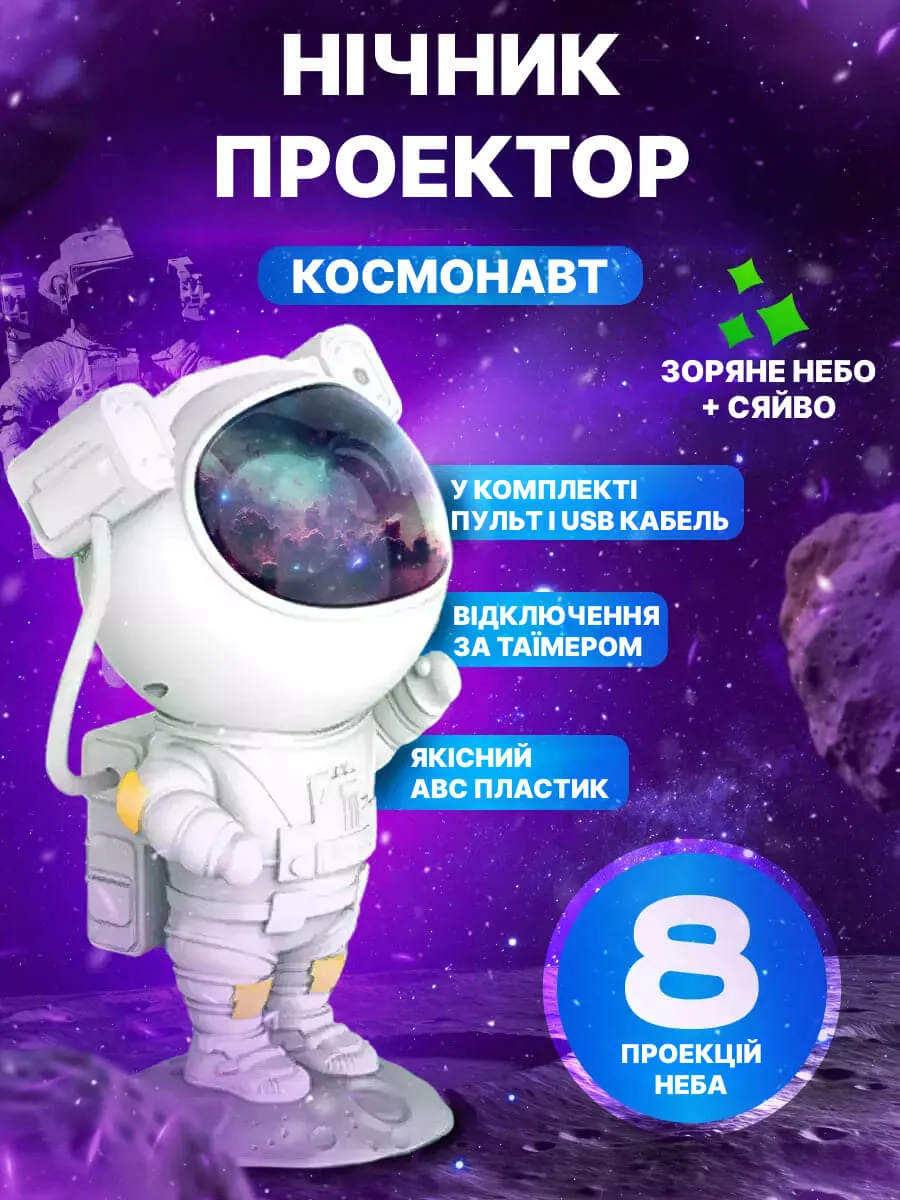
 Astronaut night light
 Touchscreen gloves
 10 m string lights
 Curtain string lights
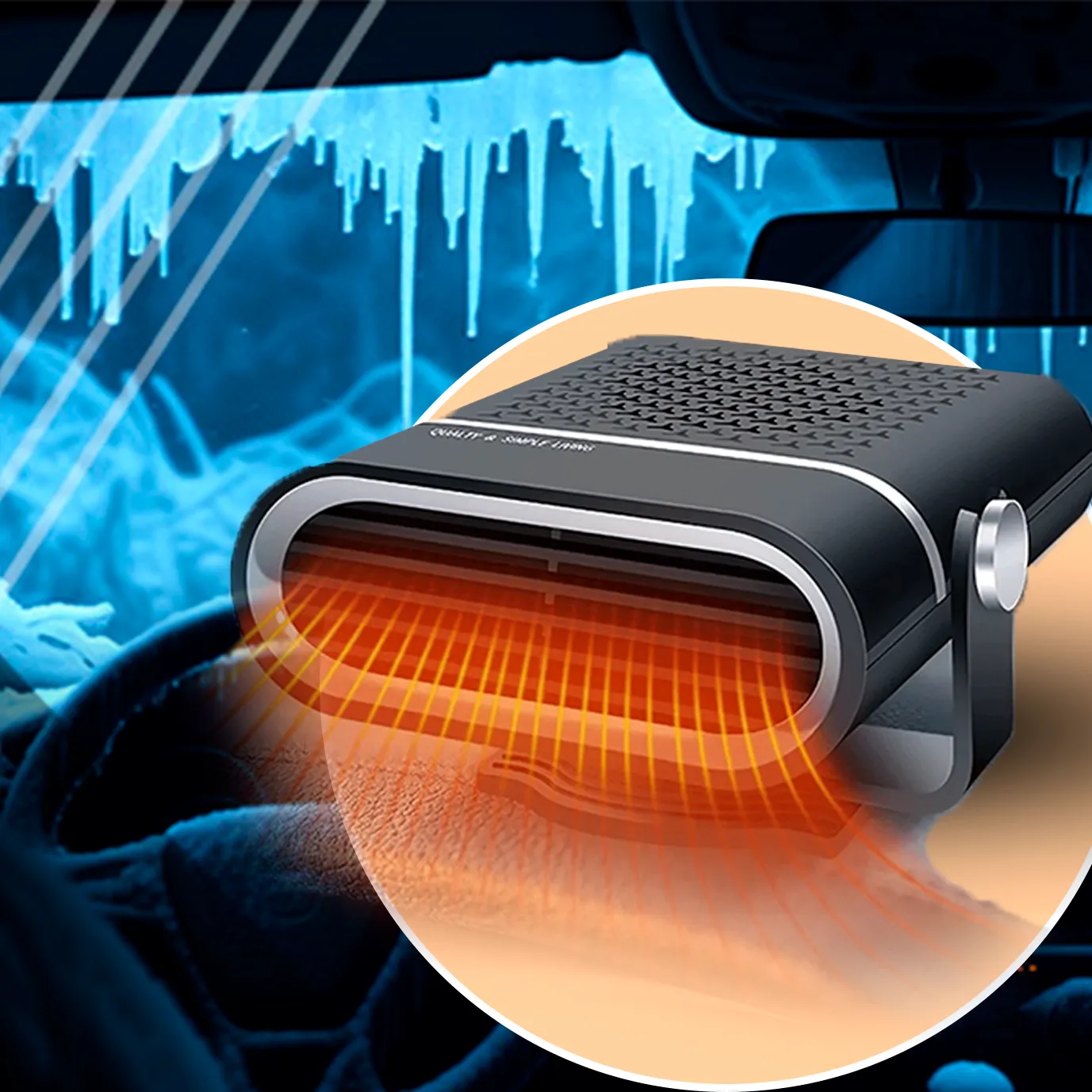
 Auto Heater
 Columbia thermal underwear
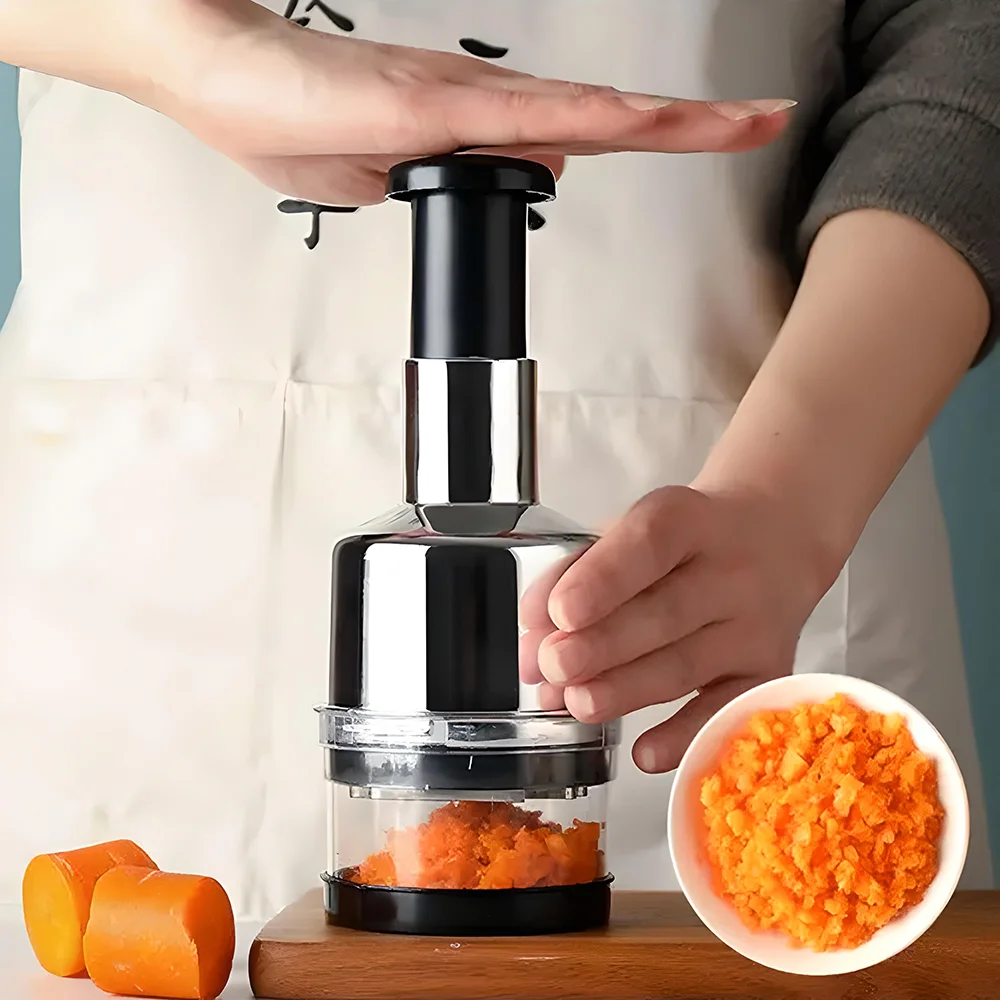
 Universal chopper
 Silicone lid set
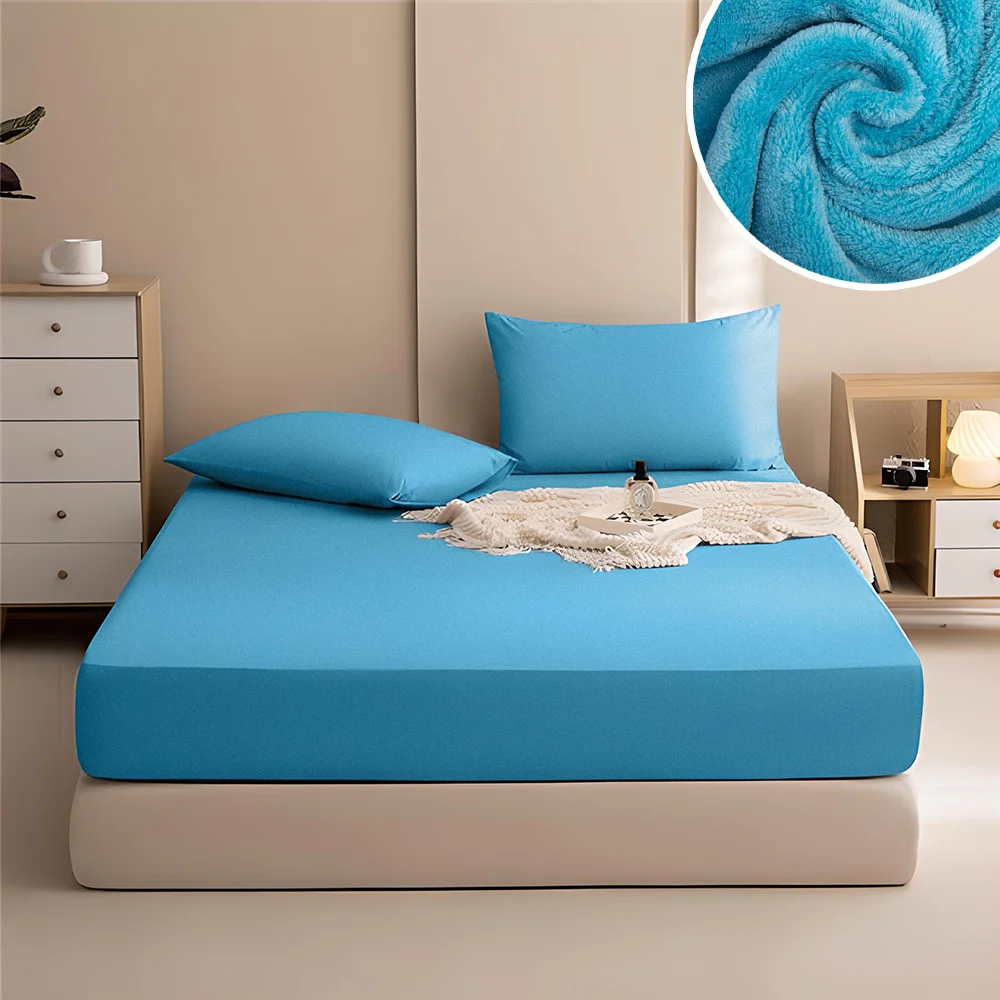
 Terry cloth set
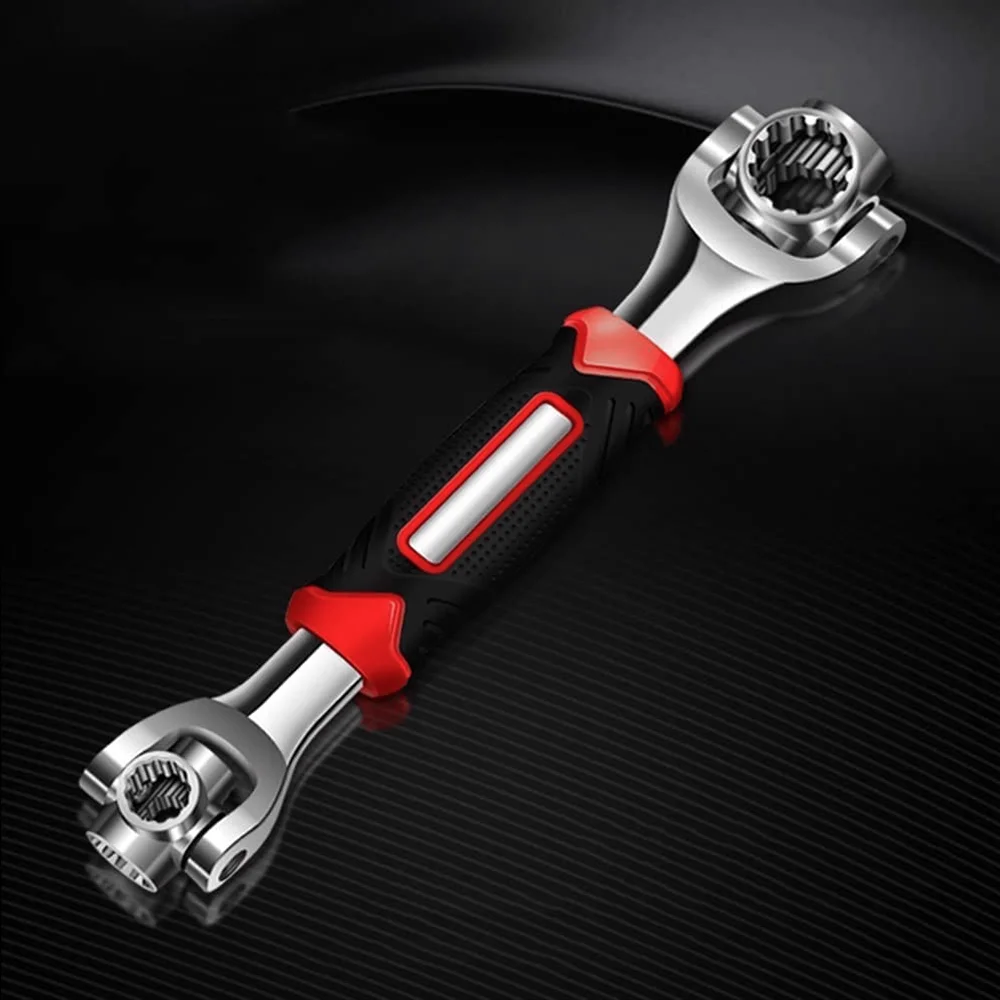
 48-in-1 universal wrench
 Spice set
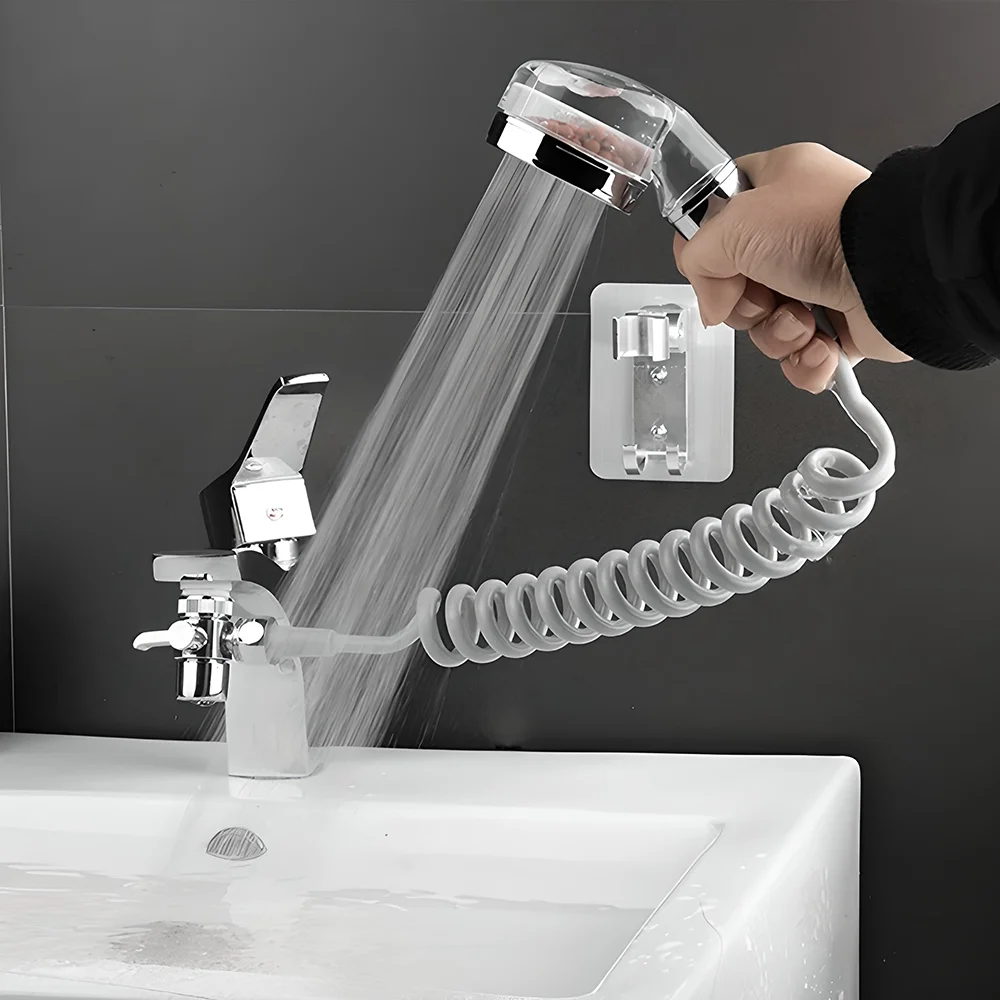
 Faucet shower attachment
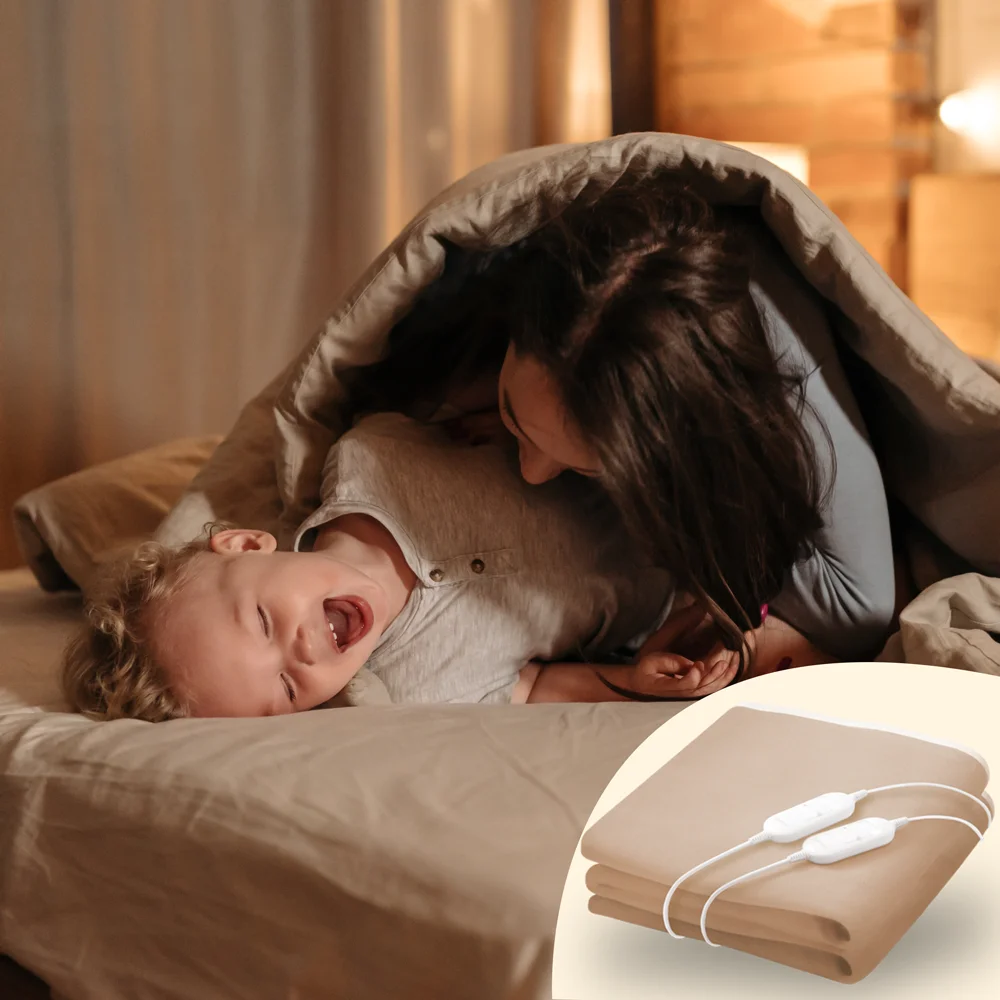
 Electric blanket
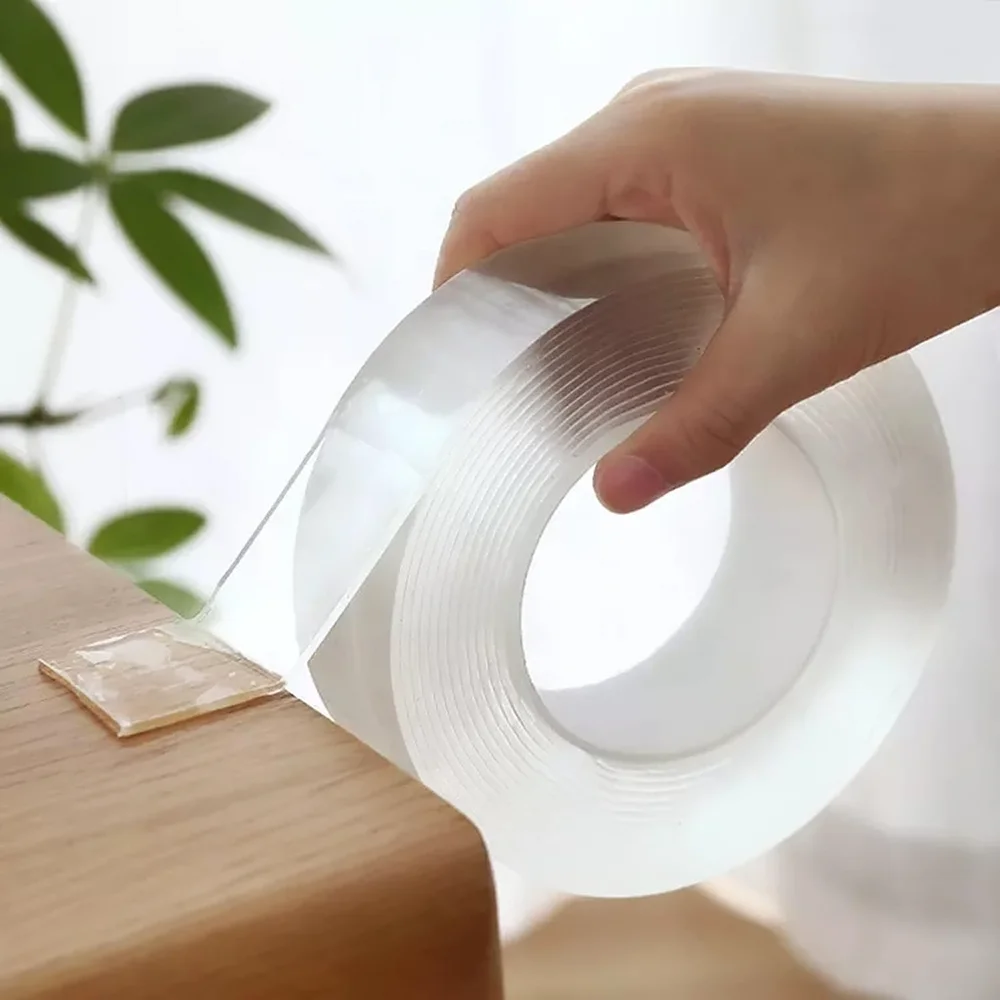
 Reusable adhesive tape
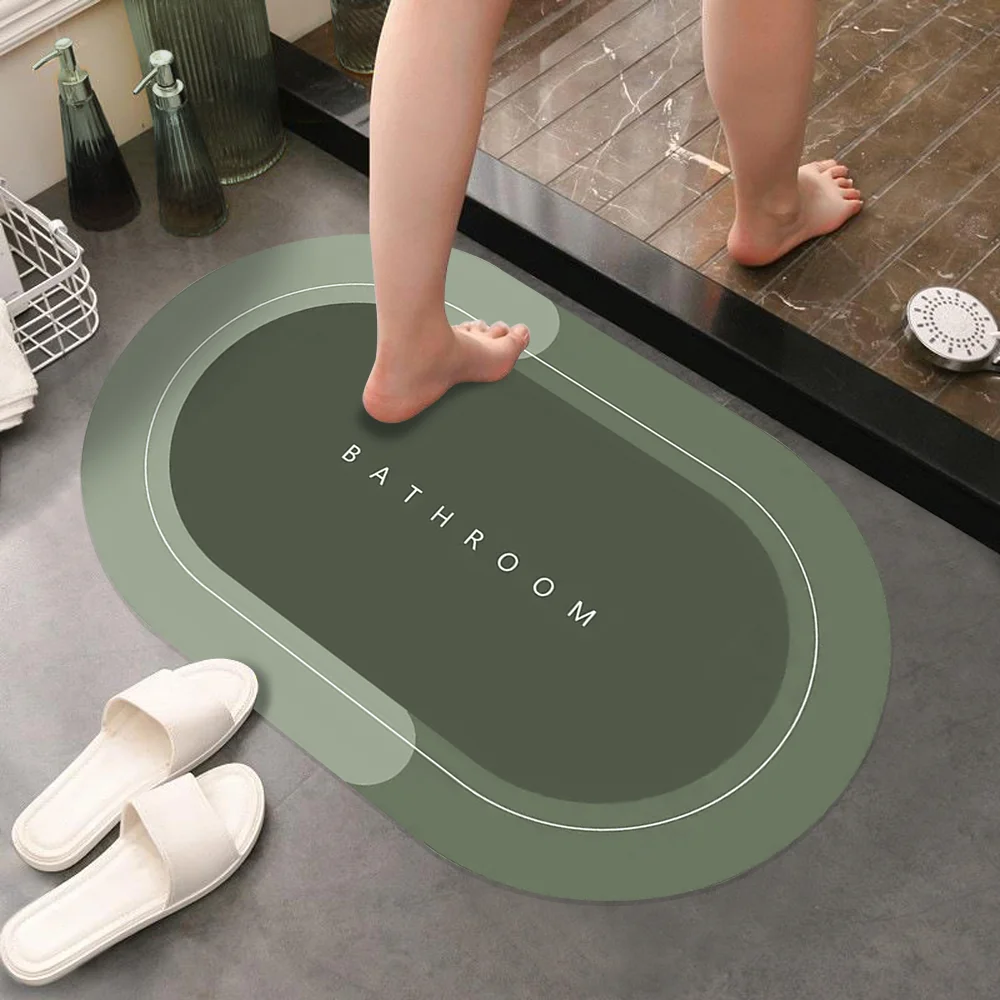
 Absorbent mat
 Kitchen set
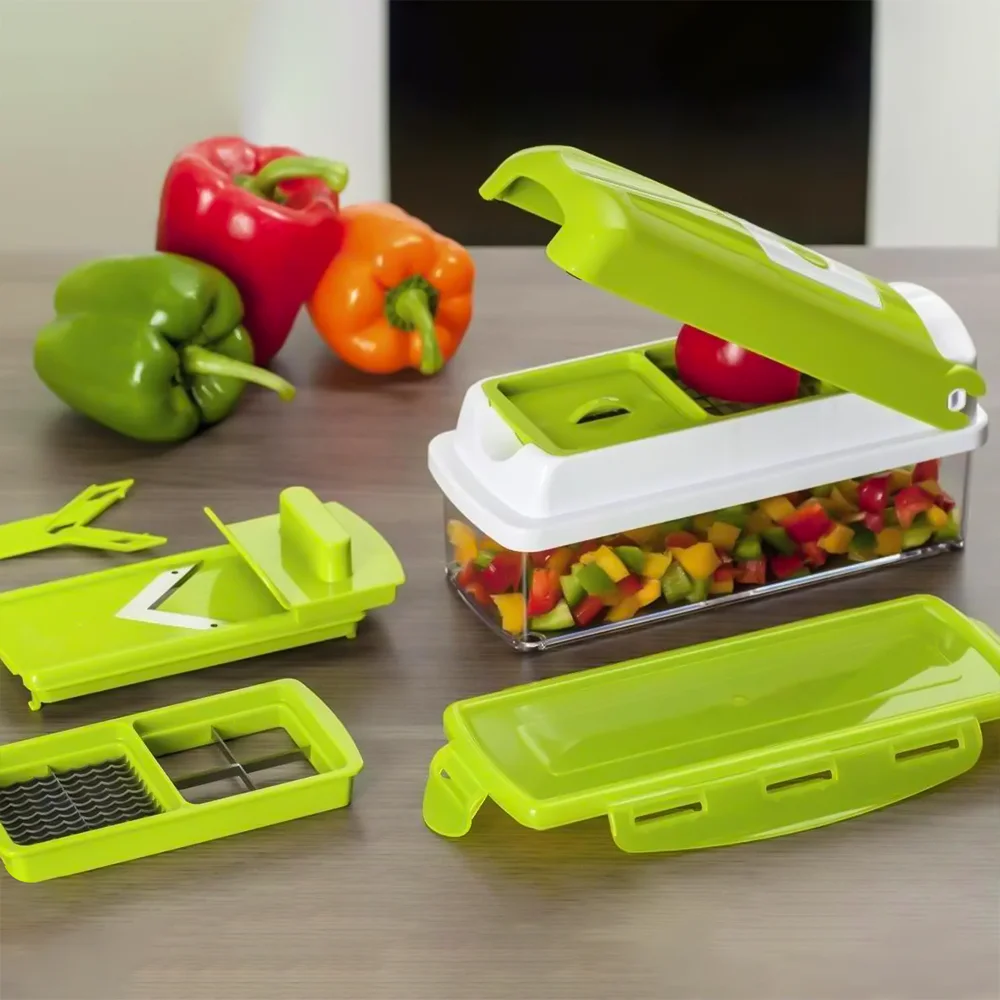
 Nicer Dicer multi-cutter
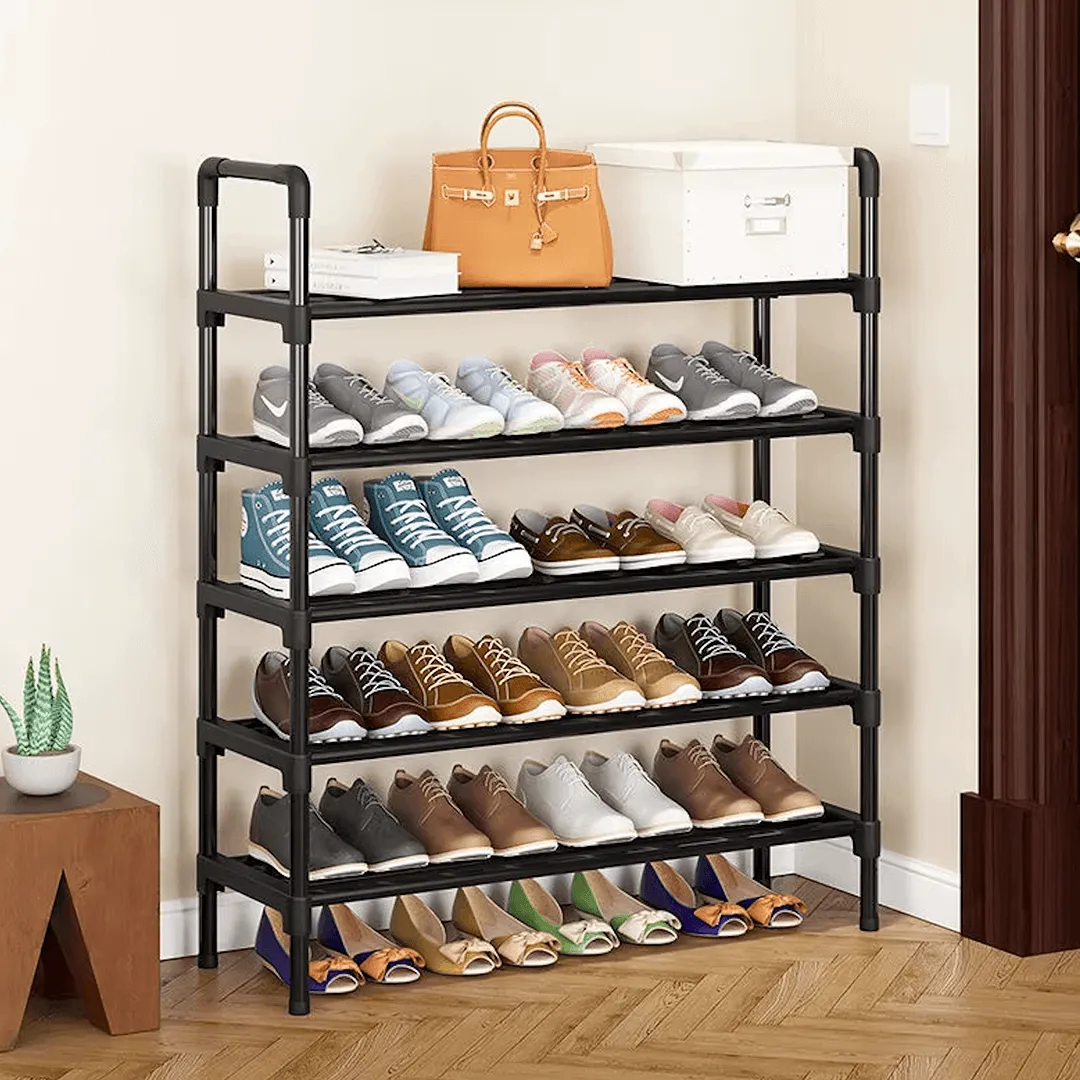
 6-tier shoe rack
 Magic Cool lamp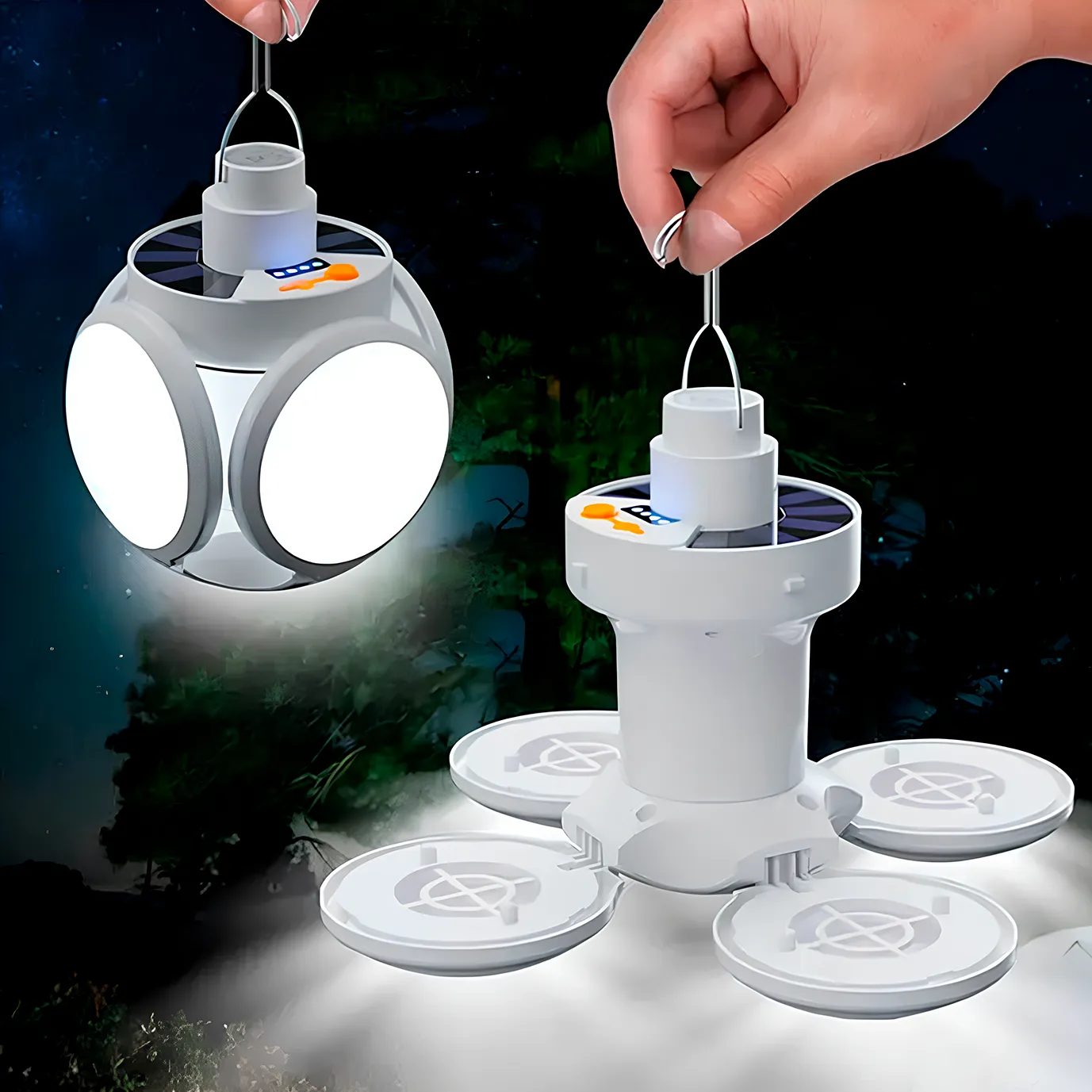
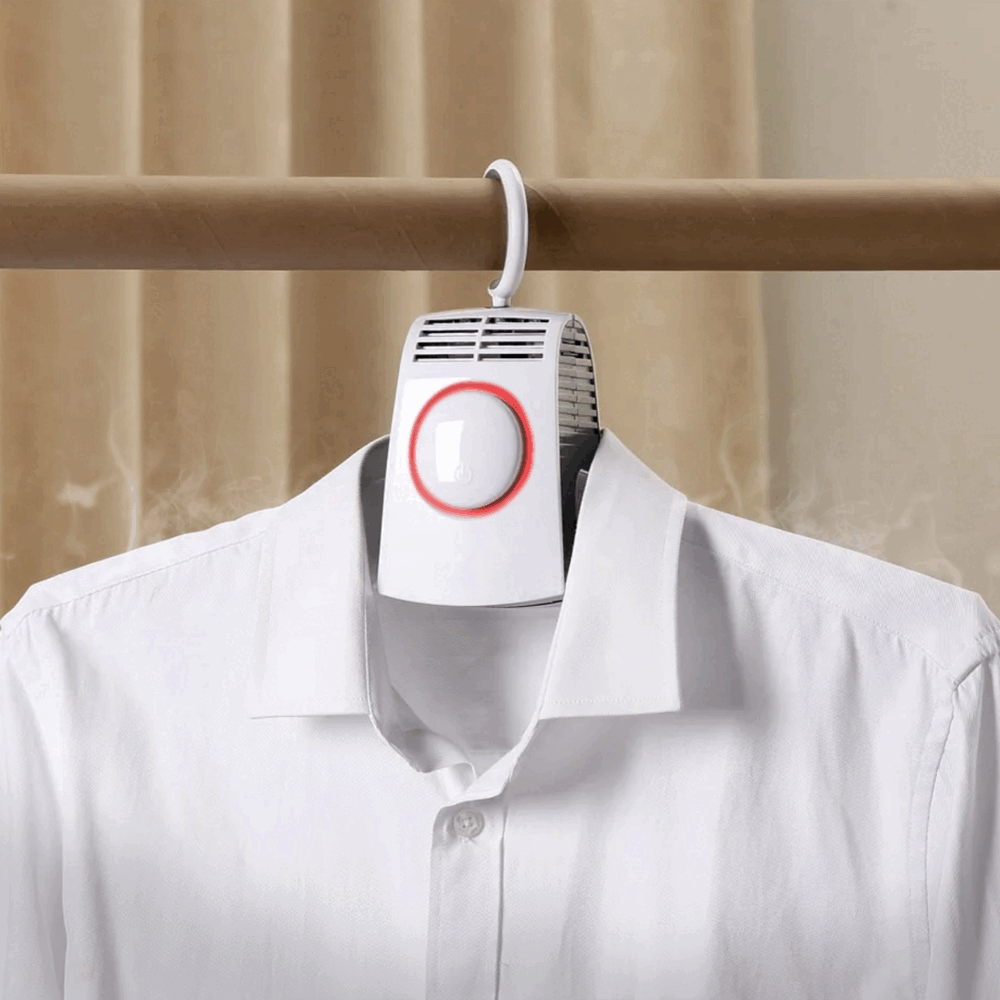 4-in-1 headlamp
 LED flashlight
 Electric lighter
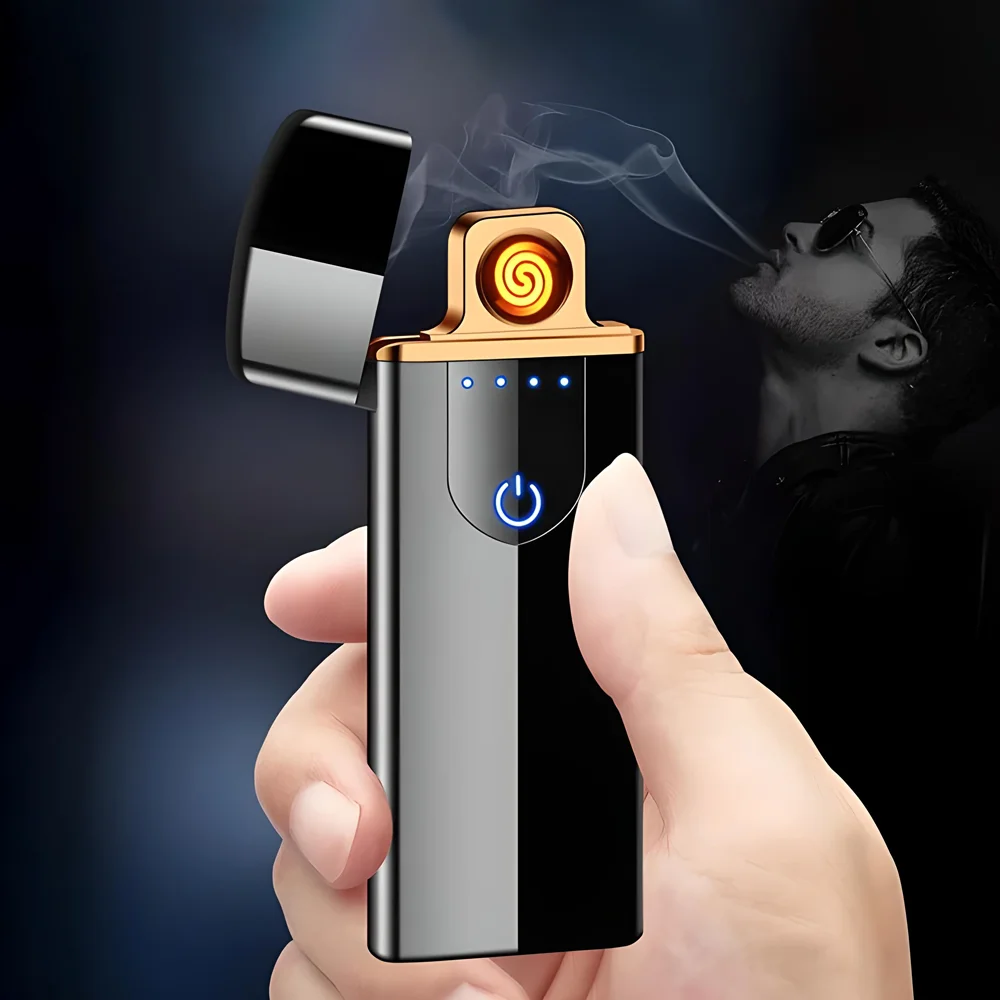 Mini washing machine
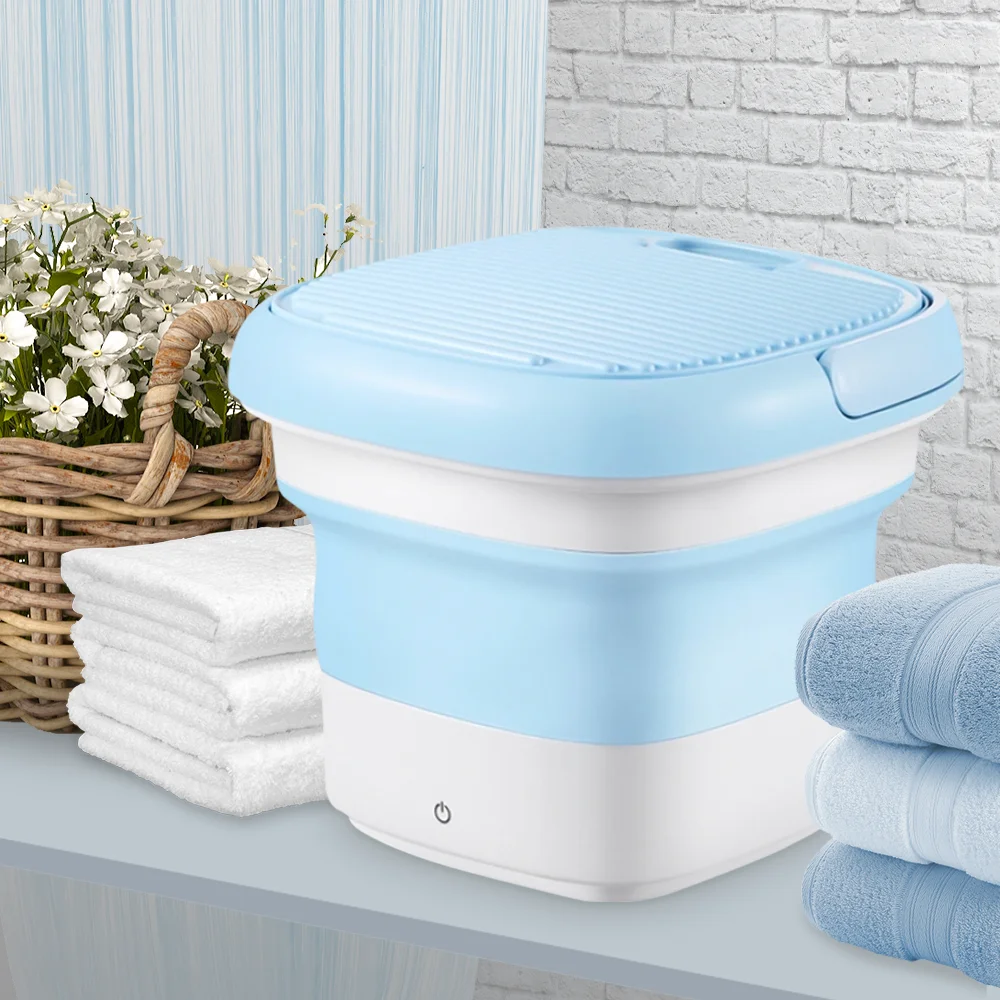 Automatic dispenser
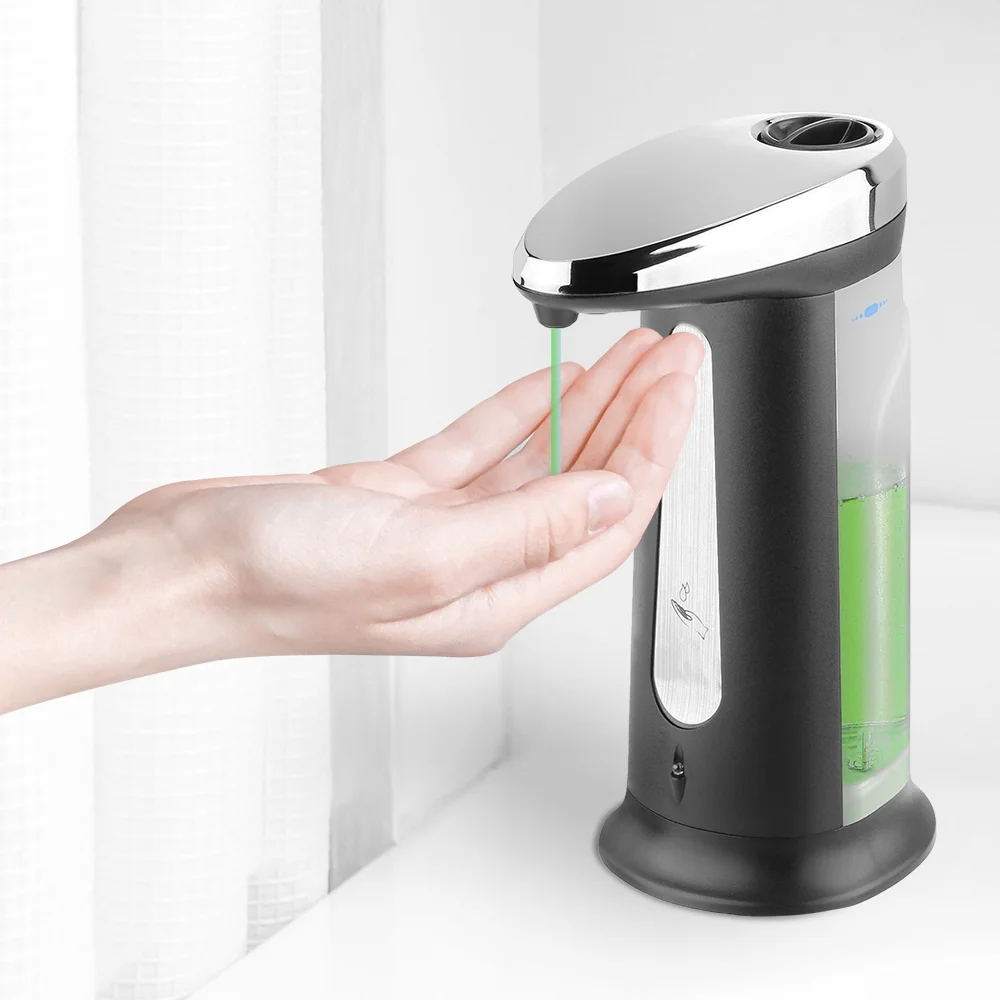 Heated insoles
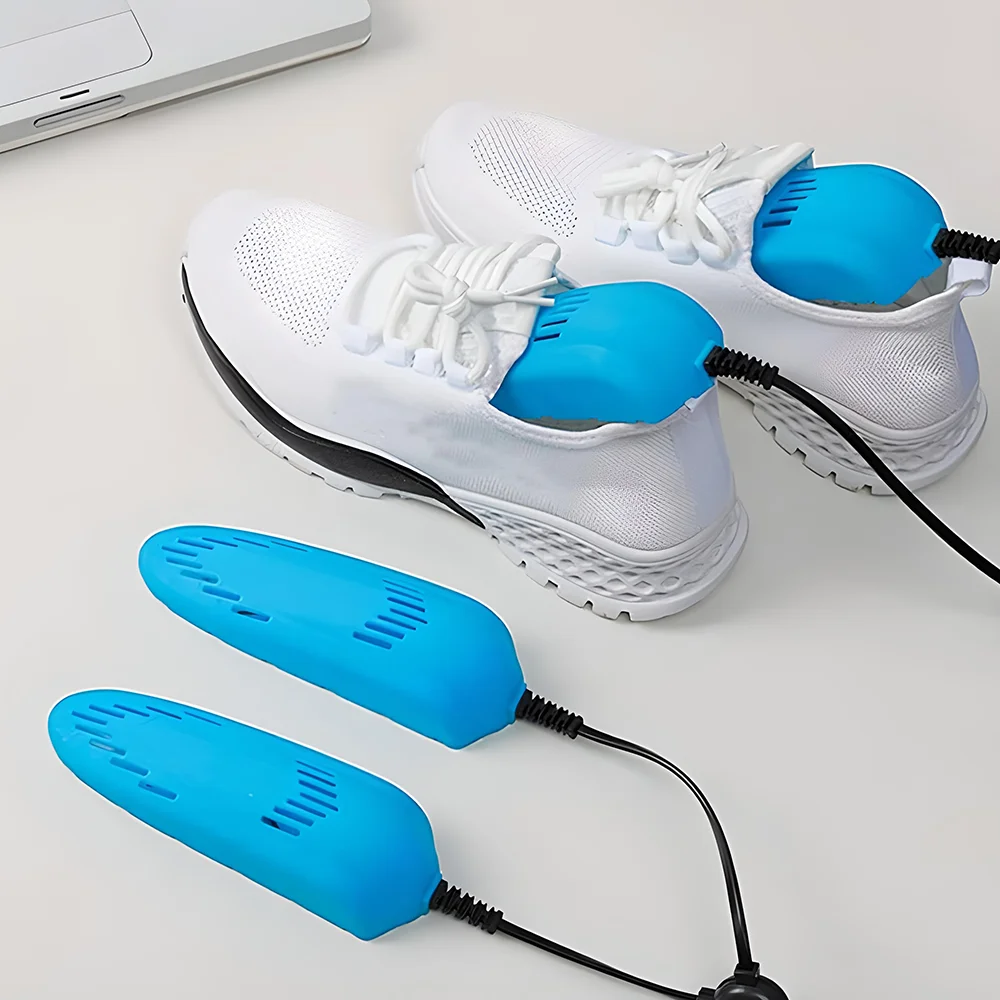
 Shoe dryer
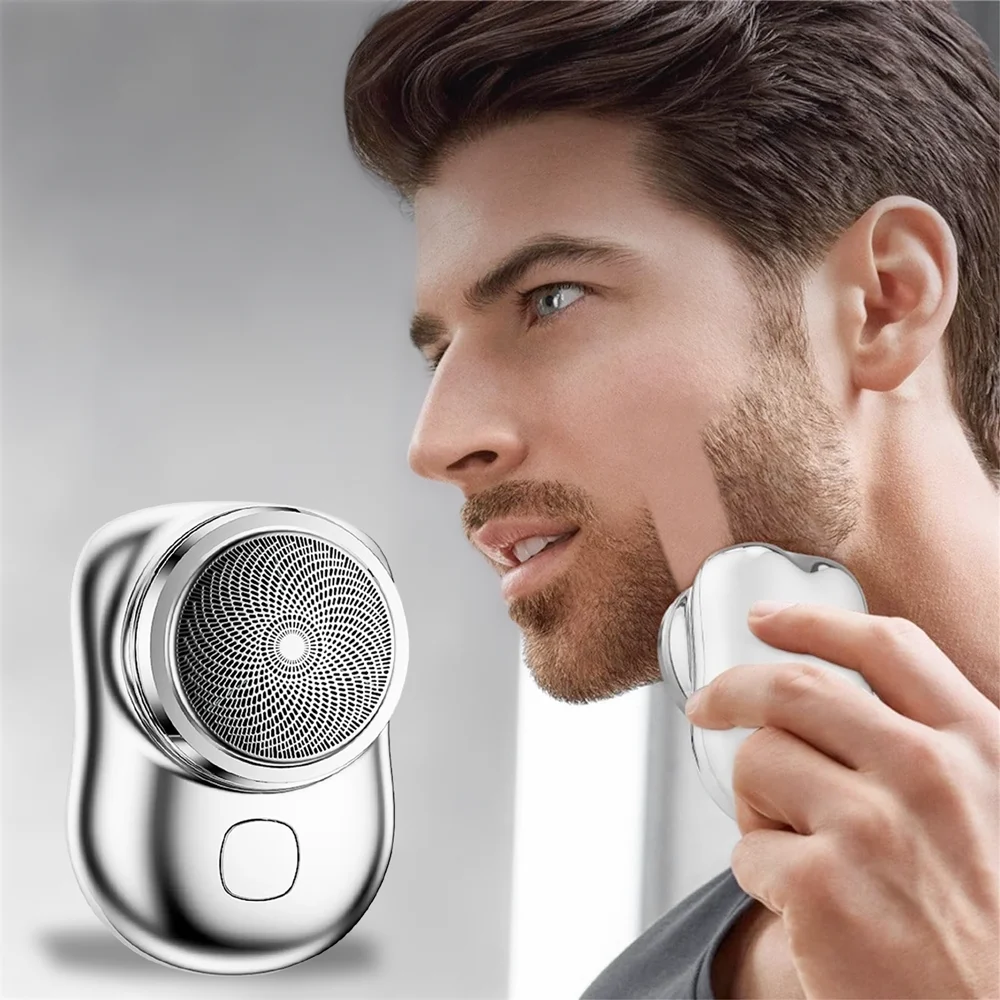
 Electric mini shaver
 Universal waffle maker
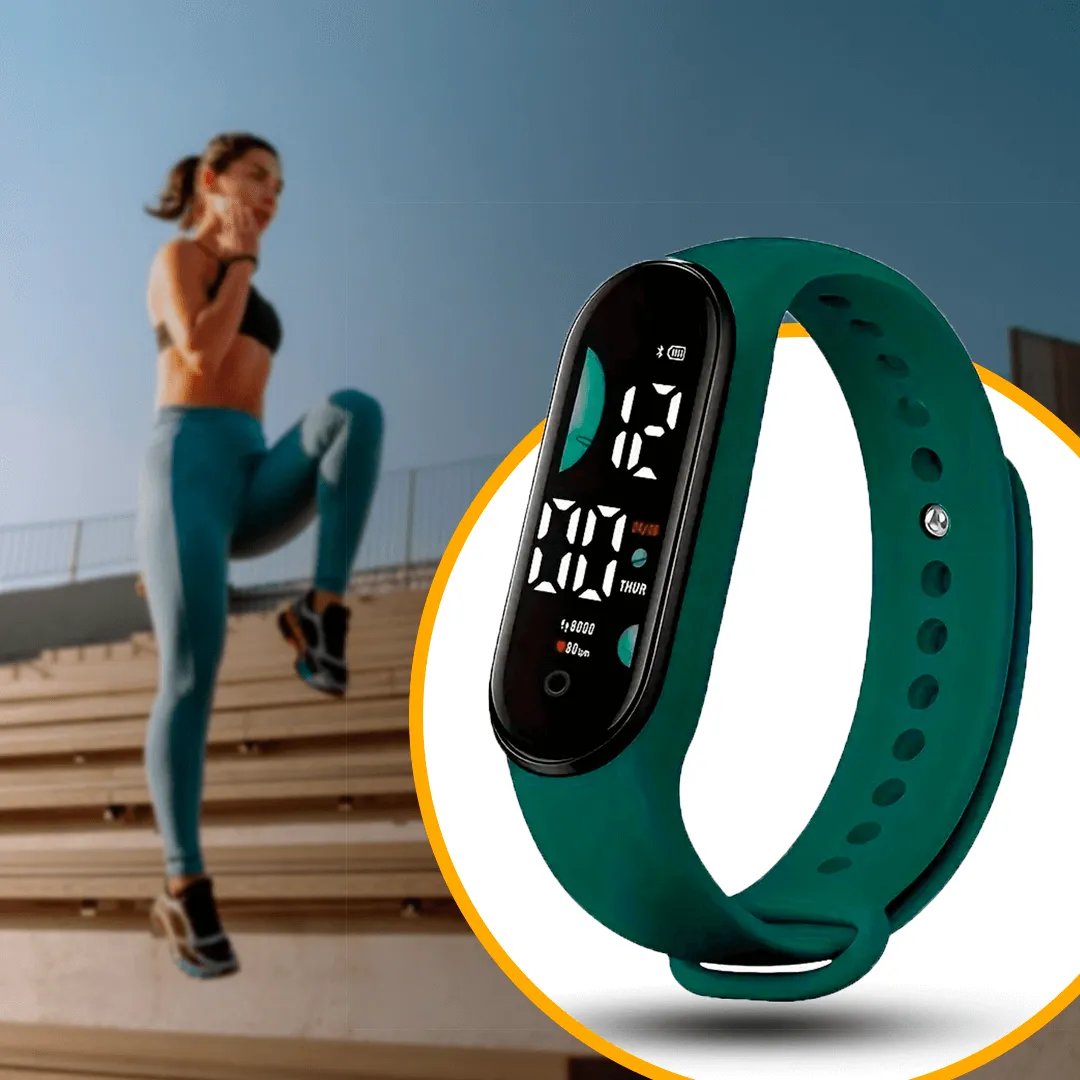
 M6 smartwatch
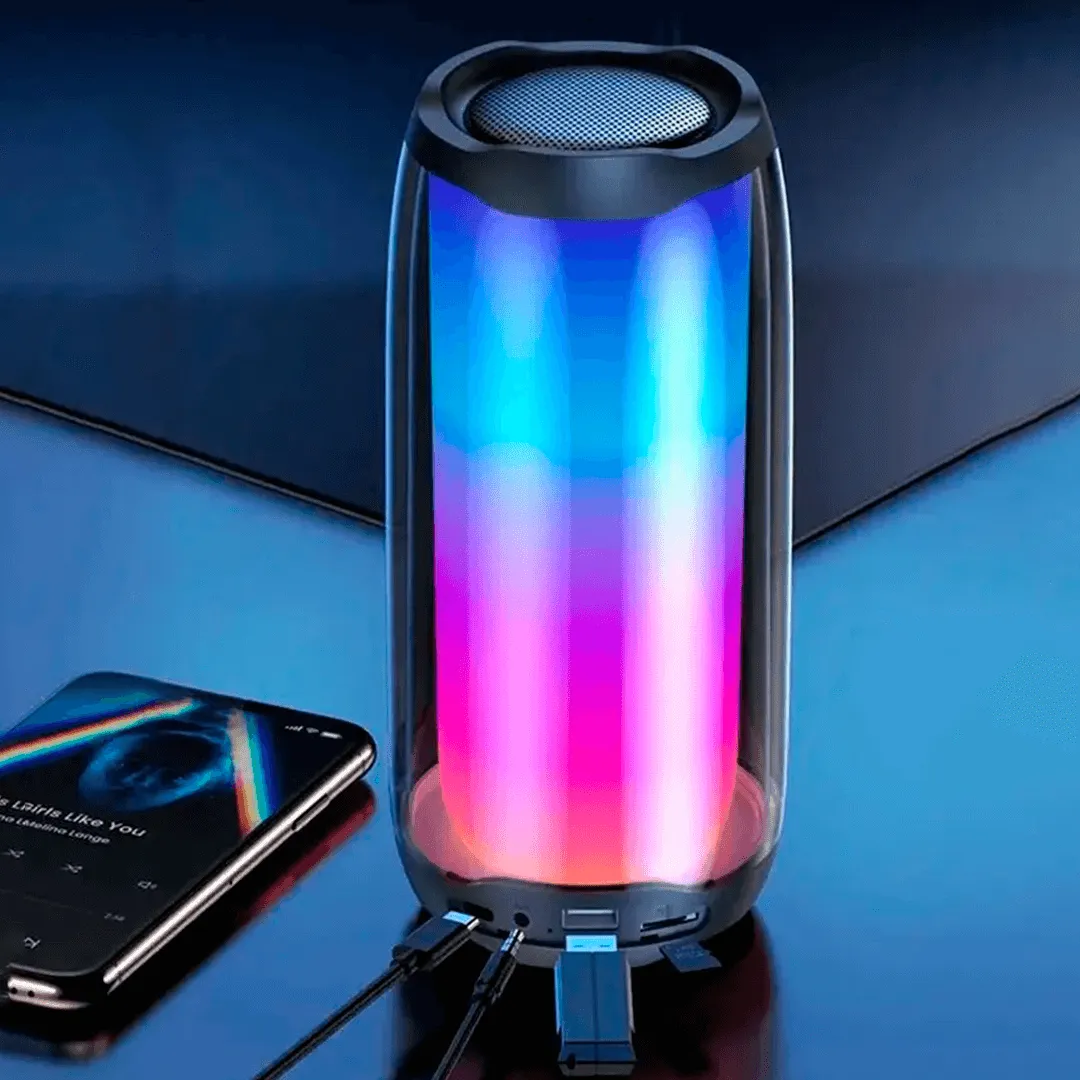
 Portable speaker
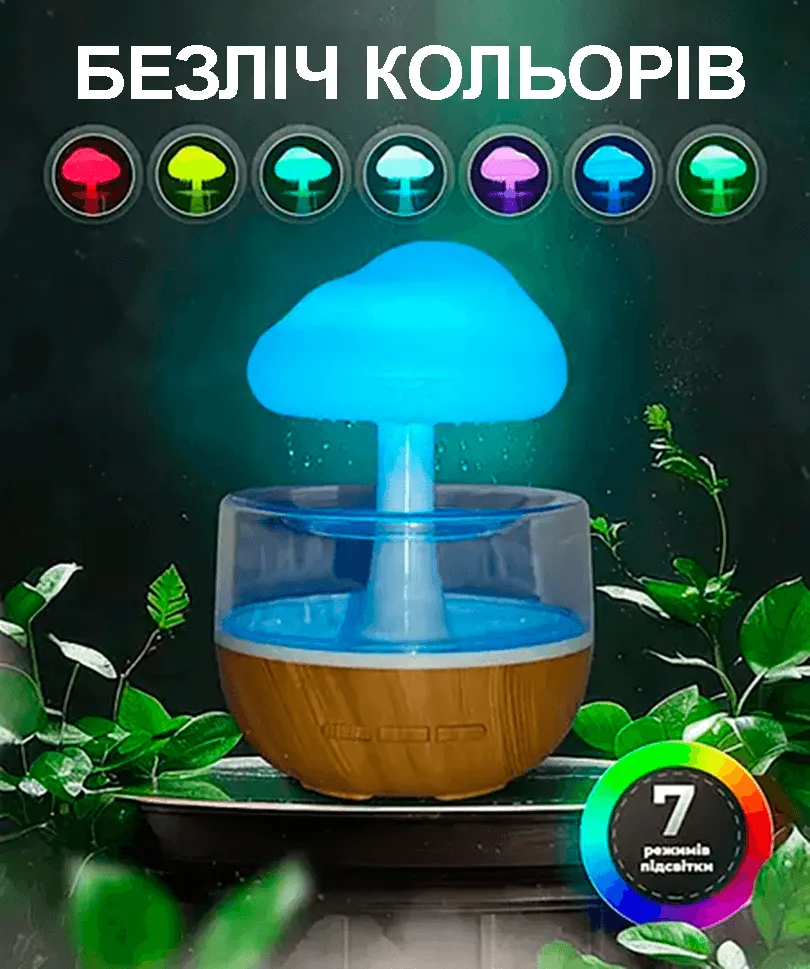
 Rain effect humidifier night light
 Flame effect humidifier
 Non-contact thermometer
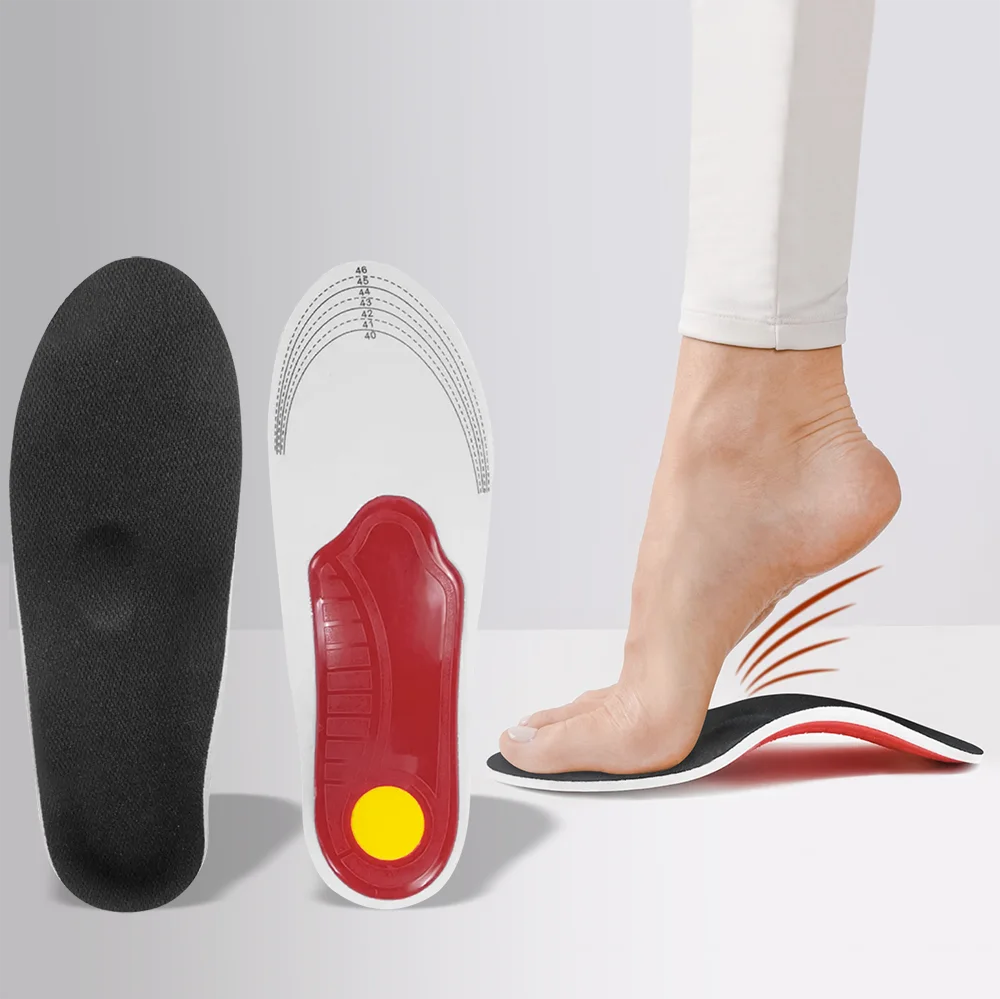
 Orthopedic insoles
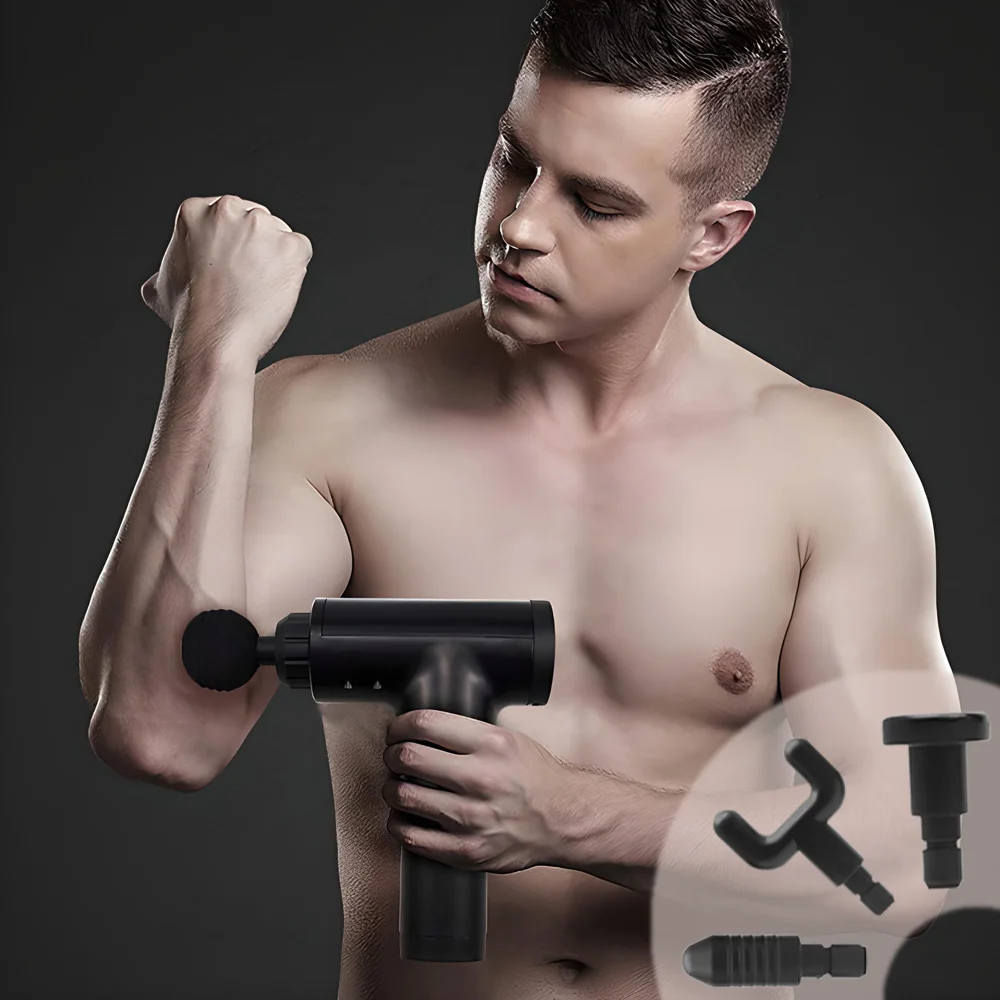
 Percussion body massager
 5-in-1 Hot Air Styler
 Portable hand warmer
 10-in-1 camping kit
 Shockproof binoculars
 Heated vest
 Heated thermal socks



Run ads and see what happens after the click
A landing page is only part of an ad campaign. It's important to understand what happens after a user lands on the page.
Traffic
How many users came to the landing page.
Leads
How many visitors left a request or an order.
Conversion
The ratio of visits to leads.
Sources
Analyze traffic by source and ad campaign.
Connect the advertising tools your campaigns need
Use pixels and analytics tools to collect data and keep your ad campaigns under control.
Test different versions of a landing page
Change one element at a time or compare different versions of the page to see how the results change.
Once a user clicks, the lead must not get lost
EasyWeb lets you set up order collection and choose where orders are sent.
Collect leads in EasyWeb
Track them in one place.
Get notifications in Telegram
About new orders — instantly.
Customer: John
Send leads to a CRM
For further work with the customer.
Working with clients? Build landing pages for their campaigns
EasyWeb isn't just for your own ad campaigns. Create pages for clients and adapt them to specific products and offers.
Work on landing pages as a team
Invite an ads specialist, a designer or sales managers to your account — everyone works under their own login and only with what you allow.
You see who is on the team, change roles and revoke access in one click.
- AAndrewAdminActive
- HHelenManagerActive
- MMariaManagerPending
Everything for teamwork, without unnecessary access
Admin and manager
An admin works with landing pages, domains and integrations; a manager — only with orders.
Everyone has their own login
No need to share a password: a member signs in to their own account and switches to your Workspace.
Orders in the team's Telegram
Every request from a landing page instantly reaches the Telegram of the managers who process it.
Full control
The plan, payments and settings stay with the owner only. A member's access is revoked in one click.
Available on the Premium plan — up to 3 members, and Business — up to 10 members.
Launch a new ad campaign as soon as it's ready
No need to postpone a launch because of a simple page change. Create and edit landing pages yourself.
Create a landing pageSeparate landing pages for different products and campaigns
Handy when you run ads for several products or clients at once.
The finished landing page goes straight to work
After editing, publish the page and use it in your ad campaign.
EasyWeb subdomain
A quick way to launch a page.
Your own domain
Use your client's domain or your own business domain.
Editing
Change the page whenever needed without redevelopment.
Ads, landing page and leads — without extra hops
What EasyWeb gives an ads specialist
Fast launch
Create a page for a new product or offer without a long development cycle.
Self-service editing
No need to ask a developer for every change.
Ready-made templates
Start from a ready-made design.
Lead collection
Get leads and orders from your landing page.
Telegram
Send new leads straight to Telegram.
CRM
Pass them to a connected CRM.
Analytics
Keep track of visits and conversions.
A/B
Test different versions of the page.
Already building landing pages and taking orders with EasyWeb
EasyWeb is built for hands-on product sales — from the first page to order processing.
EasyWeb is more than just building a page
You don't just work with a page — you work with the whole path from ad to lead.
FAQ for ads specialists
Yes. EasyWeb works for creating separate pages for different products, offers and ad campaigns.
No. You can create and edit a landing page in the visual editor.
Yes. You can edit the page and update it to fit the campaign's needs.
You can track them in EasyWeb or set up forwarding to Telegram or a supported CRM.
Yes, EasyWeb supports connecting the advertising and analytics tools you need, within the service's available features.
Yes, EasyWeb has tools for testing different versions of a landing page, depending on your plan and its features.
Yes, if this feature is available on your EasyWeb plan.
Yes. You can use EasyWeb to create pages for your clients' ad campaigns.
Yes, depending on your scenario you can create separate landing pages or use EasyWeb's multi-product features.
Got a product?
Build it a landing page today.
Launch a product page, start accepting orders and get requests wherever is convenient for you — in EasyWeb, Telegram or a CRM.
Create a landing page for freeNo coding. No complicated setup. Start from a ready-made template.