How to sign up?
Signing up takes up to 1 minute. We'll show how to do it quickly and without mistakes. EasyWeb offers 2 ways to sign up — with Email or with Telegram. To start, go to the home page or use an EasyWeb referral link and follow the steps below.
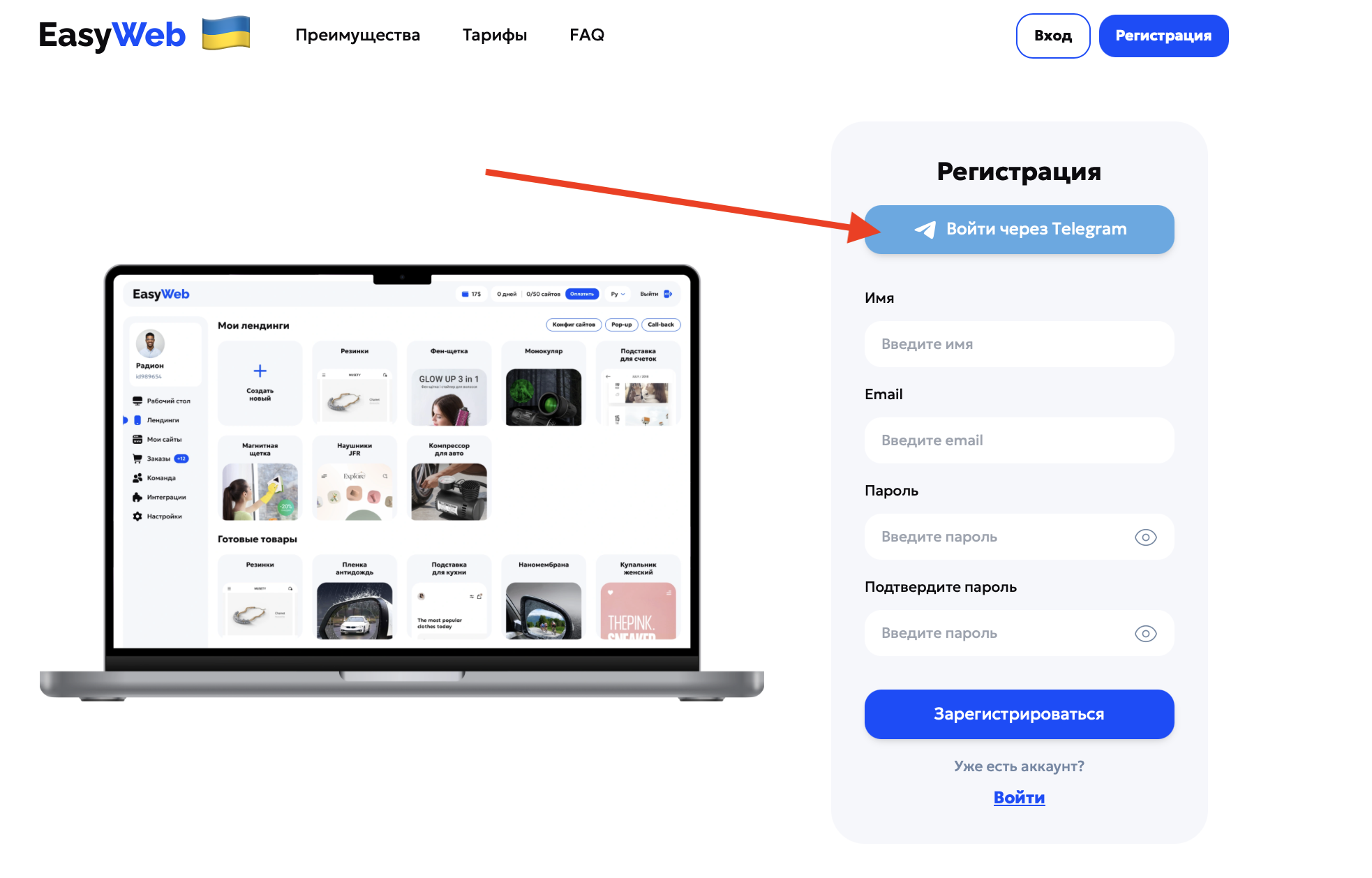
Signing up with Email
1. Go to the sign-up page.
2. Fill in the required fields:
- A name we can call you by
- The email we'll send the confirmation code to
- ⚠️ We don't recommend iCloud or Gmail — delivery issues are possible.
- Password — enter a strong password and confirm it once more in the field below.
3. Click “Sign up”. After that:
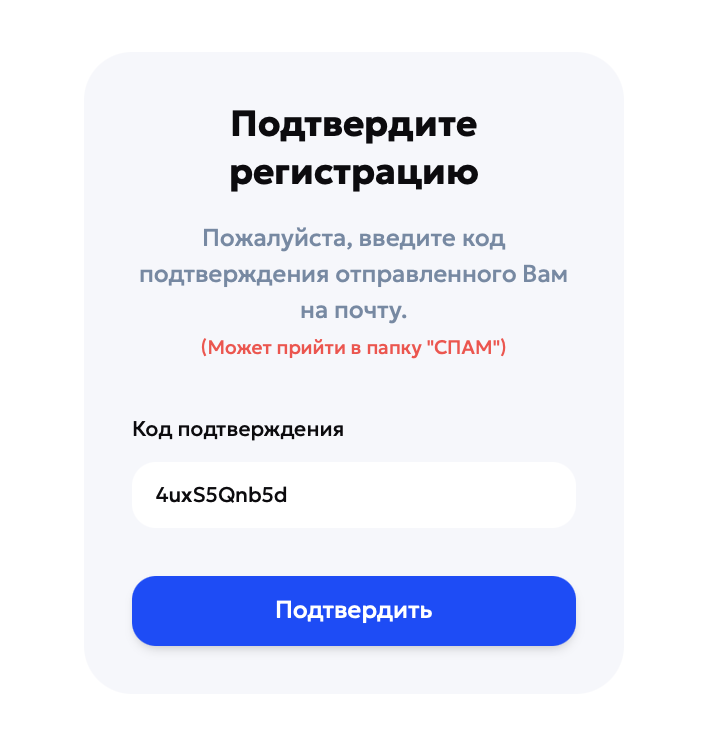
- You'll be taken to the code confirmation form automatically.
- Open the mailbox you entered at sign-up and find the email with the confirmation code.
4. Copy the code → click “Confirm” → your account is created!
What if the email didn't arrive? 🙈
- Check the “Spam” folder.
- Make sure the email was entered correctly.
- Try another mailbox, another sign-in method (Telegram), or contact support.
Signing up with Telegram
1. Go to the sign-up page.
2. Choose “Sign in with Telegram”.
3. You'll be taken to Telegram — open the bot.
4. The bot will give you a unique link to finish signing up. Follow it.
- After that, your Telegram account is linked to your EasyWeb profile.
The link is valid for only 5 minutes. If you didn't make it in time, just repeat the process from step 2.
Good to know
- An account is tied to only one sign-in method: Email or Telegram.
- If you want to change your email or add another sign-in method, write to support.
If for some reason you couldn't finish signing up, contact our support — we'll definitely help.
👉 After signing up, we recommend reading what to set up before you start.