Cloning to subdomains and domains
How to work with many landing pages quickly.
Why clone a landing page?
You need it when you:
test different versions of an offer (price, blocks, texts…);
work in affiliate marketing and run many ad campaigns from different accounts;
want to track how well different traffic sources perform;
or simply create alternative versions of the site for different languages / regions.
Where you can clone a landing page
Once you've downloaded the landing page archive from EasyWeb, you can upload it to one of three places:
1. To another domain
You need to:
- have a registered domain;
- prepare hosting (see “How to prepare hosting” );
- upload and unpack a copy of the landing page there.
2. To a subdomain (for example, promo.site.com)
How to create one:
- In your hosting (for example, “Hosting Ukraine”), go to “Control panel → Hosting → Add subdomain”.
- Once it's created, open its root directory.
- Upload and unpack a copy of the landing page there.
3. To an inner directory (for example, site.com/variant2)
Just create a new folder in the site root and upload the landing page archive there.
How to change the landing page version
Once the clone is created:
Open the directory with the new version of the site.
Open the
config.phpfile (or download a new version of the landing page from EasyWeb).Find the
priceparameter (or any other) and change its value.Save the changes.
This lets you, for example, test a different price or text right in the code without opening the builder.
How to track the results?
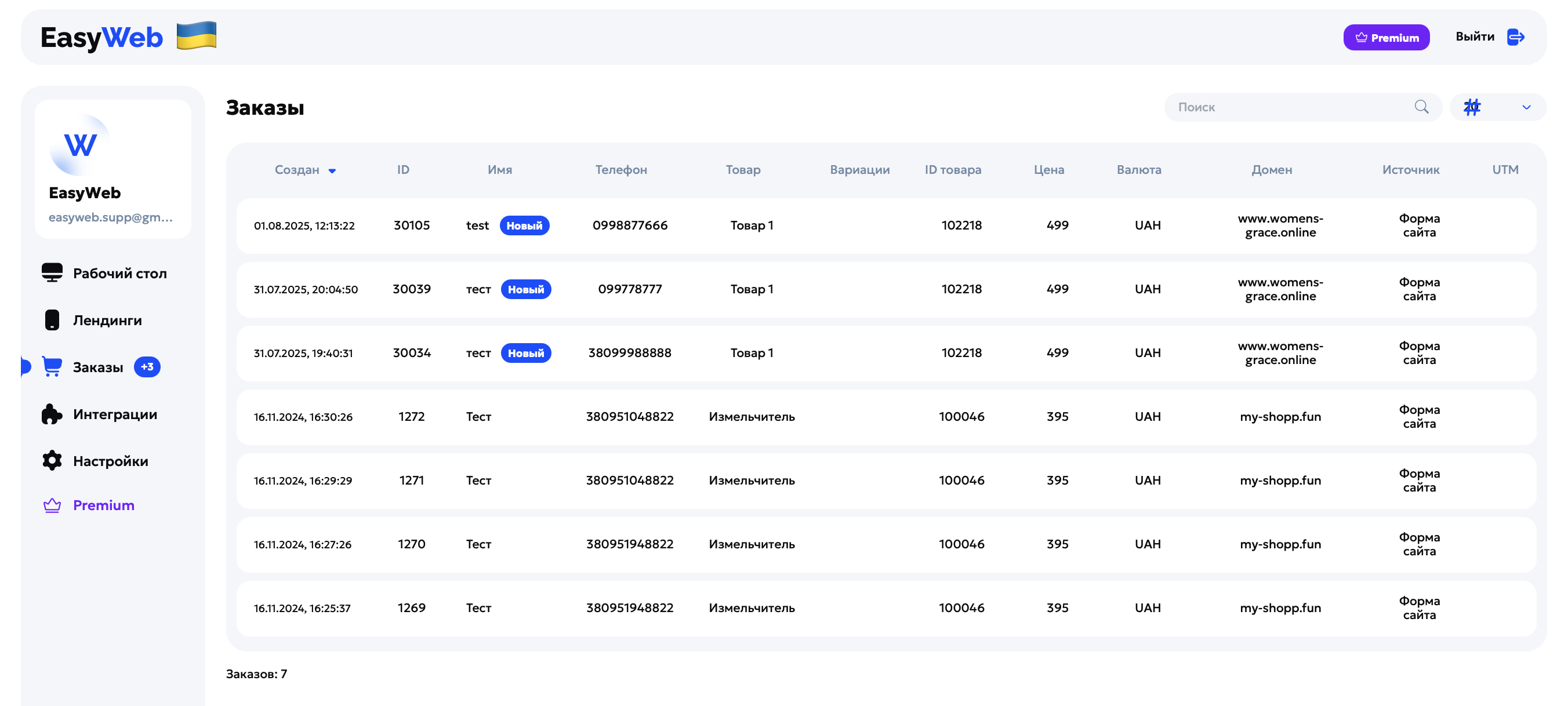
All EasyWeb integrations (bot, CRM, order panel) automatically record which site an order came from, and even the path if you use subdomains or inner pages (utm_source, ref, etc.).
Tip
You don't have to go back to the builder to create new versions of the landing page. You can keep clean templates and change the values you need by hand right in the code. But whether those changes work is entirely your responsibility!
Done! Test offers, run traffic and make decisions based on data, not guesses.